📋 Table of Contents
- The Labor-to-Equipment Ratio for Professional Production
- San Francisco Event Production: The Reality of Venue Costs
- The ROI of High-Fidelity Tech Conference Streams
- Livestream Budget Tiers: What Each Level Includes
- Maximizing Throughput: The Micro-Content Factory
- Applying the Math to Your Next Event
- FAQs
The cost of professional multi-camera livestreaming for a San Francisco tech event is driven by crew, audio, redundancy and the venue more than by the cameras themselves. The breakdown below shows where the budget goes, what venues add, and how to get months of content from one broadcast. Every event is different, so we quote each one individually.
In this edition of Throughput Thursday, we are moving past the ‘authentic’ lo-fi webcam look. We are breaking down the hard math of professional broadcast capacity. The goal today is simple: teach you the exact labor-to-equipment ratio required to deliver a zero-latency 4K stream without bloated overhead.
The Labor-to-Equipment Ratio for Professional Production
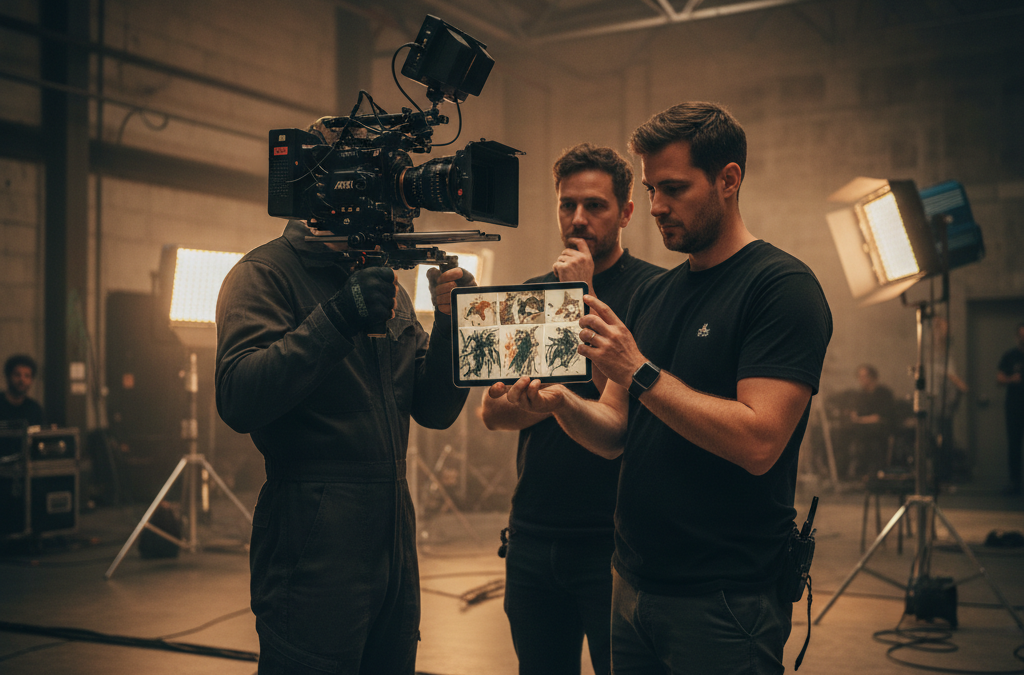
The biggest mistake most marketing directors make is over-investing in expensive 4K glass while under-investing in the hands required to operate it. A high-end camera sitting on a tripod with no operator is essentially a $5,000 paperweight.
- The Golden Ratio: For every $1,000 spent on gear, you should budget roughly $1,500 for skilled labor.
- The 4K Throughput Rule: A zero-latency stream requires a dedicated Technical Director (TD) separate from the Audio Engineer.
- Hardware vs. Cloud: While browser-based tools are cheaper, hardware switchers (like Blackmagic ATEM) reduce processing latency to under 2 frames.
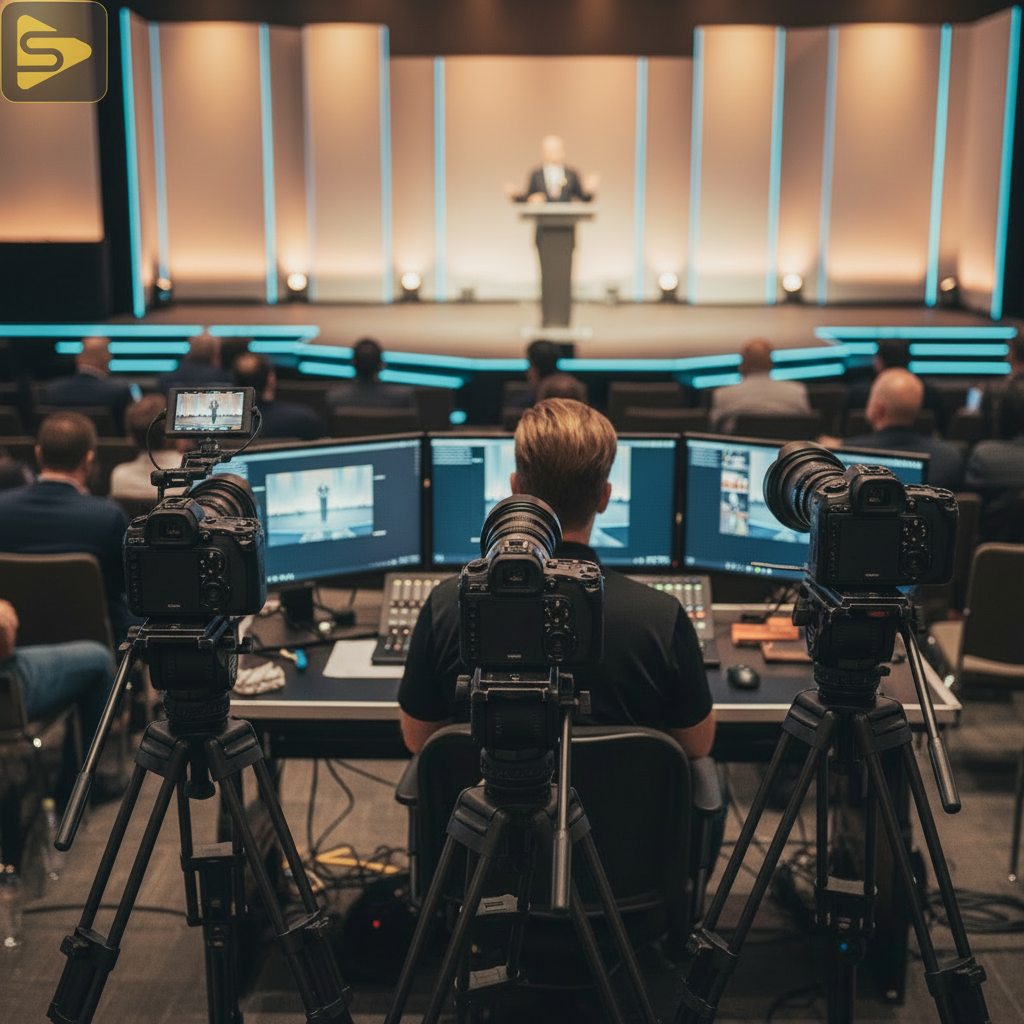
When you look at event live streaming costs in San Francisco, you aren’t just paying for the cameras; you are paying for the redundancy. A typical Bay Area tech summit requires at least three discrete signal paths: the primary stream, a backup cellular bond, and a local high-bitrate recording.
Breaking Down the Multi-Cam Switching Latency
Latency is the silent killer of engagement. If your speaker makes a joke and the remote audience hears it 30 seconds later, the Q&A session becomes a disjointed mess. By using local hardware encoders instead of cloud-only processing, you can drop your end-to-end latency from 20 seconds down to less than 5 seconds.
San Francisco Event Production: The Reality of Venue Costs
San Francisco is home to some of the world’s most beautiful, and most difficult, venues for production. Navigating the historic architecture of the Embarcadero or the tech-heavy halls of Moscone requires a specific understanding of local logistics.
The hidden cost is rigging and bandwidth. In SF, venue-provided internet can range from $500 to $3,000 per day just for a dedicated upload line. We always recommend a site survey to test the ‘real-world’ throughput before signing a contract.
- Power Drops: Historic venues often lack the circuits needed for high-intensity lighting rigs.
- Load-in Times: SF traffic means a 9 AM start requires a 5 AM load-in, which impacts labor shifts.
- Union vs. Non-Union: Depending on the venue, your production math may need to account for specific stagehand requirements.
If you’re feeling overwhelmed by the logistics, we can help. Schedule a free consultation to walk through your venue requirements.
The ROI of High-Fidelity Tech Conference Streams
High production value signals stability for a startup, and viewer expectations have shifted toward “TV-style” broadcasts.
| Feature | Single Cam (Lo-Fi) | Multi-Cam (Pro) | Business Impact |
|---|---|---|---|
| Viewer Retention | Lower | Higher | Longer brand exposure |
| Re-watch Value | Minimal | High (Evergreen) | Lower Cost-Per-Lead |
| Content Atoms | 1-2 clips | 20+ micro-assets | 6 months of social content |
The cost per lead for a high-fidelity stream is often lower than for a cheap one because the content lives longer. A professional multi-camera livestreaming setup captures speaker close-ups, wide crowd shots, and product demos simultaneously, and each becomes reusable footage.
Livestream Budget Tiers: What Each Level Includes
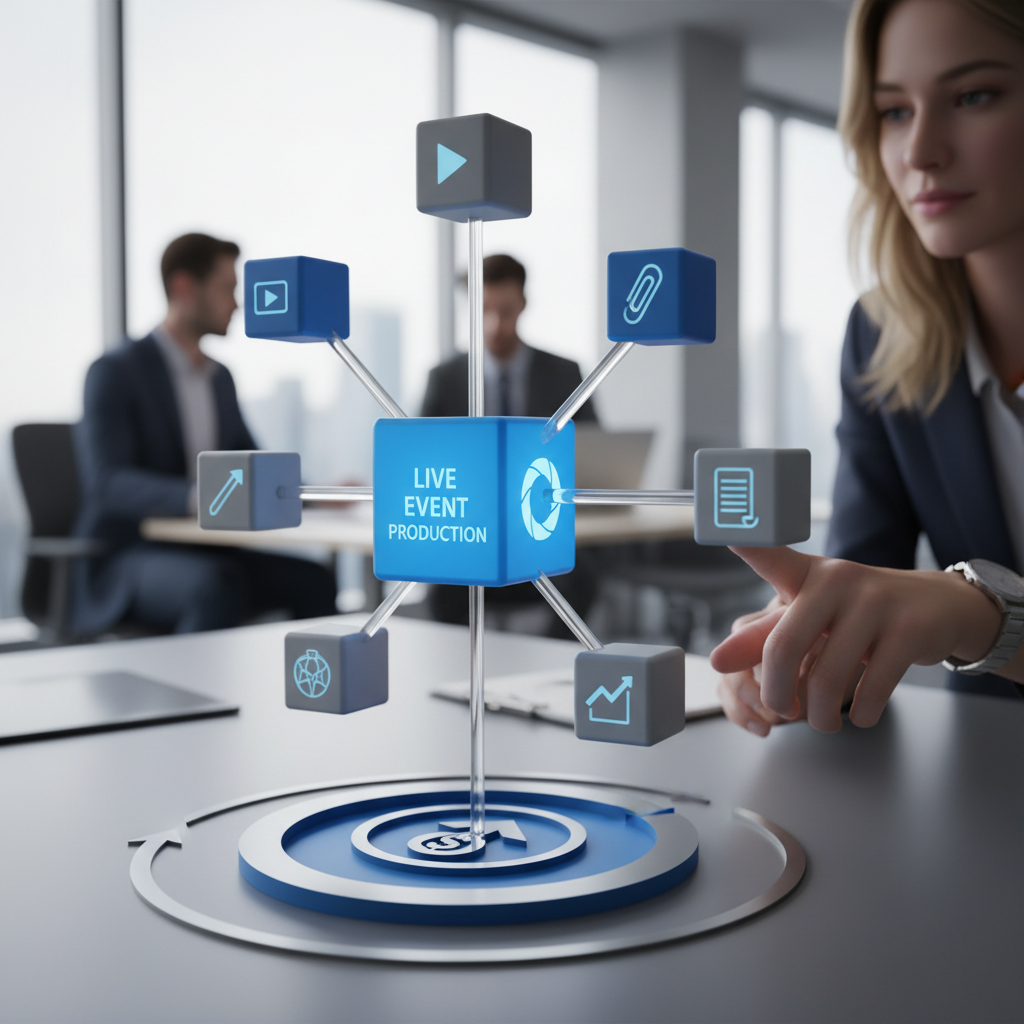
Most one-day tech events fall into one of three tiers. Scope, not a rate card, sets the price within each:
- Basic Multi-Cam (2 cams, 1 tech): Best for small workshops.
- Professional Broadcast (3-4 cams, Full Crew): The standard for startup summits.
- Enterprise Hybrid Event: Includes multi-room streaming and custom graphics.
You should spend less on the cameras and more on the audio. Viewers will forgive a slightly soft image, but they will leave immediately if the audio crackles or echoes. Prioritize redundant wireless mic systems over 8K resolution.
Maximizing Throughput: The Micro-Content Factory
The smartest way to view San Francisco event production is as a high-efficiency content acquisition strategy. Instead of hiring a videographer for a separate shoot, you are using the livestream to capture everything you need for the next two quarters.
- Speaker Highlights: Instant credibility for your leadership team.
- Product Demos: High-quality footage for your sales team’s outreach.
- Social Proof: Crowd shots and Q&A interactions for LinkedIn and X.
By treating the stream as the “source of truth,” you reduce your overall marketing spend. You aren’t just paying for a broadcast; you are building a library. Our live streaming services page covers what a production includes.
Applying the Math to Your Next Event
To get the most out of your investment, you need to apply the labor-to-gear ratio early in the planning phase. Don’t wait until two weeks before the event to realize you need a dedicated audio engineer for your panel of six speakers.
Try this tomorrow: Audit your last event recording. Count how many times the camera stayed on a single wide shot for more than 60 seconds. If it happened often, your retention likely dipped. For your next event, aim for a camera cut every 15-20 seconds to keep the “TV-style” pace that modern audiences crave.
Ready to level up your next broadcast? Contact iStudios Media today for a tailored production plan that fits your growth goals.
Related reading: SF Event Livestreaming: How to Fix Dropped Frames and Lag and AI Clipping Tools for Real-Time Event Highlights: 3 Compared.
Frequently Asked Questions
What is the average cost for multi-camera event production in SF?
It depends on camera count, crew size (usually two to three people), graphics, and the venue’s technical requirements. We build every quote around the event, so call iStudios Media at (669) 287-2700 to get a number for yours.
How many cameras do I really need for a tech conference?
For most tech conferences, a three-camera setup is the sweet spot. This allows for a wide shot of the stage, a tight shot of the speaker, and a third camera for audience reactions or product close-ups. This variety is essential for keeping remote viewers engaged and creating micro-content later.
Can I just use Zoom for my high-stakes livestream?
While Zoom is great for meetings, it lacks the production tools needed for a high-fidelity broadcast. Professional setups use hardware switchers to incorporate lower-thirds, brand colors, and high-quality audio, which significantly improves the perceived value of your brand compared to a standard video call.
What bandwidth do I need for a 4K livestream?
For a stable 4K stream, you need a dedicated upload speed of at least 25-30 Mbps. However, we recommend having a 50 Mbps line to allow for overhead and a secondary backup connection (like a 5G bonded cellular unit) to ensure the stream doesn’t drop if the venue’s internet fluctuates.