📋 Table of Contents
AI clipping tools such as OpusClip, Munch and Klap turn a recorded session or a livestream link into captioned vertical clips, so highlights can go out the same day, often while the event is still running. None of them clips a raw RTMP feed directly; the workflow below records each session and submits it as soon as it ends.
This week’s Saturday Stack focuses on one specific shift: moving from post-event recaps to AI clipping tools that power live-event amplification. If you are managing a conference in San Francisco or a product launch in San Jose, you no longer have the luxury of a 72-hour turnaround. You need to be the source of your own viral moments while the speakers are still on stage. The single lesson for today: record each session separately and submit it for clipping the moment it ends.
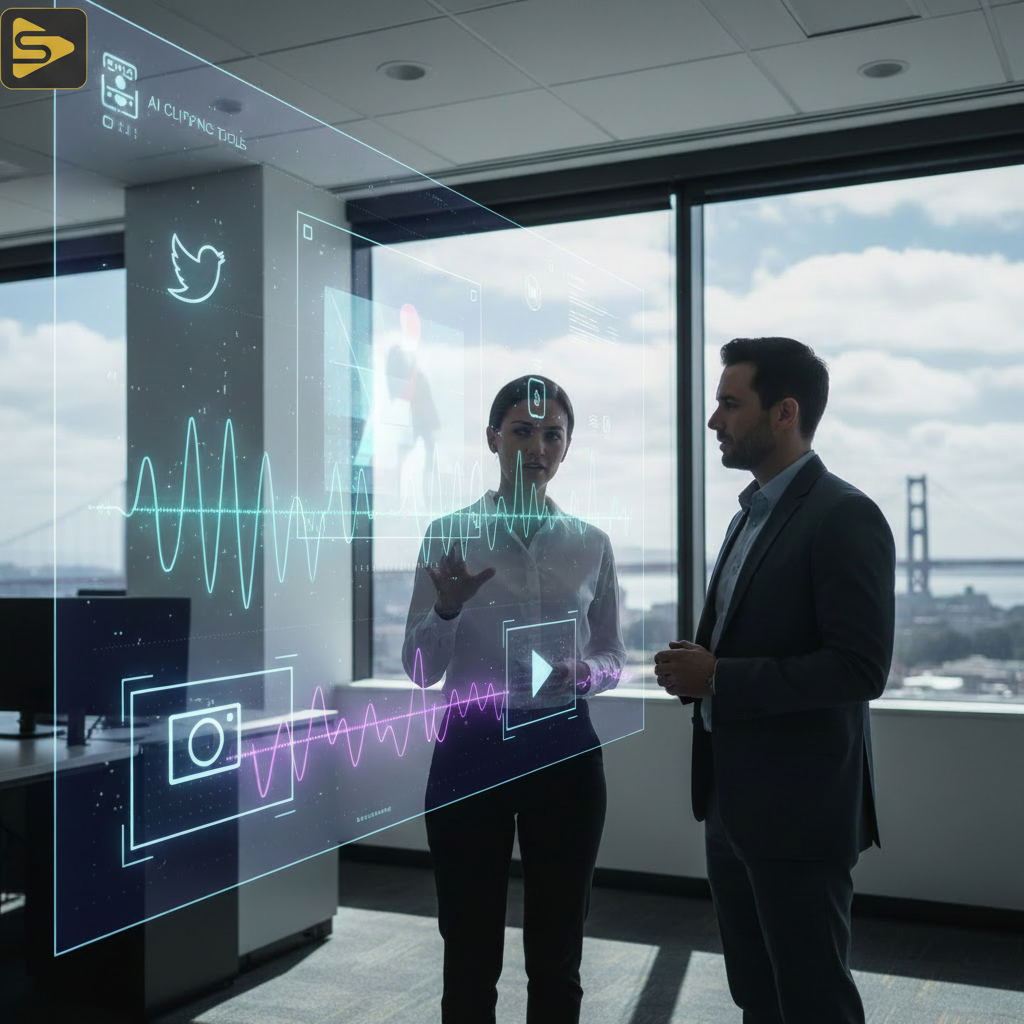
The Shift to Event Content Automation and Zero-Lag Workflows
Real-time content is the baseline for maintaining relevance during high-stakes industry summits. The “Zero-Lag” workflow allows a single operator to manage the digital footprint of a massive event by automating the identification of “micro-moments.”
Many teams struggle with the “content bottleneck”—where hours of great footage sit on a hard drive while the social team scrambles for a single usable quote. By implementing event content automation, you bypass the manual scrub. These tools analyze the audio and visuals of each recorded session and prepare vertical clips for TikTok or LinkedIn shortly after upload.
- Speed to Feed: Content posted during the event reaches people while the conversation is still active.
- Efficiency: One person can manage the output that previously required a three-person editing bay.
- Accuracy: AI tools now include automated captioning that holds up well when the source audio is clean.
Need to see how this fits into your broader strategy? Explore our video production frameworks to see how we integrate these live workflows for Bay Area brands.
1. OpusClip: The Standard for Real-Time Social Media Speed
OpusClip finds the strongest moments in long-form speech and turns them into short clips, which makes it a good fit for keynotes and panels at Bay Area event marketing activations. It accepts a link to a Twitch or YouTube livestream, so you can clip a session from the stream’s recording without downloading files.
Once you submit the link, OpusClip’s AI curation picks the segments, AI Reframe resizes them for each platform, animated captions are added, and paid plans score each clip with a Virality Score. For a marketing director at a mid-market tech firm, that is the difference between one “thank you for coming” post and twenty clips shared through the day.
| Feature | OpusClip Pro | Generic Editor |
|---|---|---|
| Processing Time | Shortly after upload | Hours/Days |
| AI Curation | Virality Scoring | Manual Selection |
| Auto-Captioning | AI animated captions | Manual Entry |
Key Takeaway for OpusClip
Use this tool when your event is heavy on “talking head” content, such as keynotes or fireside chats. It excels at finding the specific sentence that will stop a user’s scroll on LinkedIn.
2. Munch: Engagement-Ranked Clips in 50+ Languages
Munch extracts the most engaging moments from long-form video, auto-crops them for vertical screens, and lists performance analysis among its features. It supports more than 50 languages, which helps at international events.
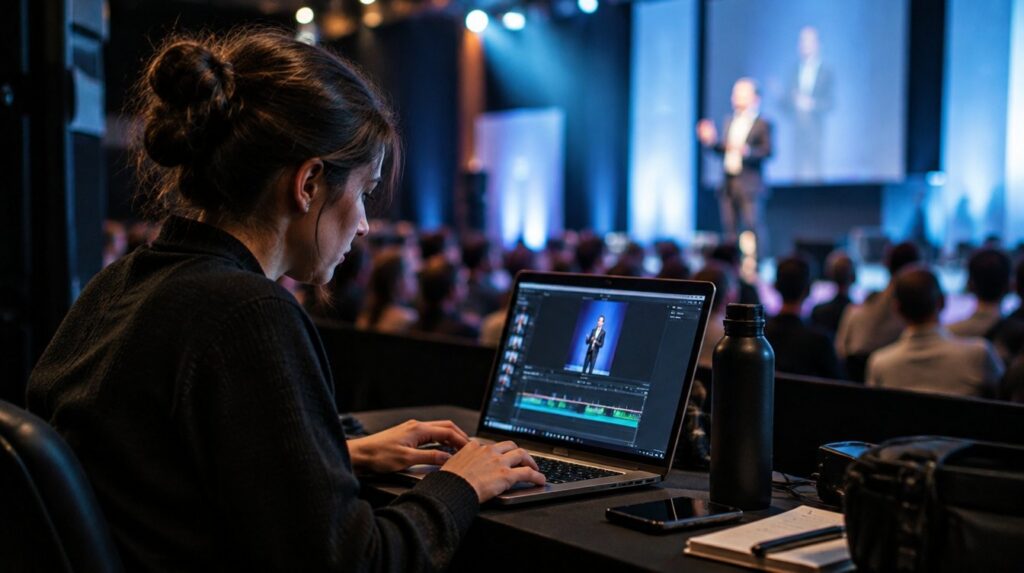
The marketing team often doesn’t know which part of a 45-minute panel will resonate. Munch ranks the moments inside your own recording by how engaging they are, so the shortlist comes from the session itself rather than from guesswork. Submit each panel as soon as it ends to keep your AI clipping tools working on the same day as the event.
- Record each session to its own file (your switcher’s local recording, or Riverside if speakers are remote).
- Upload the recording or its YouTube link to Munch.
- Distribute the top 3 clips to your social team via a shared Slack channel.
If you’re looking to scale this across multiple events, check out our free consultation to discuss building a custom automation pipeline.
3. Klap: The Solopreneur Event Stack Champion
Klap is designed for the “lean and mean” marketing team. It simplifies the event content automation process by focusing on one-click transformations. For a startup founder wearing five hats at a 500-person summit, Klap is the most accessible of the AI clipping tools.
Klap automatically reframes clips to stay on the most important subject, which matters on a stage where speakers move around, and it uses facial recognition to place responsive subtitles. That cuts manual keyframing when you have no dedicated post-production crew. Klap Pro is listed at $29 a month.
Implementing the ‘Zero-Lag’ Workflow This Monday
The best way to start is not by overhauling your entire production, but by adding a “shadow” clipping process to your next webinar or small event. Whatever you spend on event live streaming, you can get more from it by ensuring the content lives forever on social media.
Distribution is the phase teams skip. Once the AI clipping tools have done their work, you need a system to get them live. We recommend a marketing automation platform to schedule these clips across your channels in a staggered fashion. This ensures that even after the live energy fades, your brand remains top-of-mind for those who couldn’t attend in person.
- Step 1: Record every session to its own file, or stream to YouTube so each session has a link you can submit.
- Step 2: Define your “hook” parameters (e.g., mention of specific product names).
- Step 3: Empower a social lead to approve and post in real-time.
Common Pitfalls in Real-Time Video Editing
Before you go all-in on automation, remember that AI is a tool, not a replacement for brand voice. Fully automated posting is a mistake. You still need a human to check the “vibe” of a clip. AI might find a technically perfect quote that is contextually insensitive or off-brand.
The best results come from a hybrid approach: AI handles the heavy lifting of finding and formatting the clips, while a human editor spends 60 seconds reviewing each one before it hits the “publish” button. This maintains the social media speed without sacrificing the brand integrity that Bay Area audiences demand.
Ready to level up your event presence? Learn more about our Event Live Streaming services and how we combine high-end production with performance marketing.
Related reading: Multi-Camera Livestreaming for SF Tech Events: Cost Drivers and Descript vs Riverside: Which Is Better for Remote Recording?.
FAQs About AI Clipping Tools
How do AI clipping tools handle live RTMP feeds?
They don’t clip a raw RTMP feed directly. OpusClip, Munch and Klap work from an uploaded file or a link, and OpusClip accepts YouTube and Twitch livestream links. The practical workaround is to record each session separately and submit it as soon as it ends.
Are these tools suitable for Bay Area event marketing teams on a budget?
Yes. OpusClip’s paid plans start at $15 a month and Klap Pro is listed at $29 a month. That is a fraction of the cost of an on-site editor, which makes these tools practical for startups and mid-market companies scaling their content output.
Can I use these tools for LinkedIn and TikTok simultaneously?
Absolutely. The top tools allow you to select multiple aspect ratios and caption styles. You can export a 9:16 version for TikTok and a 4:5 or 1:1 version for LinkedIn, ensuring the content looks native to each platform.
What is the best way to ensure high-quality audio for AI clipping?
AI tools rely heavily on clear audio for transcription and hook detection. We recommend using professional external microphones and a dedicated audio mixer on-site. If the source audio is muddy, the AI will struggle to identify the best moments accurately.
Don’t let your next event’s energy die in the room. By integrating these three tools into your Saturday Stack, you transform a one-time gathering into a month-long content engine. If you need a partner to handle the technical heavy lifting—from multi-camera setups to automated distribution—reach out to us today.
Ready to transform your event content? Schedule a free strategy session with the iStudios Media team today and let’s build your zero-lag workflow.