📋 Table of Contents
- The Reliability Paradox: Why Simulive is Winning the Stability War
- The Engagement Edge: Why Real-Time Interaction Still Dominates Trust
- Technical Comparison: Professional Livestreaming vs. Simulated Live Video
- Risk Mitigation: The ‘Hybrid’ Approach for High-Stakes Events
- The Cost of ‘Cheap’: Why a Freelance Videographer Might Not Be Enough
- FAQs
According to recent industry data from Wyzowl, 89% of consumers want to see more videos from brands in 2024, yet the technical anxiety of a failed broadcast keeps many CMOs awake at night. When choosing between professional livestreaming vs. simulated live video, the decision isn’t just about software—it’s a high-stakes calculation between the ‘Authenticity Tax’ of raw interaction and the polished safety of a pre-recorded broadcast.
For a high-growth SF tech product launch, the difference between a real-time Q&A and a pre-scheduled ‘simulive’ stream can be the difference between building a community and merely broadcasting at one. While a freelance videographer might offer a basic stream, enterprise-grade events require a deeper understanding of latency, redundancy, and audience psychology. At iStudios Media, we help Bay Area founders and marketing directors navigate these technical waters to ensure their message lands without a buffer wheel in sight.
The Reliability Paradox: Why Simulive is Winning the Stability War
The most important insight to remember is that simulated live video offers a 100% guarantee against ‘talent-side’ errors like stumbles, coughs, or live demo failures.
Simulive, or ‘simulated live,’ involves streaming a pre-recorded, highly polished video through an RTMP streaming server so it appears ‘live’ to the audience. This method has become the gold standard for recurring webinars and global internal announcements where the cost of a glitch outweighs the value of real-time spontaneity. Here is why many Series B SaaS founders are pivoting to this model:
- Zero-Stress Production: You can edit out every ‘um’ and ‘ah,’ ensuring the brand looks flawless.
- Global Time-Zone Coverage: You can schedule the same ‘live’ experience to air at 9 AM in San Francisco, London, and Tokyo without exhausting your team.
- Platform Stability: Because the file is already uploaded to a cloud server, you aren’t reliant on your local office’s upload speed during the actual broadcast.
- Resource Allocation: Your marketing team can focus on moderating the chat and capturing leads in real-time rather than managing encoders and lighting.
The Engagement Edge: Why Real-Time Interaction Still Dominates Trust
Real-time professional livestreaming creates a ‘synchronous’ psychological bond with the audience that pre-recorded content simply cannot replicate.
In our experience with mid-market clients, the ‘Live’ badge carries immense social capital. When an audience knows they can influence the conversation through a Q&A, their average watch time increases significantly. According to HubSpot’s marketing reports, live video sees 3x the engagement of pre-recorded content. However, this requires a robust event production strategy and professional hardware.
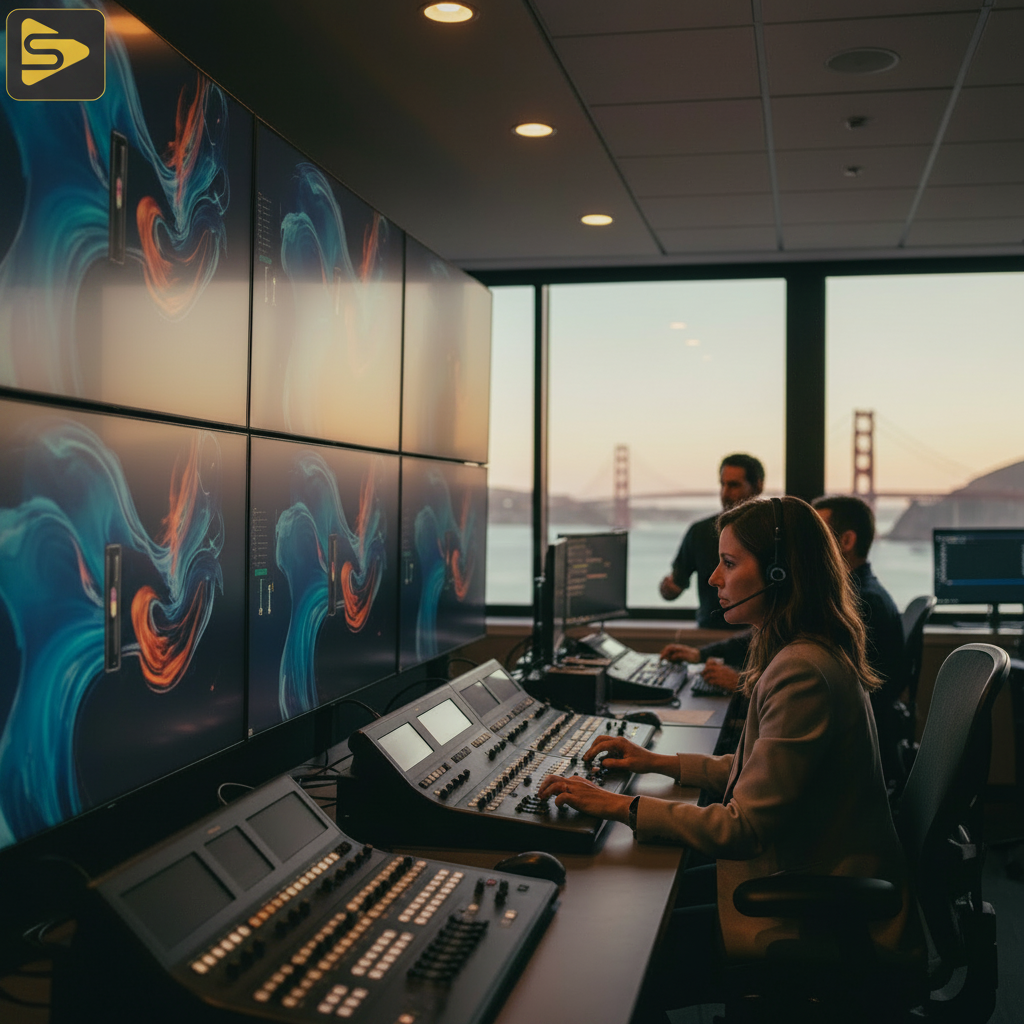
The technical requirements for a true live broadcast include:
- Broadcast-grade hardware: Dedicated encoders (like Blackmagic or Teradek) rather than just a laptop.
- Production redundancy: Dual internet lines (ISP + 5G bonding) and backup power supplies.
- Low-latency interaction: Reducing the delay between the speaker and the viewer to under 5 seconds for natural Q&A.
- Multi-camera filming: Keeping the visual energy high with dynamic switching between wide shots and close-ups.
Need to determine which path fits your budget? Our team provides free consultations for Bay Area businesses to map out the right production architecture.
Technical Comparison: Professional Livestreaming vs. Simulated Live Video
Choosing the right format depends on your risk tolerance and the specific goals of your SF tech product launch.
| Feature | Professional Livestream | Simulated Live (Simulive) |
|---|---|---|
| Technical Risk | Moderate to High | Extremely Low |
| Audience Interaction | Real-time Q&A / Shout-outs | Chat-only interaction |
| Production Cost | $1,500–$8,000 per day | $2,500–$15,000 (Video Production) |
| Best For | Breaking News, Events, Q&As | Webinars, Product Demos, Training |
Risk Mitigation: The ‘Hybrid’ Approach for High-Stakes Events
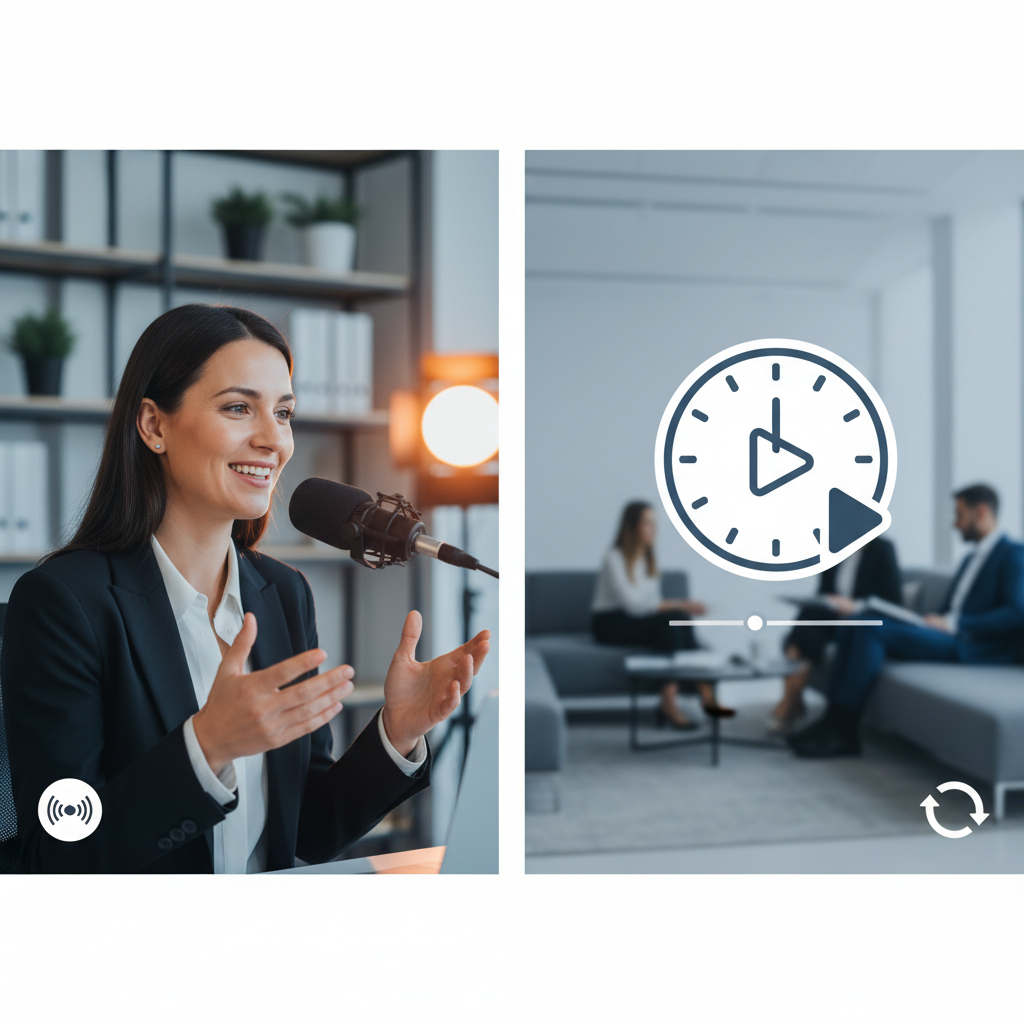
The smartest marketers often mitigate risk by pre-recording the ‘core’ presentation while hosting the Q&A portion 100% live.
The real kicker? You don’t have to choose one or the other. For a typical Bay Area mid-market client, we often recommend a ‘Live-to-VOD’ pipeline. This involves filming the keynote in a controlled environment (like our studio in San Leandro) to ensure perfect lighting and audio, then streaming that as a simulive segment, followed by the CEO jumping on a live camera for a 15-minute interactive session. This provides the best of both worlds: the polish of a brand film and the urgency of a live event.
To scale this content further, we use Ingest.blog, our internal AI content engine, to transform these video assets into SEO-optimized blog posts and social snippets, ensuring your event lives on long after the stream ends.
The Cost of ‘Cheap’: Why a Freelance Videographer Might Not Be Enough
One-off video shoots often lack the multi-layered redundancy required for professional-grade streaming infrastructure.
But wait—why not just hire a freelance videographer for a few hundred dollars? While freelancers are great for b-roll, professional livestreaming vs. simulated live video at an enterprise level requires a team that understands production redundancy. If a single camera goes down or an encoder overheats, a solo operator has no fallback. A full-stack agency provides a technical director, a dedicated audio engineer, and multiple stream keys to ensure your broadcast never goes dark.
Typical Bay Area pricing for these services ranges from $1,500 to $8,000 per day for live event coverage, depending on the camera count and crew size. While this is higher than a one-off video shoot, the ROI comes from a flawless execution that protects your brand’s reputation during a critical launch.
Choosing Your Path: A Technical Decision Matrix
Before you book your next shoot, evaluate your project against these three primary factors: intent, interaction, and infrastructure.
What most people miss is that the ‘Live’ badge is a promise to the audience. If you use simulated live video but pretend it’s happening in real-time—ignoring current events or pretending to answer ‘live’ questions that were pre-scripted—you risk an ‘Authenticity Tax’ that can alienate savvy tech audiences. Be transparent. If it’s a premiere of a polished film, call it a premiere. If it’s a live workshop, embrace the raw, human elements.
- Choose Professional Livestreaming if: You are launching a product with a live demo, hosting a town hall with Q&A, or covering a physical event in San Francisco.
- Choose Simulated Live if: You are running a 24/7 educational loop, have a spokesperson with a tight schedule, or need to hit multiple global time zones simultaneously.
Ready to elevate your next broadcast? Schedule a free strategy session with our production leads to find the right fit for your goals.
Frequently Asked Questions
What is the main difference between simulive and livestreaming?
The primary difference lies in the source of the content. Livestreaming happens in real-time, allowing for immediate interaction and spontaneity. Simulated live (simulive) uses a pre-recorded video file that is broadcast at a scheduled time to mimic a live experience. This offers higher production quality and lower technical risk but limits real-time verbal interaction.
How much does professional livestreaming cost in the Bay Area?
Industry-reported ranges for professional event livestreaming in the San Francisco Bay Area typically fall between $1,500 and $8,000 per day. This pricing varies based on the number of cameras, the size of the crew (technical directors, audio engineers), and whether you require specialized hardware like satellite bonding for internet redundancy.
Can I use simulated live video for a product launch?
Yes, and it is often recommended for the keynote portion of a launch. By pre-recording your product demo, you eliminate the risk of technical glitches or ‘demo fails’ on stage. Many successful SF tech launches use a hybrid model: a pre-recorded high-production demo followed by a live, real-time Q&A session with the founders.
Does the audience know if a video is ‘simulated’ live?
Sophisticated audiences, especially in the tech sector, can often tell if a broadcast is pre-recorded if there is no real-time acknowledgment of the chat or current events. To maintain trust, we recommend being transparent about the format or ensuring your team is actively engaging in the chat sidebar to provide a ‘live’ atmosphere.
What hardware is needed for professional-grade livestreaming?
A professional setup requires more than a webcam. Essential broadcast-grade hardware includes multi-camera setups (4K cameras), a hardware video switcher (like an ATEM Mini Extreme), dedicated RTMP encoders, professional lighting, and redundant internet sources (ISP + cellular bonding) to prevent stream drops.
Actionable Takeaway for this week: Audit your upcoming marketing calendar. Identify one recurring webinar that could be converted to a simulated live format to save team hours, and one high-stakes announcement that deserves a professional live production to maximize community trust.