📋 Table of Contents
According to a 2024 report by Conviva, viewer engagement drops by as much as 25% when a stream experiences just 1% of buffering. For marketing directors in the San Francisco Bay Area, multi-camera livestreaming is no longer a luxury—it is a high-stakes technical requirement where a single point of failure can jeopardize a Series C product launch or a global keynote.
Most failed streams don’t die because the creative was bad; they die because of hidden technical debt. Whether you are hiring a freelance videographer or a full-scale agency, you need a shared language to bridge the gap between your brand vision and the signal flow. This is where the 4-Quadrant Technical Brief comes in.
Key Takeaways for Decision Makers
- Visual Fidelity: Move beyond the single-angle “zoom call” look to dynamic vision mixing.
- Infrastructure: Prioritize hardware-based encoders over software-only solutions for 99.9% uptime.
- Redundancy: Always demand a primary and secondary ISP (Internet Service Provider) path.
- Retention: Multi-cam orchestration increases viewer watch time by up to 40% by reducing visual fatigue.
Quadrant 1: Visual Orchestration and Vision Mixing Workflow
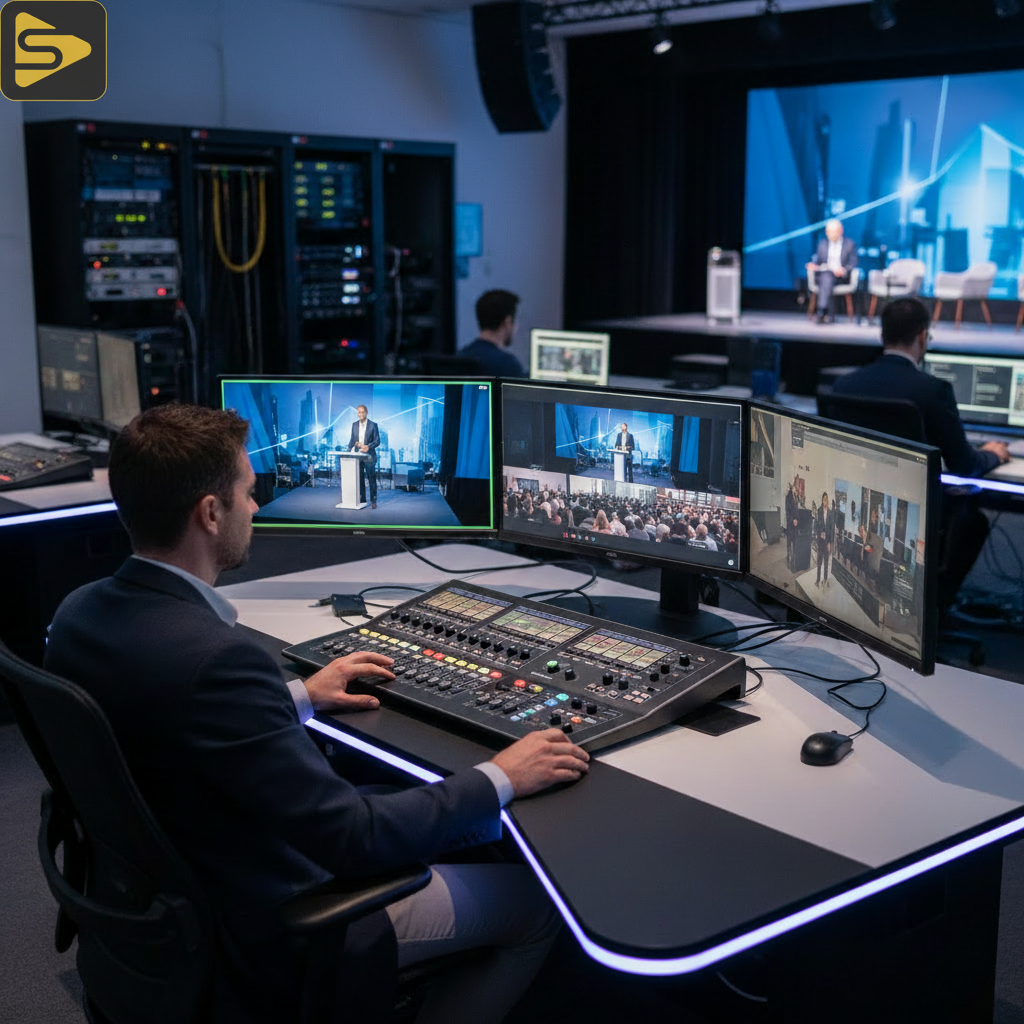
The first quadrant focuses on the aesthetic impact of your broadcast through strategic camera placement and switching. A common mistake is treating a livestream like a recorded one-off video shoot where you can fix angles in post-production; in live environments, the edit happens in real-time.
What most people miss is that multi-camera livestreaming requires a dedicated technical director (TD) to manage the vision mixing workflow. This ensures that when your CEO makes a key point, the audience sees the tight shot, not the wide-angle of the stage hands moving a chair. For many of our Bay Area mid-market clients, we recommend a minimum of three angles: a wide master, a tight podium shot, and a roaming ‘hero’ camera for audience Q&A.
- Primary Camera (Center): High-definition 4K sensor, usually a tight shot on the speaker.
- Contextual Camera (Wide): Shows the scale of the venue and the audience reaction.
- Dynamic Camera (Jib or Handheld): Adds movement and cinematic energy to the broadcast.
- Vertical-First (9:16) Angle: Essential for brands targeting social commerce via TikTok or Instagram.
Quadrant 2: Audio Signal Routing and Clarity
Industry veterans often say that “video is 50% audio,” but in livestreaming, it’s closer to 80%. If the video stutters, people stay; if the audio buzzes or drops, they leave instantly. Your event broadcast technical brief must specify how audio is routed from the house PA system into the broadcast mixer.
The real kicker? The audio mix for the people in the room is rarely the right mix for the people online. You need a dedicated “broadcast mix” that accounts for environmental noise and ensures the speaker’s levels are consistent with any pre-recorded video playbacks. In our work with Series B SaaS founders, we often implement AI-driven noise suppression to ensure that even in echo-heavy warehouse venues, the audio remains crisp.
For more complex setups involving remote speakers, we utilize low-latency streaming architecture like SRT (Secure Reliable Transport) to bring in guests from around the world without the dreaded two-second delay. This level of event live streaming sophistication is what separates a professional broadcast from a hobbyist setup.
Quadrant 3: Technical Infrastructure and Broadcast-Grade Redundancy
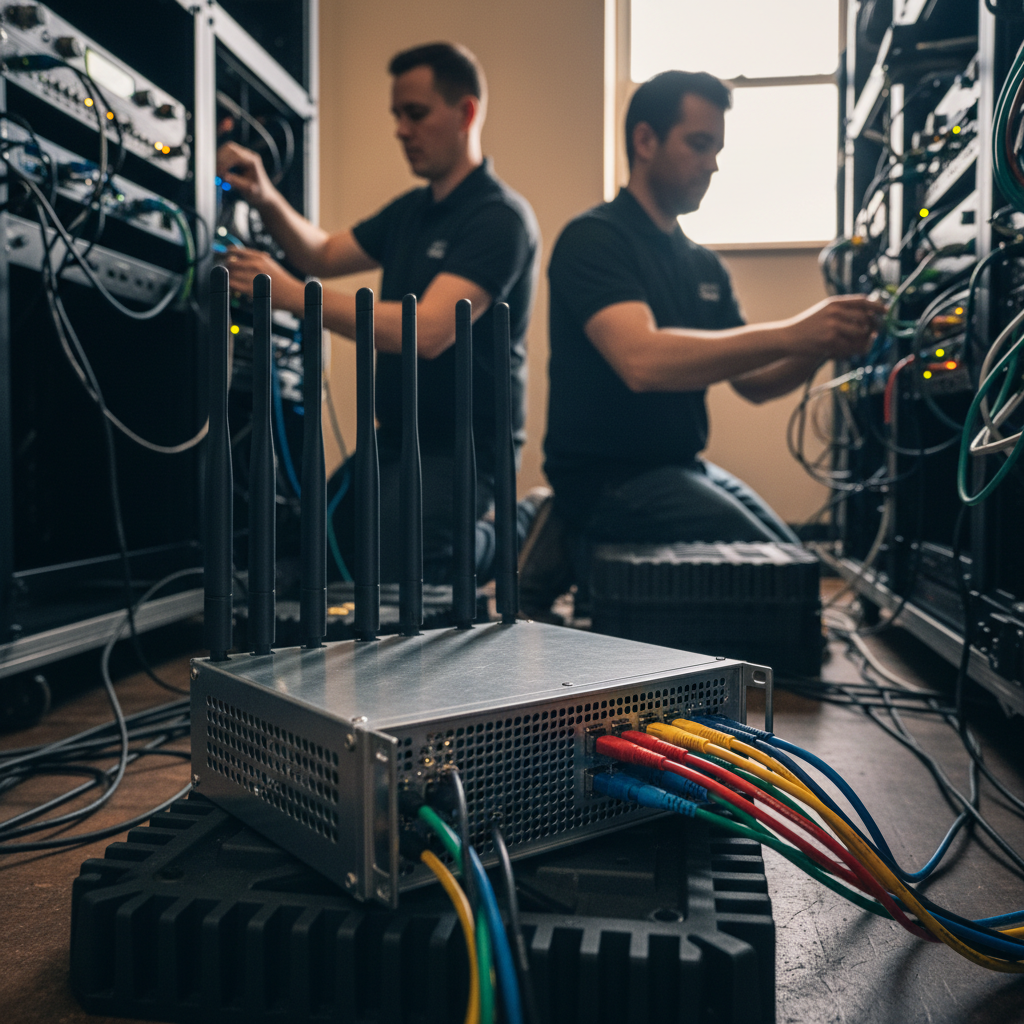
Infrastructure is the invisible foundation that determines if your stream stays online when the venue’s Wi-Fi inevitably spikes. Relying on a single internet connection is the most expensive gamble a marketing director can make. A professional SF event production brief should always include a “failover” plan.
Here’s the thing: you shouldn’t just have two cables; you should have two entirely different paths. We recommend “bonding” multiple connections—such as a dedicated fiber line paired with a Starlink or 5G cellular array. This ensures that if a construction crew outside the venue cuts a line, the stream doesn’t even flicker.
| Feature | Standard Setup | Broadcast-Grade (iStudios) |
|---|---|---|
| Encoding | Software (OBS/Laptop) | Dedicated Hardware Encoders |
| Internet | Venue Wi-Fi | Bonded Fiber + 5G Failover | None | Primary & Secondary Stream Keys |
Need help de-risking your next big event? Schedule a free technical consultation with our production leads to audit your venue’s capabilities.
Quadrant 4: Distribution and AI-Powered Content Velocity
The final quadrant is about where the content goes and how it lives on after the “Live” light goes off. Modern multi-camera livestreaming isn’t just about the 60 minutes of the event; it’s about the 60 pieces of micro-content you can extract afterward. This is where many brands lose their ROI—they treat the stream as a one-time event rather than a content engine.
We leverage AI-powered marketing automation to transcribe the stream in real-time, generating SEO-optimized blog posts and social snippets before the speaker even leaves the stage. For clients focusing on high-volume content distribution, we utilize Ingest.blog, our internal AI content engine, to transform live transcripts into structured long-form articles that drive organic traffic for months.
- Simulcasting: Pushing your stream to LinkedIn, YouTube, and your private CRM landing page simultaneously.
- Live Commerce: Integrating clickable product overlays for real-time sales during the broadcast.
- Instant VOD: Ensuring the recorded version is available for replay within minutes of the stream ending.
The Hidden Cost of ‘Cheap’ Multi-Camera Setups
It’s tempting to look at a one-off video shoot quote from a freelance videographer and wonder why an agency costs more. The difference lies in the “Technical Debt” you inherit with budget setups. A budget setup usually lacks a vision mixer, a redundant encoder, and a dedicated audio engineer.
In our experience with mid-market clients, the cost of a failed stream—in lost leads, damaged brand reputation, and wasted ad spend—far exceeds the 20-30% premium for a professional crew. When you invest in SF event production, you aren’t just paying for cameras; you are paying for the peace of mind that comes from a 4-Quadrant Technical Brief that has been stress-tested in the field.
Comparison: Professional Agency vs. Freelance Assemblage
What most people miss is that an agency like iStudios Media provides an integrated stack. We don’t just film; we connect the stream to your marketing automation platform to track lead attribution in real-time. This allows you to see exactly which segments of your livestream drove the most demo requests or sign-ups.
Ready to elevate your brand’s digital presence? Whether you need multi-camera livestreaming for a conference or high-end product photography for your next launch, our San Leandro studio and on-site teams are built to scale with your needs. Contact us today to build your production bible.
Frequently Asked Questions
What is the typical pricing for multi-camera livestreaming in the Bay Area?
Industry-reported ranges for professional multi-camera livestreaming in the SF Bay Area typically fall between $1,500 and $8,000 per day. This depends on the number of cameras, the complexity of the vision mixing, and whether you require redundant internet bonding and dedicated audio engineers.
Do I really need a hardware encoder for my event?
While software like OBS is powerful, hardware encoders (like those from Teradek or Blackmagic) are purpose-built for stability. They don’t have background processes that can crash or update mid-stream, making them essential for high-stakes corporate broadcasts where downtime is not an option.
Can you stream to multiple platforms like LinkedIn and YouTube at once?
Yes, this is called simulcasting. By using a cloud-based distribution server, we can send a single high-quality feed from the venue to multiple destinations, including social media platforms and private, gated landing pages for lead generation purposes.
How do you handle internet issues at older SF venues?
We use a process called network bonding. We combine the venue’s hardline internet with multiple 5G cellular modems from different carriers (Verizon, AT&T, T-Mobile). This creates a single, ultra-stable ‘pipe’ that automatically switches if one provider fails.