📋 Table of Contents
According to a recent HubSpot industry report, over 50% of consumers prefer video content over other brand assets, yet many marketing teams still struggle to balance production value with budget constraints. Choosing between multi-camera livestreaming and a single-cam setup isn’t just a technical choice; it is a strategic decision that dictates your brand’s perceived authority and audience retention rates.
Key Takeaways for Decision-Makers
- Retention Power: Multi-cam setups typically see a 20-30% increase in average watch time for B2B webinars compared to static single angles.
- The ‘Single-Cam Plus’ Alternative: You can mimic high-end production using 4K digital zooming and NDI protocols on a leaner budget.
- Strategic Fit: Single-cam excels for ‘lo-fi’ authenticity on social platforms, while multi-cam is the standard for high-stakes corporate summits.
1. Defining the Value of Multi-Camera Livestreaming
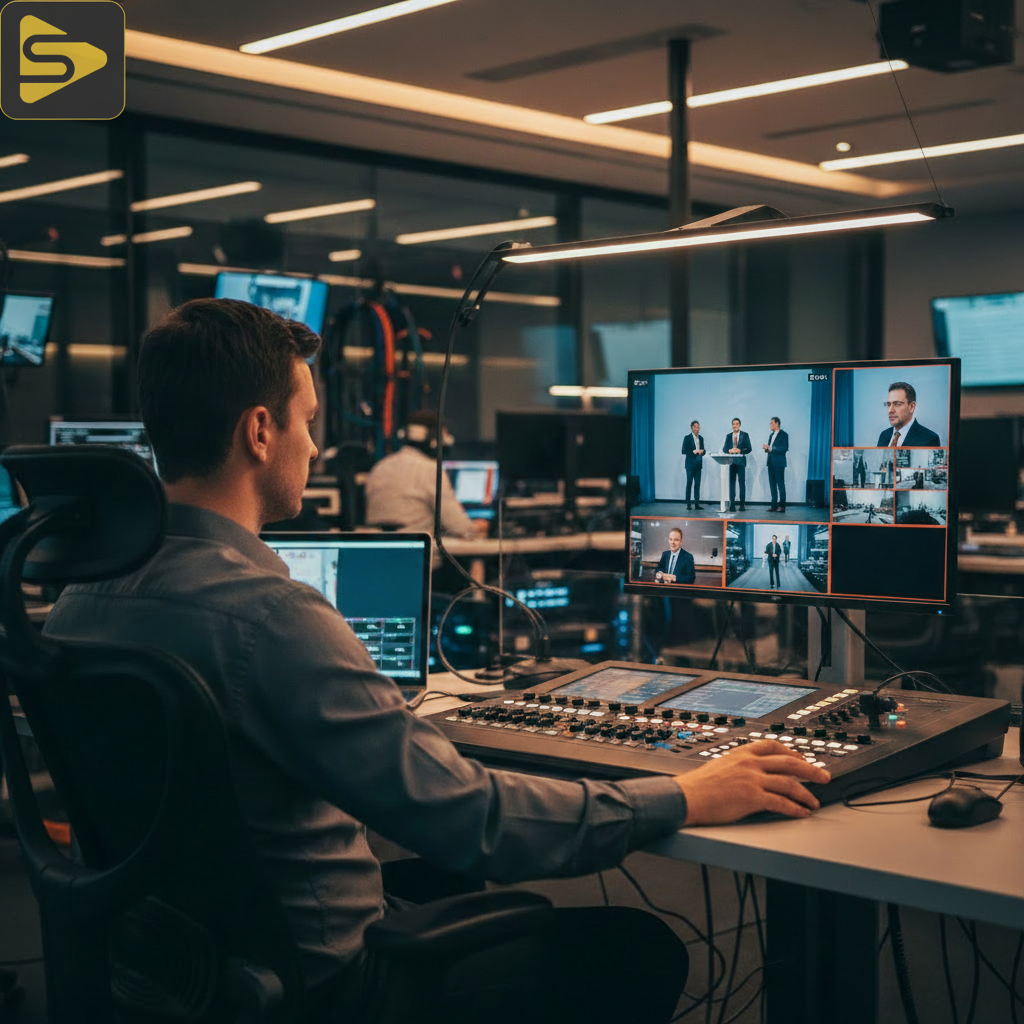
The core difference between a basic feed and a professional broadcast is the ability to direct the viewer’s eye through intentional perspective shifts. While a one-off video shoot might suffice for a quick internal update, external-facing events require more visual movement to combat ‘Zoom fatigue.’
Here’s the thing: visual variety is the antidote to boredom. In our work with Series B SaaS founders, we’ve found that the transition from a single wide shot to a tight speaker angle creates a psychological ‘refresh’ for the viewer, keeping them engaged through complex technical demos.
- Visual Polish: Professional switching between wide, medium, and close-up shots.
- Engagement Metrics: Higher participation in live Q&A sessions when the production feels ‘live’ and dynamic.
- Brand Authority: Signals to investors and partners that the organization is scaling and stable.
2. The Single-Cam Approach: When Less is More
Sometimes, the complexity of a multi-camera production can actually hinder the ‘authentic’ connection your audience craves. For a freelance videographer, a single-camera setup is faster to deploy and significantly cheaper, but it requires the speaker to be exceptionally charismatic to hold attention.
The real kicker? TikTok and LinkedIn ‘Live’ formats often reward the ‘raw’ feel of a single-camera setup. If you are a startup founder doing a weekly AMA, a high-quality single-cam feed with a 4K sensor allows you to ‘digitally’ crop into two different shots (wide and tight) using software like vMix or OBS, effectively creating a ‘virtual’ multi-cam look without the extra hardware costs.
Pros and Cons of Single-Camera Setups
| Pros | Cons |
|---|---|
| Lower technical failure points | Visual monotony after 5-10 minutes |
| Rapid setup and strike times | Lower perceived ‘production value’ |
| Ideal for mobile/on-the-go streaming | Harder to hide technical glitches or set issues |
3. Evaluating Event Livestreaming SF Pricing and Personnel
Budgeting for event livestreaming SF requires an understanding of the local talent market and the ‘day rate’ structure typical of the Bay Area. Unlike a one-off video shoot, live production requires ‘fail-safe’ redundancies that drive up the cost of personnel.
In our experience with mid-market clients, a professional multi-camera livestreaming crew usually consists of a Technical Director (TD), an Audio Engineer, and at least one Camera Operator. Compare this to a single-cam setup which can often be handled by a solo operator. Typical Bay Area pricing ranges include:
- Single-Camera Stream: $1,500 – $3,500 per day (includes basic audio and encoding).
- Multi-Camera Production: $4,000 – $12,000+ per day (includes switching, graphics, and multiple ops).
- Hybrid Events: Often require additional bandwidth management and on-site AV integration, pushing costs to the higher end of the spectrum.
Need a custom quote for your next San Francisco event? Schedule a free consultation with our production team to discuss your specific technical needs.
4. The ‘Single-Cam Plus’ Strategy: A Lean Middle Ground
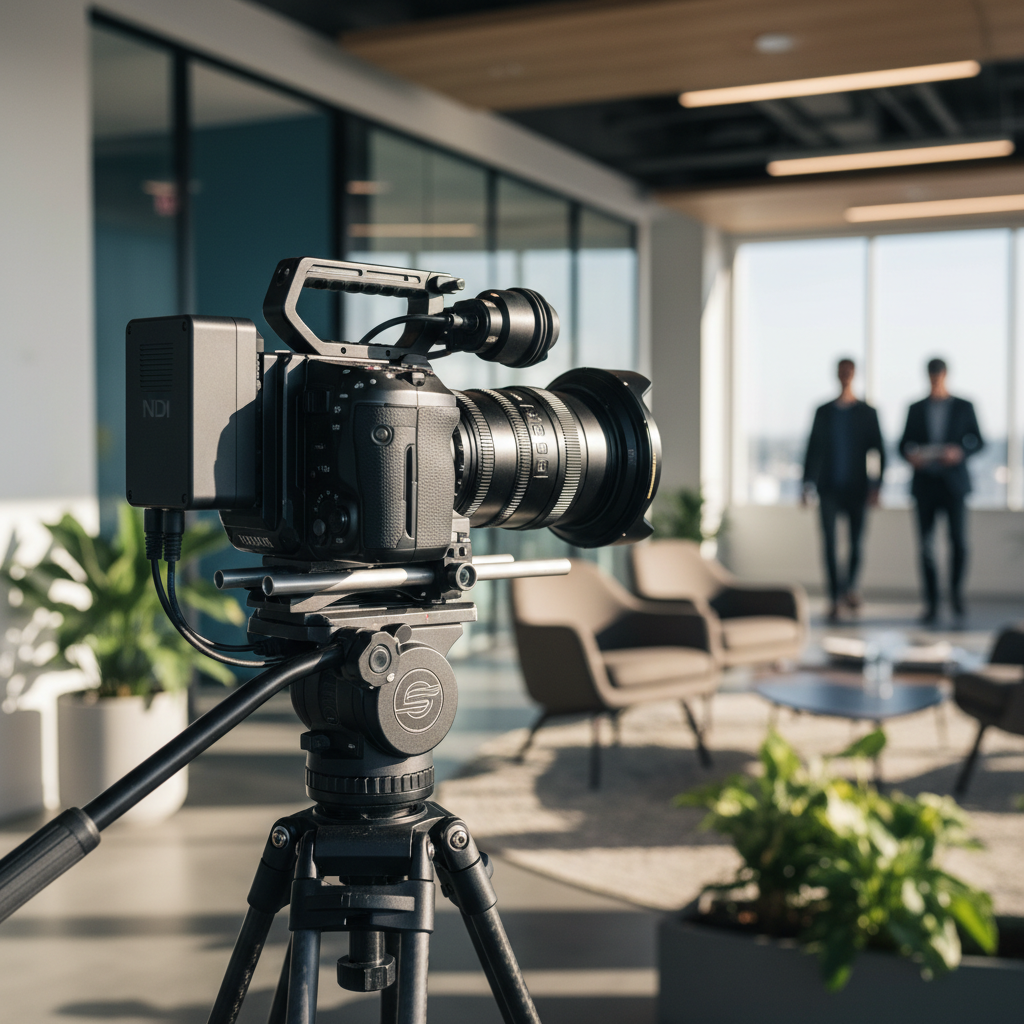
What most people miss is that you don’t always need three $10k cinema cameras to achieve a broadcast look. By leveraging the ‘Single-Cam Plus’ strategy, you can use a high-resolution 4K primary camera and supplement it with mobile devices or remote NDI feeds to create secondary angles.
Transitioning to this hybrid model allows for a more sustainable approach to content. For companies looking to scale their content velocity without scaling their headcount, we often recommend using Ingest.blog, our internal AI content engine, to repurpose these high-quality streams into SEO-optimized blog posts and social clips automatically.
5. Technical Requirements: NDI, Bandwidth, and Redundancy
A corporate event video is only as good as the internet connection it travels on. While a single-cam stream might only require 5-10 Mbps of upload speed, a multi-camera production involving remote guests or high-bitrate 4K switching demands significantly more overhead.
But wait—hardware is only half the battle. You must consider the NDI (Network Device Interface) protocol, which allows video sources to communicate over a local network. This is a game-changer for Bay Area tech offices that already have robust internal networks but limited space for traditional SDI cabling.
- Encoder Choice: Hardware encoders (like Blackmagic Web Presenter) are more stable than software-only solutions.
- Audio Sync: The more cameras you add, the higher the risk of ‘lip-sync’ issues. A dedicated audio mixer is non-negotiable for multi-cam.
- Bonded Cellular: Always have a backup (like a Peplink or LiveU) in case the venue’s Wi-Fi fails mid-stream.
6. Platform Optimization: LinkedIn vs. TikTok vs. YouTube
The platform you choose should dictate your camera count. For instance, YouTube and LinkedIn audiences expect a 16:9 horizontal multi-camera livestreaming experience that feels like a television broadcast. Conversely, TikTok and Instagram Live favor a vertical 9:16 format where a single, high-quality camera often feels more native and engaging.
The real ROI comes from post-event distribution. A multi-cam shoot provides significantly more ‘b-roll’ and alternative angles, making it easier for an editor to create high-impact highlight reels. If you’re spending $5k on a livestream, but not getting 10 pieces of social content out of it, you’re leaving money on the table.
Ready to upgrade your brand’s visual authority? Explore our video production services to see how we integrate performance marketing with high-end cinematography.
7. Decision Matrix: Which Setup Do You Actually Need?
The best way to decide is to look at your ‘Cost Per Minute of Engagement.’ If you are hosting a 90-minute technical summit for 1,000 global leads, the $5,000 investment in multi-camera production pays for itself if it prevents just 10% of your audience from dropping off early.
However, if you are a medical practice owner doing a 10-minute patient Q&A, a single-camera setup with professional lighting and a studio photography session-level background will be more than sufficient. Focus on the ‘authority’ of the frame rather than the quantity of the cameras.
Summary Checklist for Event Producers
- Is the event longer than 20 minutes? (If yes, go multi-cam).
- Is there more than one person speaking at a time? (If yes, go multi-cam).
- Is the goal ‘authentic’ or ‘authoritative’? (‘Authentic’ = Single, ‘Authoritative’ = Multi).
- Does the venue have at least 20Mbps dedicated upload? (If no, stick to single-cam to avoid lag).
For more insights on scaling your digital presence, check out our guide on SEO and content marketing integration. Our team at iStudios Media is built to handle the entire lifecycle of your content, from the first frame of a corporate event video to the final Google Ads conversion.
Ready to execute? Don’t settle for a freelance videographer who lacks the infrastructure to scale. Contact iStudios Media today for a comprehensive production and performance strategy session.
Frequently Asked Questions
Is multi-camera livestreaming worth the extra cost for small webinars?
Generally, for webinars under 30 minutes with a single speaker, a high-quality single-camera setup is sufficient. However, if you have multiple panelists or want to repurpose the footage into high-end marketing assets, the visual variety of a multi-cam setup significantly boosts the ROI and professional perception of the brand.
What is the minimum internet speed required for a multi-camera production?
We recommend a minimum of 15-20 Mbps of dedicated upload speed for a stable 1080p multi-cam stream. While lower speeds can work for single-cam, the overhead required for multi-stream encoding and potential remote guest feeds makes a robust connection essential for professional corporate events.
Can I use a single 4K camera to mimic a multi-camera setup?
Yes, this is a popular ‘lean’ strategy. By filming in 4K and streaming in 1080p, you can use software to create multiple ‘virtual’ shots (like a wide shot and a tight crop) from a single source. This provides visual variety without the cost of extra camera bodies and operators.
How many people are needed to run a professional multi-camera livestream?
A standard professional crew includes a Technical Director to handle the switching, an Audio Engineer to ensure crisp sound, and at least one dedicated Camera Operator. For larger SF corporate events, adding a Graphics Operator and a Stream Monitor ensures the highest level of reliability and engagement.