📋 Table of Contents
In the Descript vs Riverside comparison, Riverside is the better tool for capturing a remote interview and Descript is the better tool for editing it. Many teams record in Riverside for stable local multitrack files, then import into Descript for text-based editing.
Choosing between Descript vs Riverside is the primary decision for lean marketing teams at Series B and C firms who need to turn a 30-minute partner interview into a month of LinkedIn and X content. While both tools leverage AI, they serve fundamentally different parts of the production pipeline. In this teardown, we are teaching you exactly one thing: the specific local recording settings that prevent packet loss during Bay Area internet fluctuations, ensuring your 4K footage stays crisp even when your Wi-Fi dips in the Mission District.
- Riverside wins on capture stability and guest UX for high-profile partners.
- Descript wins on narrative editing and speed-to-market for social clips.
- The Pro Move: Use Riverside for the raw multitrack capture and Descript for the AI-driven post-production.
- Local Recording: Always verify that “local recording” is enabled to bypass internet lag.
1. The Guest Experience: Why SF VCs Prioritize Riverside
The most important person in a remote interview isn’t the producer; it’s the guest who only has 20 minutes to spare. Riverside.fm offers a frictionless, browser-based entry that requires zero software downloads, which is critical for non-tech-savvy founders or busy executives.
Descript’s remote recording, now called Descript Rooms (formerly SquadCast), runs in the browser and records each participant locally in up to 4K, but it often feels like an extension of an editing suite. The less a guest has to think about the software, the better the interview. Riverside’s interface mimics a standard video call, making it the safer bet for remote interviews where guest comfort matters most.
- Riverside Pros: Dedicated green room, easy link-based access, and separate tracks for audio/video.
- Riverside Cons: Can be heavy on RAM for older laptops.
- Descript Pros: Immediate transition from recording to text-based editing.
- Descript Cons: Guest onboarding can occasionally feel clunky compared to a dedicated link.
2. Descript vs Riverside: The Battle of Local Multitrack Recording
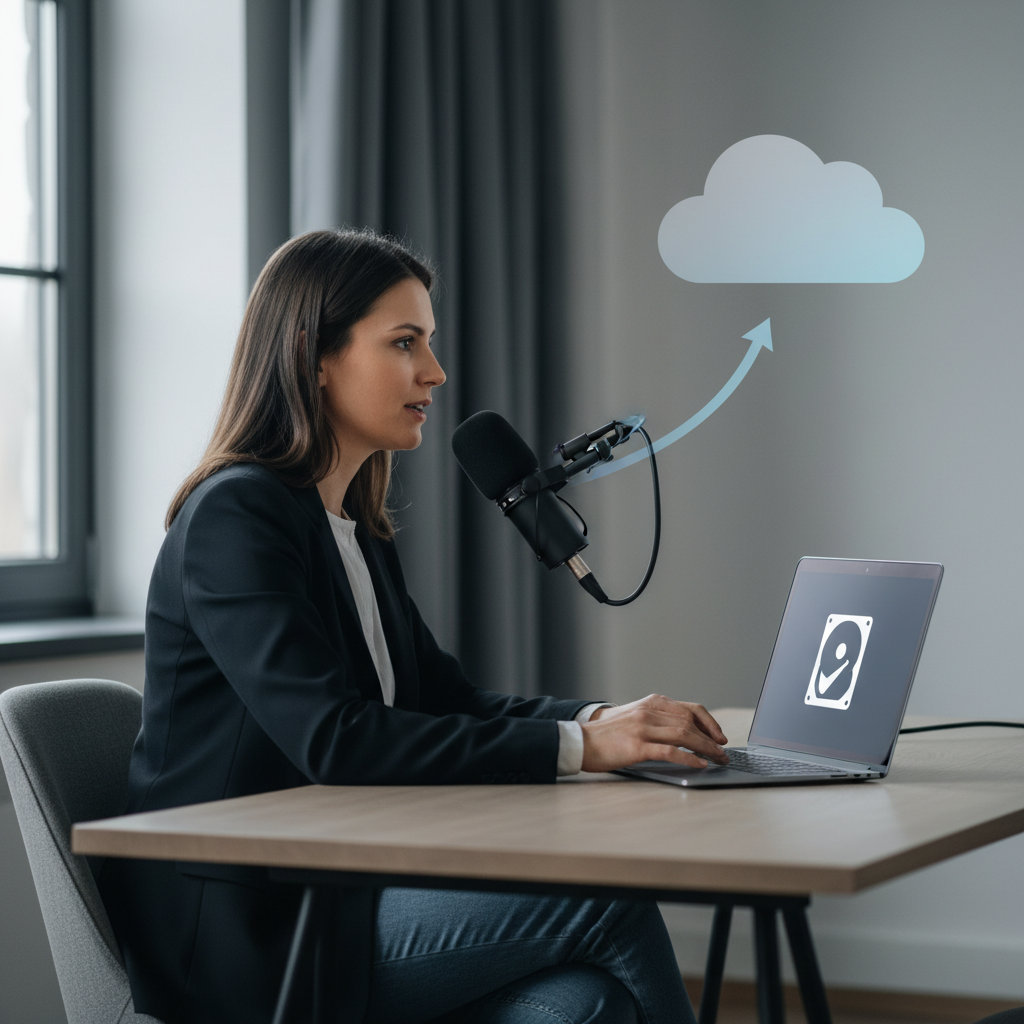
Reliability is the only metric that matters when you are interviewing a Tier 1 GP. The primary difference in the Descript vs Riverside debate lies in how they handle “local recording.” Unlike Zoom, which records what it sees over the internet (compression and all), these tools record directly onto the user’s hard drive and upload the high-res file in the background.
Local recording is the only way to achieve 4K remote video capture without the dreaded “pixelation” caused by SF’s spotty Wi-Fi. Using a tool that separates the audio and video tracks (multitrack) allows for much cleaner post-production. If one person’s internet drops, their local file continues to record, and the sync happens automatically once they reconnect.
Need help setting up your firm’s studio? Schedule a free consultation with our production team to audit your remote setup.
3. The “Secret” Setting: Preventing Packet Loss in the Bay Area
If you want to ensure your video stays at 4K resolution regardless of your Comcast or AT&T connection, you must master the local buffer settings. This is the one thing you should apply tomorrow: The Manual Upload Check.
- In Riverside: Set the recording to the highest resolution your plan allows (Pro and above record in up to 4K) and watch each participant’s upload indicator during the session.
- The Critical Step: Tell guests not to close the tab or app until their upload shows as complete. Riverside’s help center lists closing the app too early as a common cause of stuck or lost tracks.
- In Descript: 4K is off by default. A show manager selects Max Recording Quality in the session sidebar, or sets a default in Show Settings > Advanced Settings. It requires a Creator or Business plan and a guest camera that records 4K at 30fps.
- For Both: Ask guests to turn off VPNs and use a wired connection; both reduce dropped packets and slow uploads.
Transitioning from a raw recording to a polished brand film requires more than just good software. At iStudios Media, we act as a growth partner for firms that need to scale content without scaling headcount.
4. AI Post-Production: Underlord vs Magic Clips
Once the recording is done, the focus shifts to “Time-to-Market.” This is where Descript for business truly shines. Underlord, its agentic AI co-editor, can cut filler words and handle rough edits, and Studio Sound removes background noise and enhances voices.
Riverside’s “Magic Clips” is excellent for quickly identifying viral-ready snippets for LinkedIn, but it lacks the granular control of Descript’s text-based editing. For marketing directors managing recurring content, we often recommend a hybrid approach. Capture in Riverside for the best possible raw files, then import those files into Descript to craft the narrative.
| Feature | Riverside.fm | Descript |
|---|---|---|
| Capture Quality | Up to 4K (Excellent) | Up to 4K (Great) | Guest Onboarding | Seamless Link | Browser Link | Editing Style | Timeline/Clip-based | Text-based (Script) | AI Features | Magic Clips, AI Show Notes | Underlord, Studio Sound |
5. Security and Data Privacy for Venture Capital
SF VCs handle proprietary insights that cannot leak. Before recording partner conversations in either tool, read the platform’s privacy and AI-data terms and confirm which settings your plan lets you control.
Ensure your marketing team has a clear policy on using generative AI for partner voices. While Descript’s voice cloning is impressive, it requires strict internal controls to prevent brand dilution or ethical lapses.
Ready to level up your firm’s content strategy? Contact us today for a custom digital marketing roadmap that integrates professional video with high-performance SEO.
Related reading: AI Clipping Tools for Real-Time Event Highlights: 3 Compared and Audio Sync Guardrail: Fixing Multi-Camera Livestream Drift.
Frequently Asked Questions
Is Riverside better than Zoom for VC interviews?
Yes, absolutely. Zoom records the stream over the internet, meaning if your connection dips, your video quality drops permanently. Riverside records locally on each participant’s computer, in up to 4K on paid plans, then uploads that high-quality file, ensuring professional results regardless of internet stability.
Can I use Descript to edit Riverside recordings?
This is actually the preferred workflow for many top SF firms. You capture the high-fidelity multitrack recording in Riverside, then export the files into Descript for text-based narrative editing and AI-powered polish like Studio Sound.
What is the typical cost for professional podcast production in SF?
The software is inexpensive. The cost of professional podcast production depends on how many episodes you record, how much editing each needs, and what you want delivered (show notes, clips, social cut-downs). We scope each show individually; call (669) 287-2700 for a quote.
Do I need a 4K camera for remote recording?
While Riverside supports 4K, the quality is limited by your hardware. A high-end webcam or a mirrorless camera connected via a capture card is recommended for VC-level production value. However, even a 1080p camera looks significantly better on Riverside than on Zoom.
How does AI help in VC marketing?
AI tools in platforms like Descript allow lean teams to summarize hour-long partner meetings into blog posts, social snippets, and newsletters in minutes. This increases content velocity, ensuring your firm stays top-of-mind for founders without requiring a massive internal creative team.
Actionable Tip for Monday Morning: Open your remote recording tool of choice and check the “Local Recording” settings. If it isn’t set to the highest possible resolution (4K or 1080p), change it now. That one toggle is the difference between a video that looks like a FaceTime call and one that looks like a Netflix documentary.
If you’re tired of managing fragmented vendors and want a partner who handles everything from corporate video to paid advertising, let’s talk. Click here to book your free strategy session.