📋 Table of Contents
According to a 2024 report by HubSpot, 87% of marketers say video has a direct, positive impact on sales, yet a single minute of technical downtime during high-stakes multi-camera livestreams can erode years of brand equity. In the San Francisco Bay Area, where VC demo days and Series C product launches are the lifeblood of the economy, a glitchy broadcast isn’t just a nuisance—it’s a localized PR crisis.
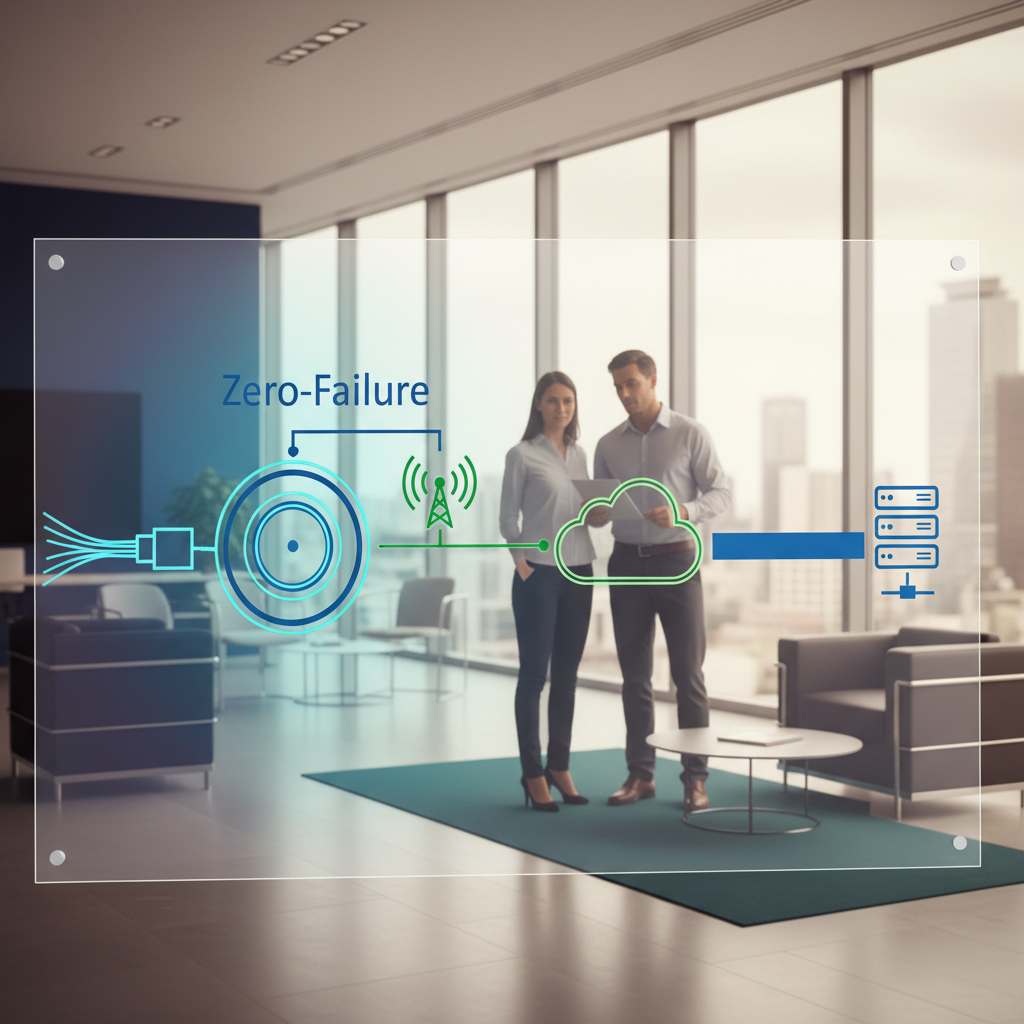
Whether you are hosting a conference at a historic SF venue with thick concrete walls or a modern campus in Menlo Park, the technical complexity of a multi-camera broadcast requires more than just a freelance videographer with a tripod. It demands a structured, fail-safe protocol. At iStudios Media, we’ve shifted from being a vendor to a growth partner by implementing a ‘Zero-Failure’ protocol for event livestream production that treats every signal like a mission-critical data packet.
Here is the 5-point technical audit every marketing director and event producer should run before the cameras start rolling.
1. Network Resilience and Bandwidth Bonding
Never trust a single internet source, no matter how many gigabits the venue IT manager promises on paper. In our experience with mid-market clients, the most common point of failure isn’t the camera—it’s the outbound pipe being throttled by 500 attendees jumping on the guest Wi-Fi simultaneously.
- Primary & Secondary ISP: Ensure you have two distinct providers (e.g., fiber on-site and a dedicated 5G cellular bonded failover).
- Bandwidth Bonding: Use an enterprise-grade streaming encoder that leverages SRT (Secure Reliable Transport) to aggregate multiple connections into one stable stream.
- Dedicated VLANs: Work with SF conference tech teams to carve out a hardlined, dedicated VLAN that is physically isolated from the public network.
The real kicker? Most historic San Francisco event spaces have RF interference that can crush standard wireless signals. We recommend a site survey to test live production signal flow at least 48 hours before the event. If your content strategy involves high-velocity publishing, our internal AI content engine, Ingest.blog, can help distribute key takeaways from these streams across your digital channels instantly.
2. Signal Flow Redundancy for Multi-Camera Livestreams
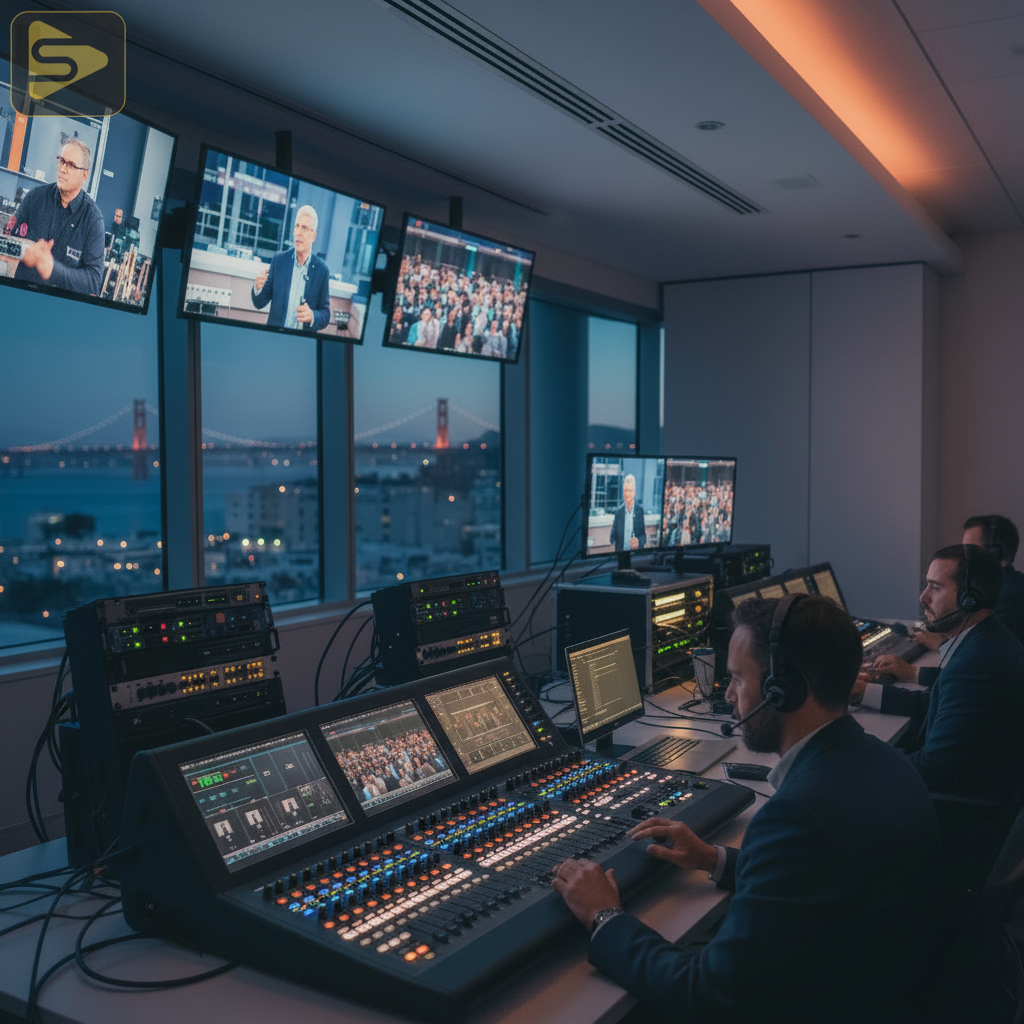
Hardwired connections are the only way to guarantee the ‘Zero-Failure’ standard that Bay Area tech firms now demand for 4K end-to-end workflows. While NDI 6.0 is revolutionary for high-bandwidth corporate campus networks, a physical SDI backbone remains the gold standard for multi-camera livestreams in high-interference environments.
- Vision Mixing Failover: Always have a secondary switcher or a direct-to-web backup path if the primary multi-camera vision mixing console loses power.
- Power Sequencing: Every critical piece of gear—from the encoder to the audio board—must be on a Double-Conversion Online UPS (Uninterruptible Power Supply).
- Low-Latency Monitoring: Set up a local multiview monitor for the on-site producer and a remote monitoring via a low-latency SRT return feed for off-site stakeholders.
What most people miss is that a one-off video shoot usually lacks this level of infrastructure. Professional San Francisco event production requires a ‘Primary-Primary’ mindset, where both paths are active and monitored simultaneously. Need to ensure your technical setup is up to par? Schedule a free technical consultation with our lead engineers.
3. Audio Fidelity and Multi-Language Routing
Audiences will forgive a dropped frame of video, but they will leave the stream immediately if the audio crackles or drops. For medical practice owners or corporate HR teams, clarity in training or compliance-heavy broadcasts is non-negotiable.
| Component | Standard Requirement | Enterprise Requirement |
|---|---|---|
| Audio Protocol | Analog XLR | Dante (AV-over-IP) |
| Redundancy | Single Mixer | Mirrored Digital Consoles |
| Accessibility | None | Real-time Captioning (608/708) |
- Independent Audio Mixes: The mix in the room should never be the same as the mix for the livestream; use a dedicated aux bus to optimize for the remote listener.
- RF Management: Use a spectrum analyzer to find clean frequencies in the crowded SF airwaves, especially near the Moscone Center.
- Accessibility Audits: Modern multi-camera broadcast standards now require real-time captioning and, often, multi-language audio routing for global teams.
4. AI-Enhanced Production and Executive Presence
The ‘Post-Pandemic Hybrid Standard’ means your remote executive looks just as important as the one on stage. We are seeing a massive shift toward AI-driven automated camera switching to supplement manual operators, ensuring no ‘dead air’ occurs when a speaker moves unexpectedly.
In our work with Series B SaaS founders, we’ve found that high-production value directly correlates to investor confidence. Using AV-over-IP infrastructure allows us to bring in remote speakers with near-zero latency, making a hybrid panel feel like everyone is in the same room. This is a far cry from a generic marketing agency attempt at a Zoom-to-YouTube bridge.
Transitioning between speakers should be seamless. Here’s the thing: if your event livestream production doesn’t include a dedicated ‘Green Room’ tech for remote guests, you’re asking for a technical bottleneck. We recommend a 15-minute tech check for every remote participant to verify lighting, audio, and their local network stability.
5. Post-Production and Content Velocity
The livestream is just the beginning. The real ROI for a multi-camera broadcast comes from the ‘long tail’ of the content. A typical Bay Area mid-market client will repurpose one 60-minute keynote into 15-20 social clips, three blog posts, and a highlight reel.
- ISO Recording: Ensure every camera is being recorded individually (ISO) in-camera or at the switcher for high-quality post-production editing.
- Fast-Turn Highlights: Set up a dedicated editor on-site to pull ‘golden nuggets’ for social media while the event is still live.
- CRM Integration: Use your marketing automation platform to gate the on-demand recording, turning your livestream into a long-term lead generation asset.
But wait—don’t just dump the video on a landing page. Use SEO strategies to ensure the replay ranks for relevant industry terms. At iStudios Media, we combine video production with performance marketing to ensure your event lives on long after the stream ends. Contact us today for a full-stack production and distribution plan.
Frequently Asked Questions
How much does event live streaming cost in the Bay Area?
Industry-reported ranges for professional event live streaming in the San Francisco area typically fall between $1,500 and $8,000 per day. This depends heavily on the number of cameras, the size of the crew, and the complexity of the signal redundancy required for the broadcast.
What is the difference between RTMP and SRT for corporate streams?
RTMP is the legacy standard but lacks the error correction and security of SRT. For high-stakes SF conference tech, we recommend SRT as it handles network jitter and packet loss much more effectively, ensuring a smoother 4K stream over unpredictable public networks.
Why should I hire a production agency instead of a freelance videographer?
A freelance videographer is often a single point of failure. A full-stack agency provides enterprise-grade streaming encoders, redundant hardware, and a dedicated team for audio, vision mixing, and network management, which is essential for high-stakes multi-camera livestreams.
Can you help with marketing the livestream after the event?
Yes. We integrate video production with digital marketing, including SEO, paid media, and marketing automation platform workflows to maximize the reach and ROI of your event content. We turn one-day events into year-round lead generation machines.
Actionable Takeaway: This week, audit your venue’s upload speed—not just download. If your upload is below 20Mbps, you cannot reliably stream 4K multi-camera livestreams without a bonded cellular solution. Don’t leave your brand’s reputation to chance; verify your infrastructure before you announce your next big date.