With SF event livestreaming, dropped frames come from one of three causes: the venue’s shared internet has jitter or packet loss, the stream uses RTMP with no packet recovery, or a laptop encoder is overheating. The fix is a dedicated wired line bonded with cellular, SRT instead of RTMP, and a hardware encoder.
If you are a marketing director or startup founder, you’ve likely felt the sting: the keynote starts, the remote audience spikes, and suddenly the frame rate plummets. You aren’t just fighting bad luck; you’re fighting the “Concrete Canyons” of the Financial District and the notorious network congestion of SoMa. This guide breaks down why your professional event broadcast is failing and how to build a fail-safe stack that actually works in the Bay Area.
The Irony of Gigabit Fiber in SoMa and Union Square
Just because a venue in the Mission District or SoMa claims to have “Gigabit Fiber” doesn’t mean your livestream will have a dedicated, stable path to the cloud. Most San Francisco venues use shared circuits where your broadcast bandwidth competes with the guest Wi-Fi, the catering team’s POS system, and the neighboring office’s cloud backups.
The most common culprit is shared bandwidth and ISP throttling during peak conference hours. When every building on the block is hitting the same node for a 10:00 AM keynote, the local exchange sees heavy network jitter. Jitter, the variance in time between data packets arriving, is what breaks smooth video, and a single laptop on one Ethernet cable cannot overcome that localized congestion.
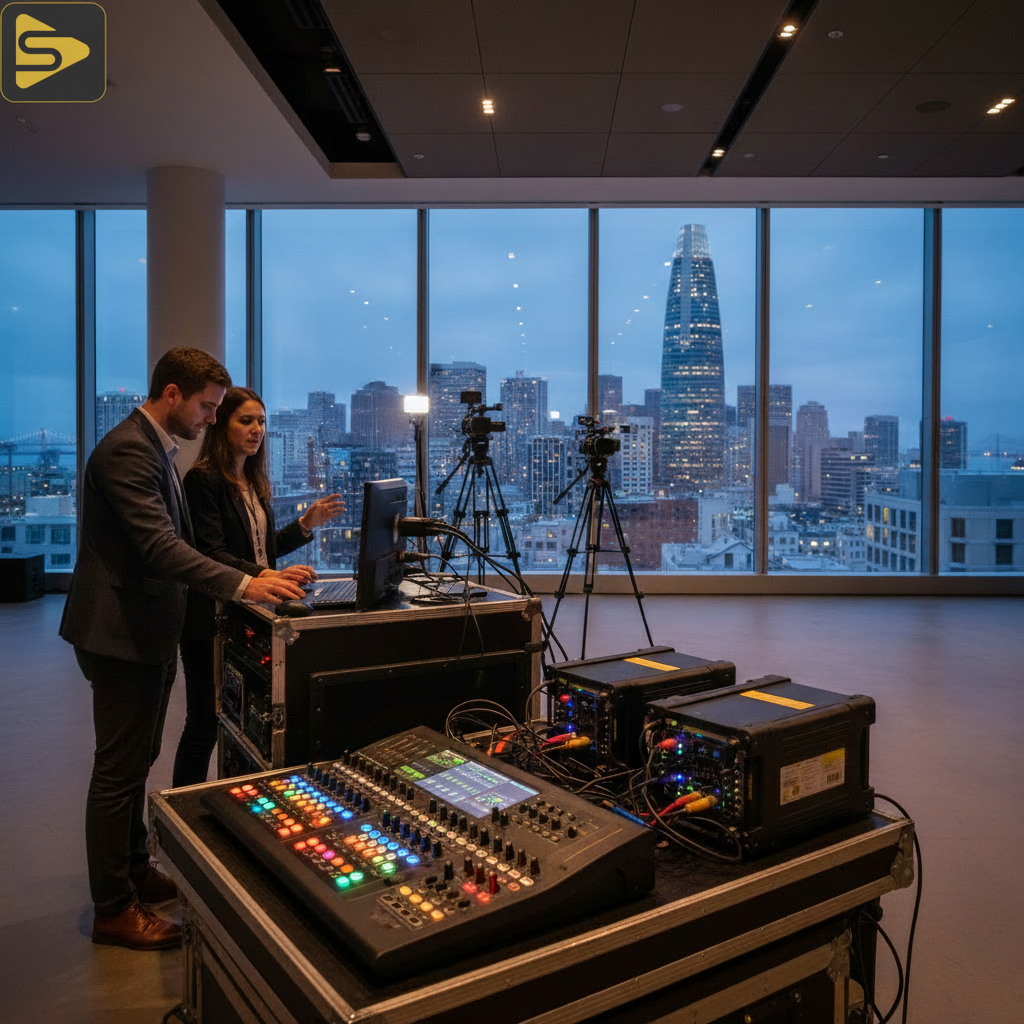
Bonded Internet: Navigating the SF ‘Concrete Canyons’
Reliable SF event livestreaming requires more than one connection; it requires a bonded network strategy that treats connectivity like a diversified investment portfolio. In the Financial District, tall buildings act as Faraday cages, bouncing 5G signals and creating unpredictable “dead zones” that can cause a livestream signal drop in an instant.
We recommend a “Triple Threat” stack for high-stakes events:
- Primary: Dedicated Venue Ethernet (VLAN-isolated).
- Secondary: Bonded Cellular (AT&T and Verizon combined via a Peplink or Teradek Link Pro).
- Tertiary: Starlink (if outdoor line-of-sight is available) or a microwave link.
By using a hardware-based bonding solution, your stream is split across these paths and reassembled in the cloud. If the venue’s fiber dips, the cellular takes the load without a single dropped frame.
Need a partner who understands the Bay Area’s unique connectivity challenges? Schedule a free consultation with our production team today.
SRT vs. RTMP: Why Your Protocol Choice Matters
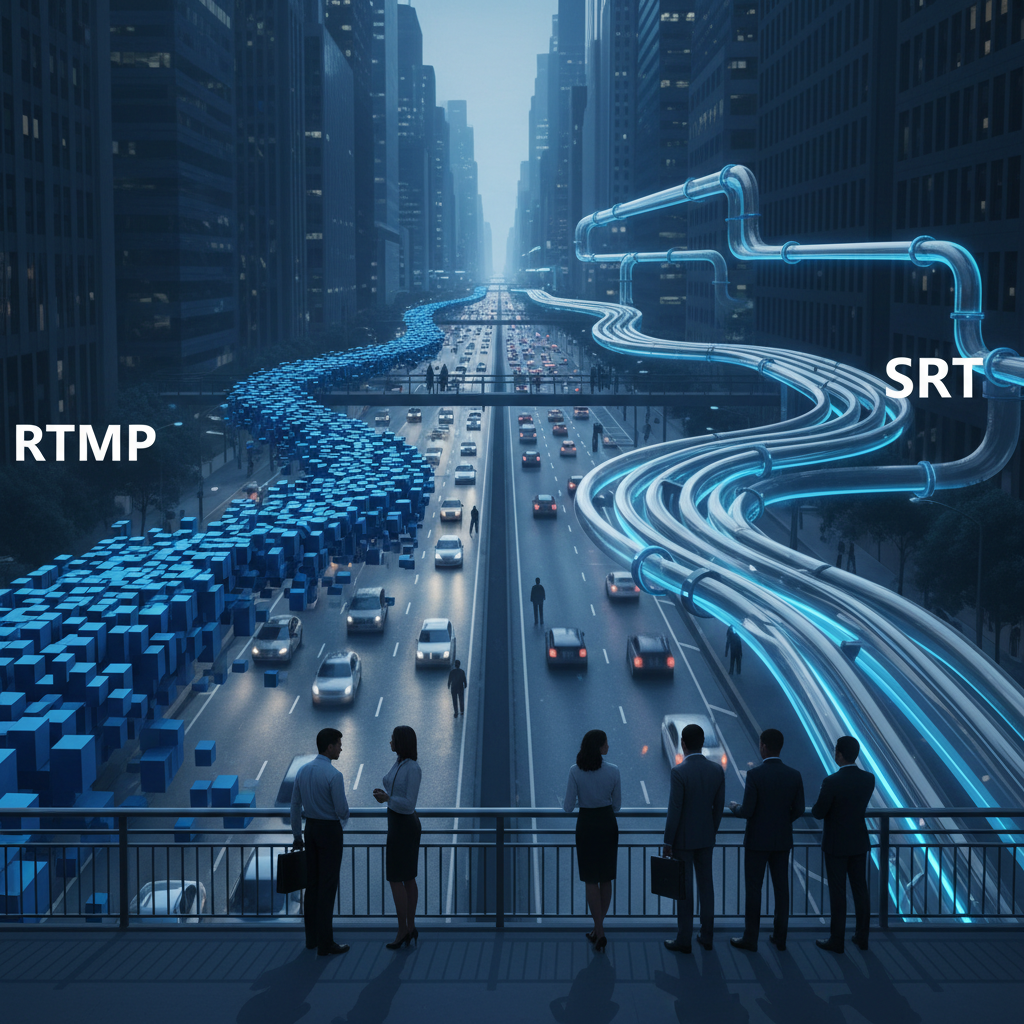
The traditional RTMP (Real-Time Messaging Protocol) is the industry standard, but it is remarkably fragile when faced with San Francisco’s microclimates and urban interference. RTMP is a “fire and forget” protocol; if a packet is lost, it’s gone, resulting in a visual glitch or a frozen stream.
Transitioning to SRT (Secure Reliable Transport) is the single most effective technical change you can make this year. SRT was designed specifically for unstable networks. It uses an intelligent retransmission mechanism that recovers lost packets in real-time. If you’re hiring for a professional event broadcast, ask the lead engineer if they support SRT—if they don’t, you’re taking an unnecessary risk.
Hardware Bottlenecks: The Single-Laptop Trap
Many marketing leads try to save budget by hiring a single-operator provider who uses a consumer-grade encoder or a single laptop running OBS. While these tools are great for vlogs, they lack the dedicated processing power required for a multi-hour corporate event. When a laptop gets hot, the CPU throttles, and frames start dropping—not because of the internet, but because the hardware can’t keep up with the encoding demands.
| Feature | Freelance/DIY Setup | iStudios Professional Stack |
|---|---|---|
| Encoder | Software-based (Laptop) | Hardware-based (Dedicated) | Connectivity | Single Venue Line | Bonded Fiber + 5G + Satellite | Protocol | RTMP | SRT with HEVC Encoding | Redundancy | None | Failover to Secondary Encoder |
The Marketing Cost of Lag: Brand Authority at Stake
For a Series B startup launching a product in Mission Bay, a glitchy stream isn’t just a technical hiccup; it’s a brand failure. In a city where your audience consists of developers and VCs, technical execution is equated with product quality. A livestream signal drop during a demo suggests that your internal operations might be just as unstable as your broadcast.
Don’t let technical debt ruin your next big reveal. Explore our live streaming services to see how we handle integrated marketing and media.
Try This: The ‘Pre-Flight’ Network Audit
Before your next event, don’t just run a speed test. Use a tool like PingPlotter to monitor the connection for at least two hours during the same time of day as your scheduled event. This will reveal if the venue suffers from periodic “micro-outages” or ISP throttling that a 30-second speed test would miss. If you see consistent spikes in network jitter, it’s time to bring in a bonded cellular solution.
Key Takeaways for Decision Makers
- Stop relying on venue Wi-Fi: Always demand a dedicated, hardwired VLAN.
- Bond your connections: Combine fiber with cellular to eliminate single points of failure.
- Upgrade your protocol: Shift from RTMP to SRT for better packet recovery.
- Invest in hardware: Use dedicated encoders instead of laptops to prevent thermal throttling.
Ready to ensure your next San Francisco event is broadcast in flawless 4K? Contact iStudios Media for a comprehensive technical site survey and production quote. We don’t just film; we ensure your message reaches your audience without interruption.
Related reading: Why Your Multi-Camera Stream Is Lagging (and How to Fix It) and Multi-Camera Livestreaming for SF Tech Events: Cost Drivers.
Frequently Asked Questions
Why does my livestream lag even when the venue says they have fast internet?
Speed is not stability. A venue might have 1Gbps download speeds, but if the upload speed is shared or the network has high jitter, your stream will buffer. Professional SF event livestreaming requires a dedicated upload path (VLAN) that is isolated from the rest of the building’s traffic.
What is the difference between RTMP and SRT?
RTMP is the older standard used by platforms like YouTube and Facebook, but it is prone to crashing if the connection dips. SRT is a modern protocol designed to handle packet loss and network congestion, making it much more reliable for professional event broadcast needs in dense urban areas like San Francisco.
How much does professional event livestreaming cost in the Bay Area?
It depends on the number of cameras, how much network bonding the venue needs, and whether you need on-site engineers for the broadcast and audio mix. We price every livestream to the event, so call iStudios Media at (669) 287-2700 for a quote built around yours.
Can I use 5G for my corporate livestream?
While 5G is fast, it is unreliable as a single source due to network congestion and physical obstructions in the Financial District. We recommend using 5G only as part of a bonded internet San Francisco setup, where it acts as a backup to a primary wired connection.