If your multi-camera stream is lagging in a venue that advertises gigabit internet, the cause is almost always unstable upload (jitter and packet loss on a shared network) or an overloaded encoder, not raw speed. Get a dedicated VLAN, switch from RTMP to SRT, and move encoding off the laptop onto hardware.
For marketing directors and startup founders, a stuttering keynote isn’t just a technical glitch; it is a brand reputation crisis that signals a lack of technical fluency to an audience of investors and peers. When you move from recorded video into live multi-camera broadcast, the margin for error disappears. This guide breaks down why ‘aesthetic’ tech spaces often fail the stress test and how to secure your next broadcast.
The Innovation Center Paradox: Why High-Tech Spaces Fail
The most beautiful glass-walled innovation centers in Silicon Valley are often the most hostile environments for stable SF tech event livestreaming due to shared infrastructure and signal interference.
While the venue manager promises high-speed fiber, that bandwidth is frequently shared across hundreds of attendee devices, guest Wi-Fi networks, and internal building management systems. This creates network jitter—the variation in the delay of received packets—which is the silent killer of smooth video. Unlike a simple file download, a live stream requires a consistent, uninterrupted flow of data. Even a small amount of packet loss can cause an encoder to drop frames, leading to that dreaded micro-stuttering.
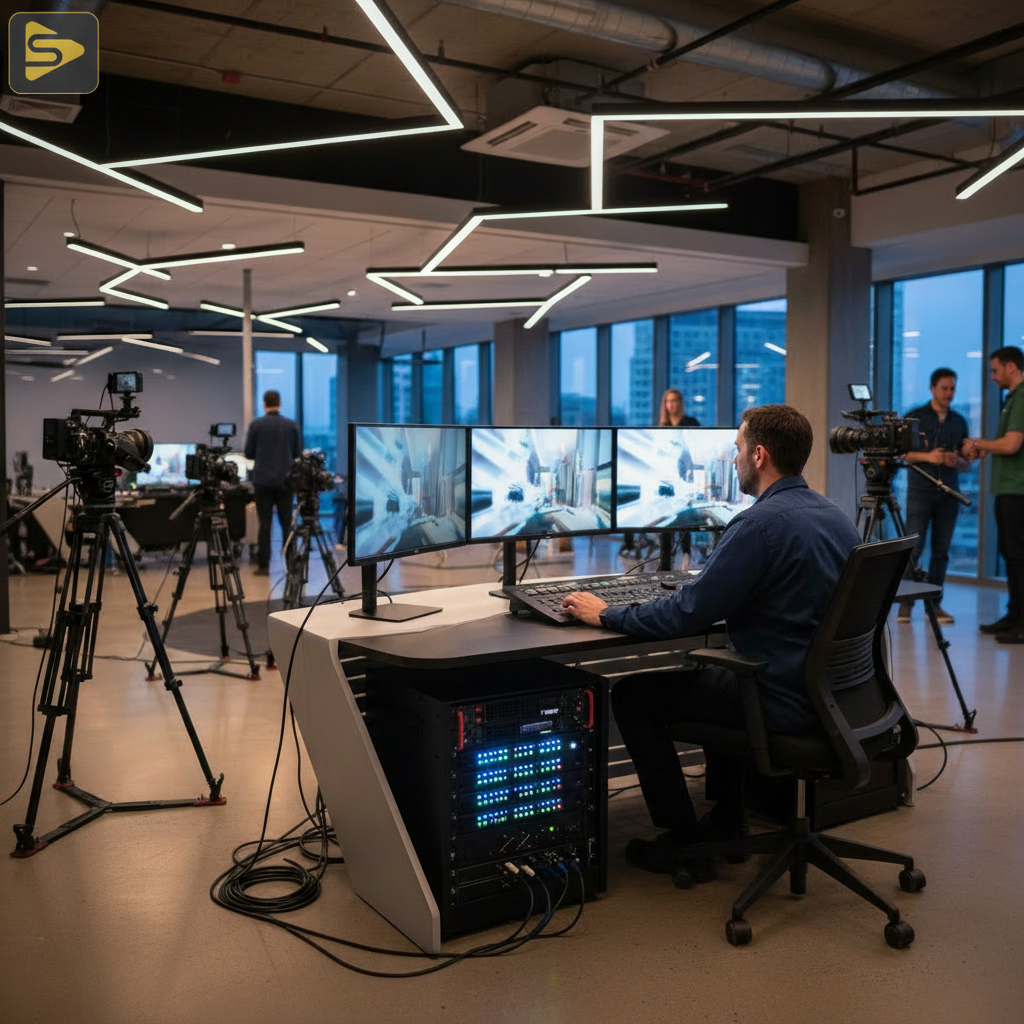
The biggest bottleneck usually isn’t the total bandwidth, but the local network configuration. Many corporate firewalls at these centers are designed for security, not low-latency media. They often throttle persistent outbound connections, misidentifying your high-bitrate video stream as a potential data breach or a background cloud backup.
Beyond the Speed Test: Why Your Upload Speed is Lying
A standard Ookla speed test measures a burst of data, but it doesn’t account for the sustained pressure of a two-hour multi-camera broadcast troubleshooting session.
When you see 100 Mbps upload on a speed test, you might feel safe setting your encoder to 10 Mbps. However, if the venue uses aggressive bandwidth throttling or has poor peering with your streaming destination (like YouTube Live or LinkedIn), that 100 Mbps can fluctuate wildly every few seconds. If your bitrate exceeds the available throughput for even a millisecond, the buffer fills, and your multi-camera stream is lagging.
Try this: Always run a sustained 10-minute ‘stress test’ using a tool like TestMy.net or a dedicated hardware probe. If the graph looks like a jagged mountain range rather than a flat plateau, you have a stability issue that a simple speed test won’t reveal. For high-stakes keynotes, we recommend a professional site survey to identify these hidden bottlenecks before the first camera is even turned on.
Hardware vs. Software: Identifying the Encoder Bottleneck
Your stream lag might not be the internet at all; it could be encoder lag caused by pushing your hardware beyond its thermal or processing limits.
Many small crews rely on software-based switching (like OBS or vMix) running on standard laptops. While powerful, these systems face significant capture card overhead when handling four or more 4K inputs. If the CPU or GPU hits 90% utilization, the system will begin to drop frames before the data even reaches the ethernet cable. This is especially true when using HEVC/H.265 encoding, which requires significantly more processing power than the older H.264 standard.
For a zero-fail San Jose event production, we prefer dedicated hardware encoders like those from Blackmagic Design or Teradek. These units are purpose-built to do one thing: encode video. They don’t have background Windows updates or Chrome tabs competing for resources, ensuring that your multi-cam synchronization remains frame-accurate throughout the event.
| Encoding Method | Reliability | Pros | Cons |
|---|---|---|---|
| Software (Laptop) | Moderate | Flexible, Lower Cost | High CPU Heat, OS Instability |
| Hardware Encoder | High | Dedicated Chips, Stable | Fixed Features, Higher Cost |
| AI-Driven Switching | Variable | Low Manpower | High Latency, CPU Intensive |
The Shift to SRT: Solving Packet Loss Recovery
If you are still using RTMP (Real-Time Messaging Protocol), you are using technology from the Flash video era that lacks modern packet loss recovery.
One of the most effective ways to ensure your multi-camera stream is lagging no longer is the SRT (Secure Reliable Transport) adoption. Unlike RTMP, SRT is designed to handle ‘dirty’ internet connections. It uses an intelligent ARQ (Automatic Repeat Request) system that identifies exactly which packets were lost in transit and requests only those specific bits again. This keeps the broadcast smooth on lossy networks.
At iStudios Media, we often implement SRT for remote production and high-value keynotes. By setting a small ‘latency buffer’ (usually 500ms to 2000ms), we give the protocol enough time to fix errors before the viewer ever sees them. This is the difference between a broadcast that dies during a network spike and one that remains rock-solid.
Need a partner who understands the technical nuances of SRT and NDI? Explore our event live streaming packages for your next San Jose conference.
AI-Driven Switching and CPU Overload
The latest trend in San Jose event production is AI-driven automated switching, but this ‘innovation’ often comes at a steep technical cost.
Automated camera toggling tools analyze audio levels and facial recognition to switch shots without a human operator. While this sounds efficient for a Series A startup on a budget, these algorithms are incredibly taxing on local CPUs. In some of these setups a multi-camera stream is lagging simply because the switching AI is consuming a large share of the available processing power just to decide which camera to show. If you are scaling content without scaling headcount, be wary of ‘all-in-one’ AI solutions that haven’t been stress-tested on your specific hardware stack.
Sometimes the most ‘innovative’ thing you can do is simplify. A human technical director using a physical switcher will almost always produce a lower-latency, more engaging broadcast than a struggling AI algorithm running on a mid-range PC.
Practical Checklist for a Zero-Fail Keynote
If you are managing a multi-camera broadcast troubleshooting workflow, use this checklist to ensure stability before you go live:
- Hardline Ethernet Only: Never, under any circumstances, stream a professional event over Wi-Fi. The bitrate fluctuation is too high.
- Dedicated VLAN: Ask the Innovation Center’s IT team for a dedicated Virtual LAN with a static IP and ‘Quality of Service’ (QoS) priority for your MAC addresses.
- Primary and Backup Encoders: Use a hardware-based primary and a software-based backup, ideally on two different ISP connections (e.g., Venue Fiber + 5G Bonded Cellular).
- Monitor Sub-second Latency: Use a monitoring tool to watch your ‘Glass-to-Glass’ delay. If it starts creeping up, your encoder is struggling.
Managing this level of complexity is why many Bay Area CMOs move away from solo operators and toward integrated production partners. When you need to scale content without scaling internal headcount, our digital marketing and production strategy ensures your video assets actually reach your audience without technical friction.
Summary: Protecting Your Brand Reputation
A lagging stream is a signal to your audience that your ‘innovation’ is only surface-deep. By addressing network jitter, adopting SRT, and moving away from over-taxed software encoders, you transform a risky broadcast into a reliable marketing asset. In the competitive SF Bay Area market, technical excellence is the baseline for credibility.
Your Next Step: Don’t leave your next product launch to chance. Schedule a free consultation with iStudios Media today. We provide the crew, the hardware, and the network expertise to ensure your message arrives crystal clear, every time.
Related reading: SF Event Livestreaming: How to Fix Dropped Frames and Lag and Audio Sync Guardrail: Fixing Multi-Camera Livestream Drift.
Frequently Asked Questions
Why is my stream lagging even though the speed test shows 100Mbps?
Speed tests measure burst capacity, not sustained stability. Your multi-camera stream is lagging likely due to network jitter or packet loss, which interrupts the continuous flow of data. Corporate firewalls or shared venue Wi-Fi often throttle long-term high-bitrate connections, causing the stream to buffer despite the high ‘peak’ speed.
What is the benefit of SRT over RTMP for live events?
SRT (Secure Reliable Transport) provides advanced packet loss recovery and low-latency security. Unlike RTMP, SRT can detect lost data packets and resend them instantly. This makes it much more resilient on unpredictable networks like those found in public innovation centers or hotels, preventing visual artifacts and stuttering.
How many cameras can a standard laptop handle for a livestream?
Most professional laptops can handle 2-3 HD inputs comfortably. However, once you move to 4+ cameras or 4K resolution, the capture card overhead and CPU load often lead to encoder lag. For complex San Jose event production, we recommend using dedicated hardware switchers to offload processing from the computer.
Can I use 5G as a backup for my event livestream?
Yes, but it should be ‘bonded.’ A single 5G hotspot is prone to bitrate fluctuation. Professional teams use bonding routers that combine multiple cellular signals (AT&T, Verizon, T-Mobile) with the venue’s ethernet to create a single, unbreakable connection. This is a standard part of a zero-fail SF tech event livestreaming setup.