📋 Table of Contents
According to Wyzowl’s 2024 State of Video Marketing report, 89% of people say watching a video has convinced them to buy a product or service. For software companies, a SaaS product demo isn’t just a walkthrough; it’s the primary engine for Product-Led Growth (PLG) and lead qualification.
Most founders fall into the trap of showing the entire kitchen sink, leading to ‘feature fatigue’ that kills conversion rates. Here’s the thing: your prospects don’t want to see your settings menu; they want to see their future success. By implementing a 3-layer visual hierarchy, you can guide the eye toward high-value outcomes while maintaining technical credibility.
The Layered Approach to SaaS Product Demo Success
Effective demos prioritize visual saliency over literal accuracy to ensure the most important information is processed first.
- Layer 1 (The Macro): High-level outcomes and hero metrics.
- Layer 2 (The Mezzo): The core workflow and user journey.
- Layer 3 (The Micro): Granular features and technical UI details.
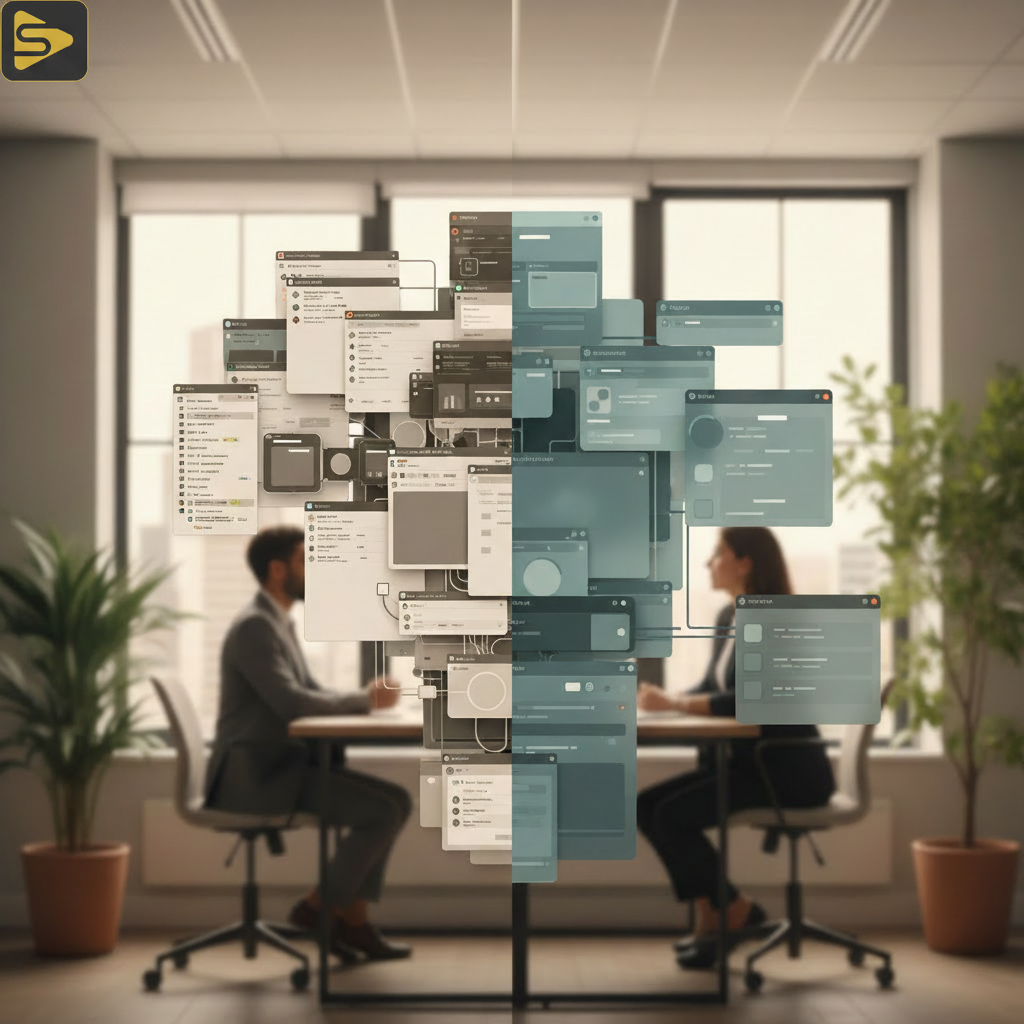
In our work with Series B SaaS founders, we often see a ‘Reverse-Pyramid’ approach work best. You start with the big win (Layer 1) to hook the viewer in the first 5 seconds, then peel back the layers as the narrative progresses. This manages the cognitive load of the viewer, preventing them from bouncing before the ‘Aha!’ moment.
Why the ‘Z-Pattern’ Beats the ‘F-Pattern’ in 2024
Modern SaaS buyers have evolved; they no longer read sidebars first, they scan for visual anchors. While the traditional ‘F-pattern’ dominated early web design, high-converting video production now utilizes the ‘Z-pattern.’ This moves the viewer’s eye from a headline to a visual outcome, then back across to a supporting feature, and finally down to a call-to-action.
What most people miss is that the ‘Z-pattern’ allows for better visual anchoring. By placing a high-fidelity graphic of a dashboard result in the top right, you create a psychological ‘win’ before they even see the tool’s navigation. This is a core tenet of Conversion Rate Optimization (CRO) for video.
Layer 1: High-Fidelity Motion Graphics Production
The top layer of your hierarchy should never be a raw screen recording; it should be an idealized version of your brand’s promise.
Using motion graphics production allows you to strip away the ‘clutter’ of a browser—tabs, bookmarks, and complex navigation—to focus purely on the outcome. For a typical Bay Area mid-market client, we might replace a dense data table with a clean, animated chart that highlights a 20% growth metric. This creates an immediate emotional connection with the viewer’s pain points.
The real kicker? High-fidelity layers build more trust than raw recordings. While that sounds counterintuitive, polished visuals signal a stable, well-funded product. If you’re preparing for a software launch video, this layer is where you spend 60% of your visual budget.
| Asset Type | Visual Layer | Typical Bay Area Cost Range |
|---|---|---|
| Founder Interview | Layer 1 (Trust) | $2,500 – $7,500 |
| Motion Graphics | Layer 1 (Outcome) | $8,000 – $30,000 |
| Screen Recordings | Layer 2/3 (Truth) | $1,500 – $5,000 |
Need help structuring your next campaign? Schedule a free consultation with our strategy team to map out your visual hierarchy.
Layer 2: The Workflow and User Onboarding Flow
Once you’ve hooked them with the outcome, you must prove the ‘how’ through a clear, logical workflow.
This is where Layer 2 comes in. Instead of a one-off video shoot that captures a messy live demo, we recommend curated screen captures. These captures should be ‘cleaned’—meaning sensitive data is blurred, and the mouse movement is smoothed using specialized editing software. This reduces the ‘Time-to-Value’ (TTV) in the viewer’s mind because the process looks effortless.
Here’s an honest, contrarian insight: Your actual UI is probably too complicated for your demo. To maintain the UI/UX hierarchy, you should often ‘zoom in’ on specific modules. If your tool has a sidebar, a header, and a main stage, Layer 2 should focus only on the main stage. Use micro-animations to highlight where the user should click, guiding them through the user onboarding flow before they’ve even signed up.

Layer 3: Technical Credibility and The Dark Mode Dilemma
The final layer is for the ‘skeptic’—the technical buyer who needs to see the real buttons and the actual API integrations.
But wait—there’s a catch. Many modern SaaS tools offer ‘Dark Mode,’ and your SaaS product demo needs to account for this. Visual hierarchy shifts significantly when switching themes. In Light Mode, shadows create depth; in Dark Mode, you must use ‘glow’ and ‘border-lit’ effects to maintain information architecture. If your demo doesn’t account for these shifts, it will feel ‘flat’ and unprofessional.
For Series A-C startups, we recommend a ‘Hybrid-Micro’ layer. This involves using real screen recordings but overlaying them with sharp, vector-based callouts. This provides the ‘proof’ of a working product without the visual degradation that often comes from scaling up a 1080p screen recording to a 4K brand film.
Leveraging Content Velocity for Demos
If you are scaling content across multiple verticals, consider how automation can help. We use Ingest.blog as our internal AI content engine to generate supporting blog posts and SEO-optimized descriptions for every demo we produce, ensuring the video doesn’t just look good but actually gets found by the right CMOs and founders.
The 5-Second Rule: Ensuring Layer 1 Communicates Value
In the Bay Area tech scene, attention is the most expensive currency; you have exactly five seconds to prove relevance.
Every SaaS product demo we produce at iStudios Media starts with a ‘Hook Layer.’ This is often a combination of a live-action founder interview and a high-impact motion graphic. By showing the human face behind the software, you build immediate rapport. According to Forbes, video content is 1200% more successful than other media, but only if the first few seconds provide a ‘Visual Anchor.’
- Start with the ‘Hero Metric’ (The Outcome).
- Transition to the ‘Magic Moment’ (The Workflow).
- Close with the ‘Next Step’ (The CTA).
Avoid the freelance videographer who just hits ‘record’ on a Zoom call. A professional partner understands that a demo is a sales tool, not just a recording. If you’re looking for a video production partner in the Bay Area that understands the nuances of SaaS, we’re built to scale with you.
Why Integrated Production Beats Vendor Fragmentation
The real kicker for most Marketing Directors is managing five different vendors for one launch. You have an agency for Google Ads, a freelancer for video, and an SEO consultant for the landing page.
This fragmentation leads to a ‘Franken-demo’ where the visual hierarchy of the video doesn’t match the CRM automation lead-gen flow on the site. At iStudios Media, we combine SEO and content marketing with high-end production. This ensures your 3-layer hierarchy is consistent from the first LinkedIn ad to the final product walkthrough.
Ready to build a demo that actually converts? Contact iStudios Media today for a comprehensive audit of your current visual assets.
FAQs
How much does a professional SaaS product demo cost in the Bay Area?
Industry-reported ranges for a high-quality SaaS product demo typically fall between $5,000 and $25,000. The variance depends heavily on the amount of custom 3D motion graphics versus standard screen recordings. A hybrid approach, utilizing our 3-layer hierarchy, often provides the best ROI for growth-stage startups.
Should I use a founder interview or a professional voiceover?
For Series A-C startups, we highly recommend a founder interview for Layer 1. It builds ‘Founder-Led’ trust that a generic voiceover cannot replicate. However, for recurring feature updates or Layer 3 technical deep-dives, a professional voiceover is more scalable and easier to update as the UI evolves.
How long should a software launch video be?
The sweet spot for a software launch video is 60 to 90 seconds. You should spend the first 15 seconds on Layer 1 (the hook), 45 seconds on Layer 2 (the workflow), and the final 30 seconds on Layer 3 (integrations and the final CTA). Anything longer risks a significant drop in viewer retention.
Can I use AI to create my product demo?
AI tools are excellent for generating initial scripts or basic ‘explainer’ voiceovers. However, for high-stakes demos, AI-generated visuals often lack the ‘UI precision’ required to show your specific product features accurately. We recommend using AI for content distribution and SEO, while keeping the core visual production human-led.