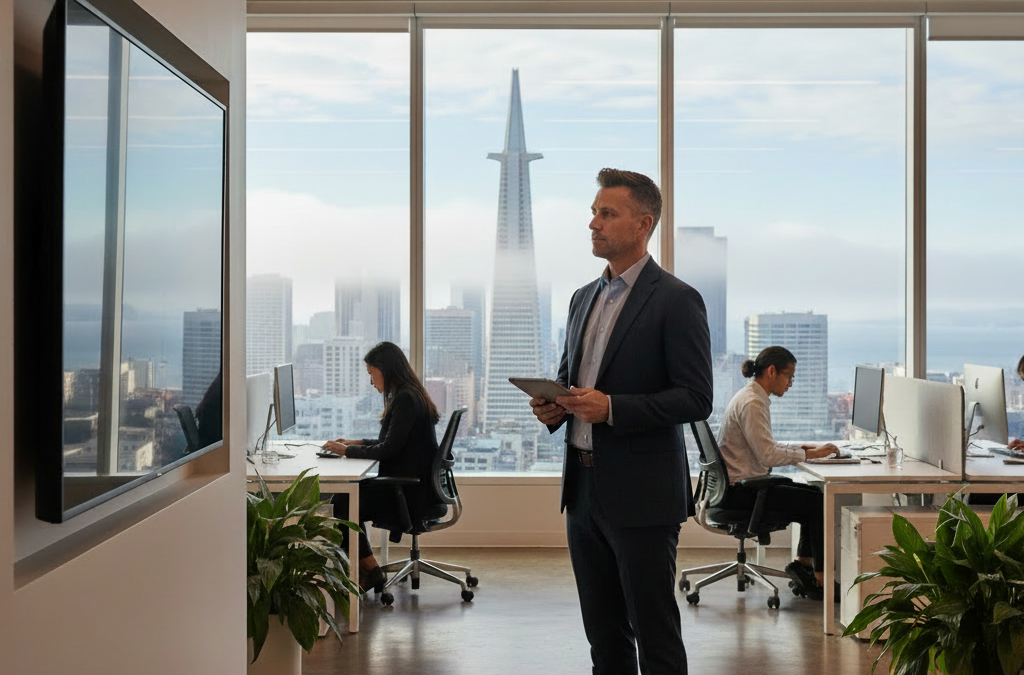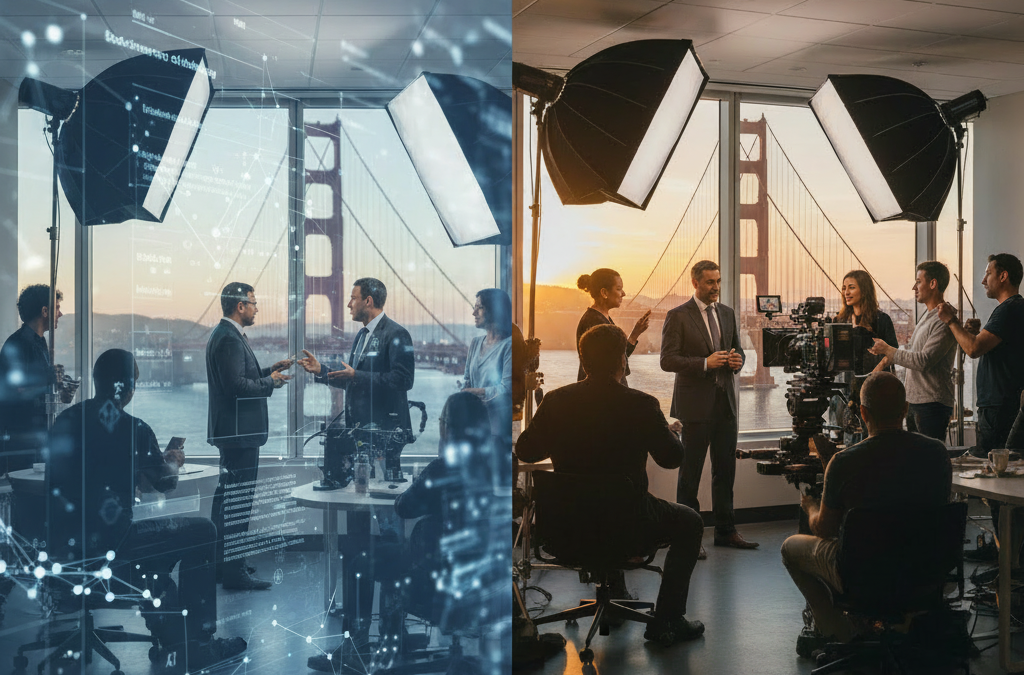
Standard SF office video lighting often makes you look grey because commercial LED overheads lack the full color spectrum, causing camera sensors to struggle with skin tones. To fix this, you must introduce a dedicated light source that balances the cool, overcast San Francisco natural light with a higher Color Rendering Index (CRI) output.
The Science of the ‘SF Grey’ Look
Most San Francisco offices, especially in SoMa or the Financial District, rely on high-efficiency commercial LEDs that prioritize energy savings over color accuracy. These lights often have a low Color Rendering Index (CRI), which means they are missing the red and amber wavelengths necessary to make human skin look healthy and vibrant.
When your camera sensor doesn’t receive those warm wavelengths, it tries to compensate by shifting the entire image toward a muddy, desaturated grey. This isn’t just a cosmetic issue; it affects your Virtual Executive Presence. If you look washed out, you subconsciously project lower energy and less authority during high-stakes digital pitches or board meetings.
The SF Fog Factor and Kelvin Temperature
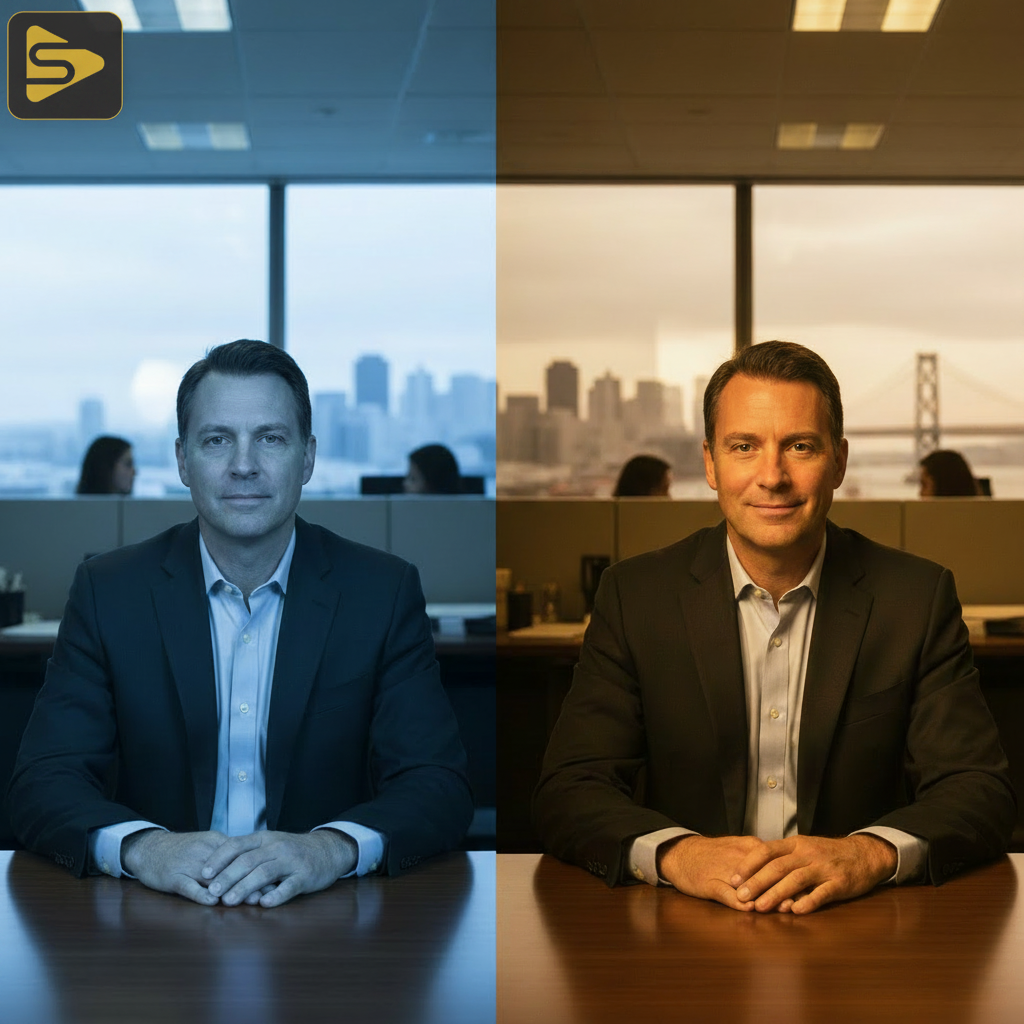
The unique microclimates of the Bay Area play a significant role in how you appear on screen. The cool, blue light from a typical foggy San Francisco morning sits around 6500K (Kelvin), while your indoor overheads might be a sickly 4000K. This clash of color temperatures confuses your camera’s auto-white balance.
If your camera balances for the blue light coming through the window, your indoor lights will look orange. If it balances for the indoor lights, the window light—and your skin—will look ghostly blue or grey. The goal is to align your SF office video lighting to a consistent temperature, ideally between 5000K and 5600K, which mimics natural daylight without the ‘foggy’ blue tint.
Comparison: Office Lighting vs. Professional Video Lighting
| Feature | Standard SF Office LED | Professional Video Light |
|---|---|---|
| CRI (Color Accuracy) | 70 – 80 (Low) | 95+ (High) |
| Color Consistency | Flickers or shifts green | Stable and adjustable |
| Skin Tone Result | Grey, muddy, or pale | Vibrant, healthy, and warm |
Three Immediate Adjustments for Executive Presence
Improving your executive video appearance doesn’t require a full studio overhaul, but it does require moving away from the ‘Old Tech’ industrial lighting style. Here are three ways to fix your glow before Monday morning:
- Turn off the overheads: The ‘down-light’ from ceiling fixtures creates dark shadows under your eyes (the ‘raccoon eye’ effect) and emphasizes skin imperfections.
- Face the window, but add fill: While natural light is great, SF fog is too ‘cool.’ Use a small LED panel with a CRI of 95+ to ‘fill’ your face with warmer tones.
- Manage your background: If you are in a tech-bro industrial loft with exposed concrete, that grey surface reflects grey light onto you. Add a warm lamp in the background to create depth and separation.
Why a ‘One-Off Video Shoot’ Mentality Fails
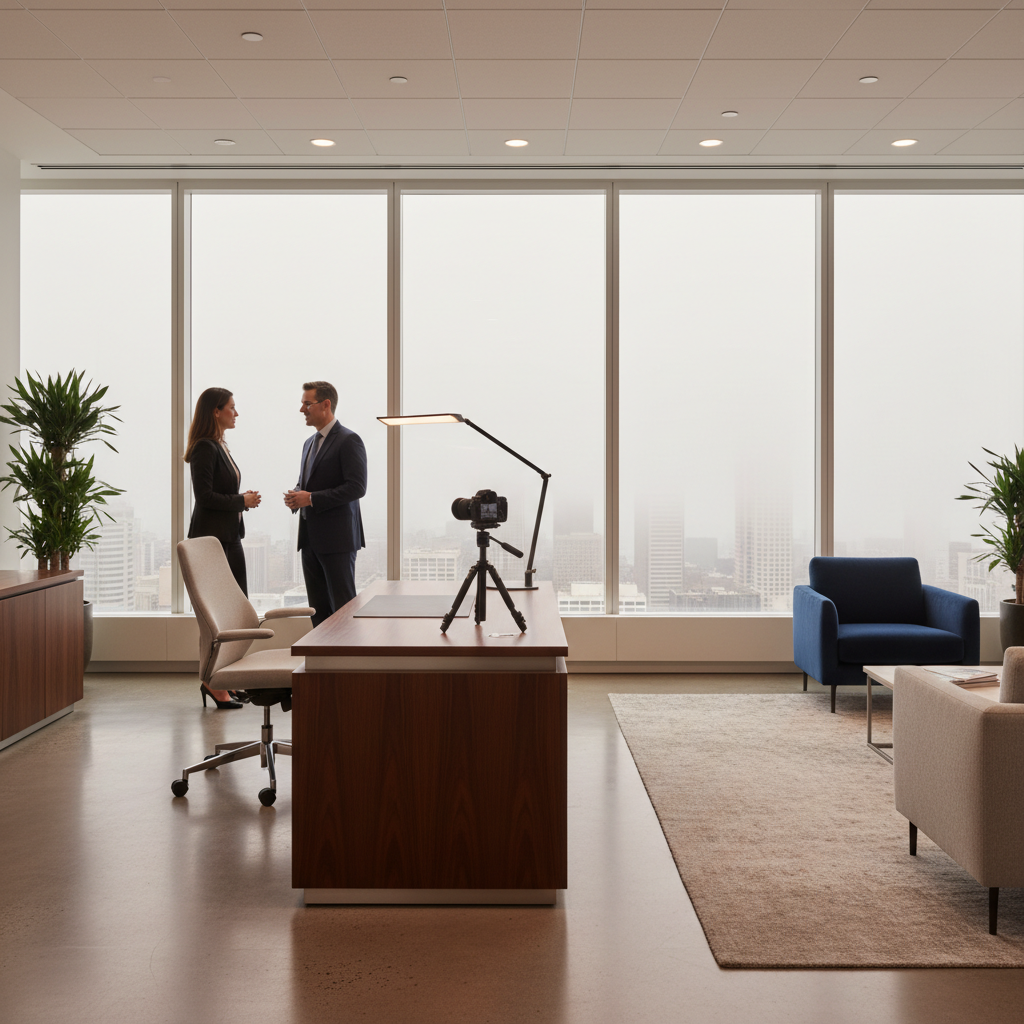
Many marketing directors treat video as a check-the-box activity, hiring a freelance videographer for a one-off video shoot without considering the long-term environment. While a single shoot looks great, your daily virtual presence remains poor, creating a brand disconnect between your polished marketing assets and your actual appearance in meetings.
Instead of just fixing one video, consider your office lighting as a permanent part of your marketing stack. According to research by Gartner on digital workplace trends, the visual quality of executive communication is now a key metric in perceived leadership effectiveness. Investing in a permanent lighting setup ensures your corporate video lighting tips are put into practice every single day, not just when a crew is on-site.
The ROI of Professional Lighting Systems
For Series A-C founders and CMOs, scaling content often feels like it requires scaling headcount. However, by setting up high-quality, automated lighting in your SF office, you enable your team to produce vlogs, product demos, and investor updates with the push of a button. This reduces the need for constant external vendors and keeps your calendar full of high-quality interactions.
We see many Bay Area firms spending thousands on desk snacks while their leaders look like they’re calling from a basement. Swapping that budget for a Biophilic lighting design or a dedicated video corner provides a much higher return on brand equity. If you need help designing a space that makes your team look as sharp as their strategy, our team at iStudios Media can integrate high-end production value directly into your workspace.
Ready to stop blending into the grey background? Schedule a free consultation with us to audit your office setup and elevate your digital presence.
Frequently Asked Questions
Why do I look green or grey on Zoom?
This is usually caused by low-CRI office lights that lack red spectrum light. Your camera tries to compensate for the missing colors, often resulting in a sickly green or washed-out grey tint on your skin.
What is the best Kelvin temperature for SF offices?
Aim for 5000K to 5600K. This range matches daylight, which is common in SF’s high-window offices, and helps maintain a natural, energetic look on camera without clashing with the exterior light.
Can a ring light fix my grey skin tones?
A ring light helps, but only if it has a high CRI rating (95+). Many cheap lights actually add to the grey look. Look for lights that allow you to adjust the warmth (Kelvin) to match your environment.
Do I need a professional crew for every video?
Not necessarily. While a professional crew is vital for brand films, a one-time professional lighting installation in your office can make your daily vlogs and meetings look high-end without recurring costs.