📋 Table of Contents
According to HubSpot’s 2024 State of Marketing Report, LinkedIn remains the most effective channel for B2B lead generation, yet most advertisers see their CTR plummet because their visual assets lack a clear information architecture. If your target executive cannot identify the problem, solution, and CTA within two seconds of scrolling, your LinkedIn ad creative strategy has fundamentally failed.
Here’s the thing: most B2B ads are either too polished to be trusted or too messy to be taken seriously. In our work with Series B SaaS founders and Bay Area marketing directors, we’ve found that the highest-performing assets follow a rigid technical framework rather than a purely artistic one. We call this the 3-Layer Visual Hierarchy.
Layer 1: The Peripheral Hook and Pattern Interruption
The first layer of any successful LinkedIn ad creative strategy isn’t about your product; it’s about winning the battle against the thumb-stop. Most users scan the LinkedIn feed in an ‘F-Pattern,’ meaning the top-left quadrant of your video or image is the most valuable real estate on the screen.
- Color Blocking: Use high-contrast colors that sit opposite to LinkedIn’s native blue and white palette (think vibrant teals, oranges, or deep purples) to create an immediate pattern interrupt.
- The CEO Viewport: Ensure your primary hook—whether a headline or a face—is positioned in the top 20% of the frame to account for executive scanning habits.
- Visual Salience: Remove background clutter. A typical Bay Area mid-market client often sees a 20-30% lift in engagement simply by blurring the background of a corporate video to focus entirely on the speaker.
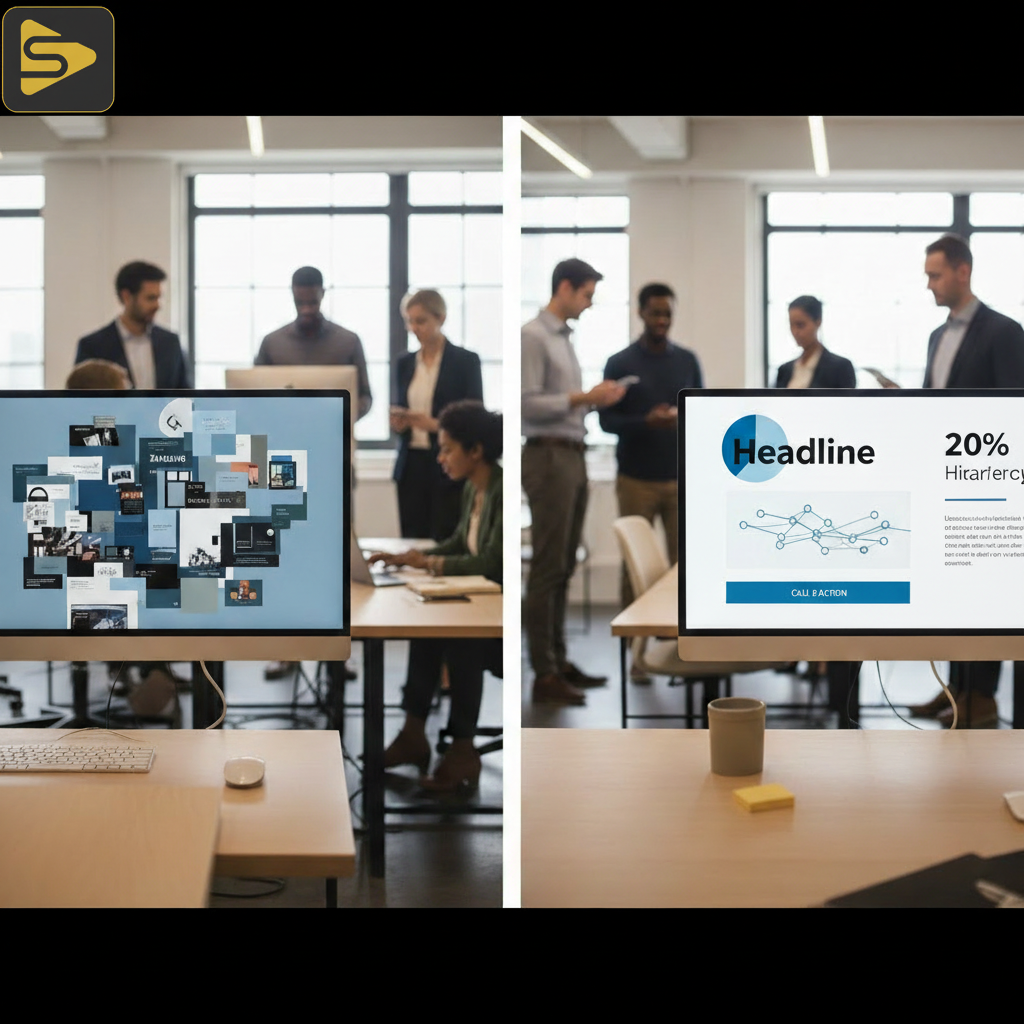
What most people miss is that ‘technical debt’ exists in creative too. If you over-design the hook with complex 3D animations that take four seconds to resolve, the user has already scrolled past. A simple, bold text overlay often outperforms a $10,000 motion graphics sequence in the first two seconds of a LinkedIn video ad.
Layer 2: The Information Architecture of B2B Creative Strategy
Once you’ve earned the stop, you have roughly three to five seconds to deliver cognitive ease. This layer is where you bridge the gap between a one-off video shoot and a scalable B2B creative strategy.
Transitioning from a high-fidelity brand film to a ‘lo-fi’ authentic segment is a powerful way to build trust. In our experience, mid-market B2B companies benefit from showing real product UI or a founder speaking directly to the camera immediately after a polished intro. This ‘Social Proof’ segment validates the initial hook.
- Cognitive Load Reduction: Limit each frame to one single idea. If you are showing a dashboard, highlight one metric; don’t show the whole screen.
- Legibility Standards: Use a minimum font size of 40pt for mobile users. According to Forbes, over 57% of LinkedIn engagement happens on mobile, yet many ads use desktop-sized text.
- The ‘Read’ Action: Use Layer 2 to force the user to read the sub-headline, which should handle the primary objection (e.g., “Integrates in 5 minutes”).
Need help auditing your current creative? Schedule a free consultation with our production leads to see where your hierarchy might be breaking down.
Layer 3: Direct Response Design and The Next Step
The final layer is the ‘Click’ phase. The real kicker? Most LinkedIn ads fail here because the CTA is either too passive or visually buried under the platform’s native buttons. Your LinkedIn ad creative strategy must include a visual CTA within the video itself, not just the button below it.
| Creative Element | Low Performance (Freelance Style) | High Performance (Integrated Agency Style) |
|---|---|---|
| CTA Placement | Only at the very end | Persistent or mid-roll overlay |
| Visual Friction | Cluttered backgrounds | Clean, high-contrast focal points |
| Audio Strategy | Music only | Captions-first (80% of B2B view silent) |
But wait—don’t just ask them to “Learn More.” Use specific, low-friction language like “Download the Framework” or “See the Demo.” For our internal content workflows, we use Ingest.blog (https://ingest.blog), our internal AI content engine, to ensure our messaging remains consistent across all distribution channels, and we recommend a similar systems-thinking approach for your ad copy.

Balancing Brand Equity with Performance Marketing
A common mistake startup founders make is choosing between a freelance videographer for cheap content or a massive agency for a $50k brand film. The truth is, LinkedIn requires both. You need the brand equity of high-end studio photography and cinematography to establish authority, but you need the raw, authentic feel of user-generated content (UGC) to drive conversions.
- Hybrid Production: Shoot your high-end brand assets and your ‘lo-fi’ social proof in the same session to keep costs between $2,500–$15,000 per project.
- AI-Assisted Layouts: Use tools like Vasari or Neurons to run heatmap simulations on your creative before you spend a dollar on LinkedIn.
- Technical Execution: Ensure your export settings are optimized for LinkedIn’s compression to avoid the ‘blurry ad’ syndrome that kills credibility.
The real insight here? Authenticity isn’t about low quality; it’s about intentionality. A ‘lo-fi’ video shot in a professional studio with perfect lighting and audio will always outperform a shaky cell phone video for a Series C SaaS brand.
Technical Framework for Video Assets
When executing a social media production framework, you must treat your video like a landing page. The top is for the headline, the middle is for the value prop, and the bottom is for the social proof/CTA. This is especially true for 1:1 or 4:5 aspect ratios common on LinkedIn.
In our work with medical practice owners and biotech firms, we’ve seen that adhering to HIPAA-compliant, professional imagery while using this 3-layer stack significantly lowers the cost-per-lead compared to generic stock-heavy ads. Stock imagery is the fastest way to tell a B2B buyer that you have nothing original to say.
Ready to move beyond the one-off video shoot and build a repeatable engine? Contact iStudios Media today for a strategic deep dive into your paid media creative.
FAQs
What is the ideal length for a LinkedIn video ad?
For B2B top-of-funnel awareness, we recommend 15-30 seconds. However, for mid-funnel retargeting where you are explaining a complex solution, 60-90 seconds can work effectively if the 3-layer visual hierarchy is maintained to keep the viewer engaged throughout the technical explanation.
Should I use captions on all LinkedIn ad creative?
Yes, absolutely. Internal data and industry reports from Social Media Today suggest that up to 80% of LinkedIn videos are watched without sound. If your LinkedIn ad creative strategy doesn’t include burned-in, high-contrast captions, you are effectively muting your message for the majority of your audience.
How much does professional LinkedIn video production cost?
Typical Bay Area pricing for corporate video production ranges from $2,500 to $15,000 per project. Factors influencing this include crew size, number of locations, and whether you are producing a single hero film or a suite of modular assets for A/B testing.
What is ‘Pattern Interruption’ in B2B ads?
Pattern interruption is a design technique used to break the user’s habitual scrolling behavior. In a feed full of white backgrounds and stock photos of people in suits, a pattern interrupt might be a bold neon border, a hand-drawn illustration, or a high-contrast ‘lo-fi’ video that looks out of place in a corporate environment.
Key Takeaways for B2B Marketers
- Prioritize the Top 20%: Place your most important visual hook where the eye naturally lands during an F-Pattern scan.
- Contrast is King: Use colors and layouts that clash with LinkedIn’s UI to win the ‘thumb-stop.’
- Balance Fidelity: Mix high-production brand films with authentic, low-fidelity proof points to maximize both trust and CTR.
- Test the Hierarchy: Use heatmaps to ensure the eye moves from Hook to Proof to CTA in under three seconds.