📋 Table of Contents
According to a 2024 report by Freeman, 82% of event attendees now expect high-quality hybrid experiences, yet venue infrastructure remains the single most common point of failure. In the dense topography of San Francisco, achieving corporate livestream connectivity requires more than just a ‘high-speed’ Wi-Fi password; it requires a rigorous, broadcast-grade framework.
Whether you are a Series B founder launching a product in SoMa or a CMO hosting a global summit at a historic Union Square hotel, the technical stakes are identical. A single packet loss spike can turn a polished keynote into a PR liability. This guide outlines the 5-point livestream technical audit we use at iStudios Media to ensure zero-failure broadcasts.
1. Auditing for Symmetric Upload Speed and Dedicated Bandwidth
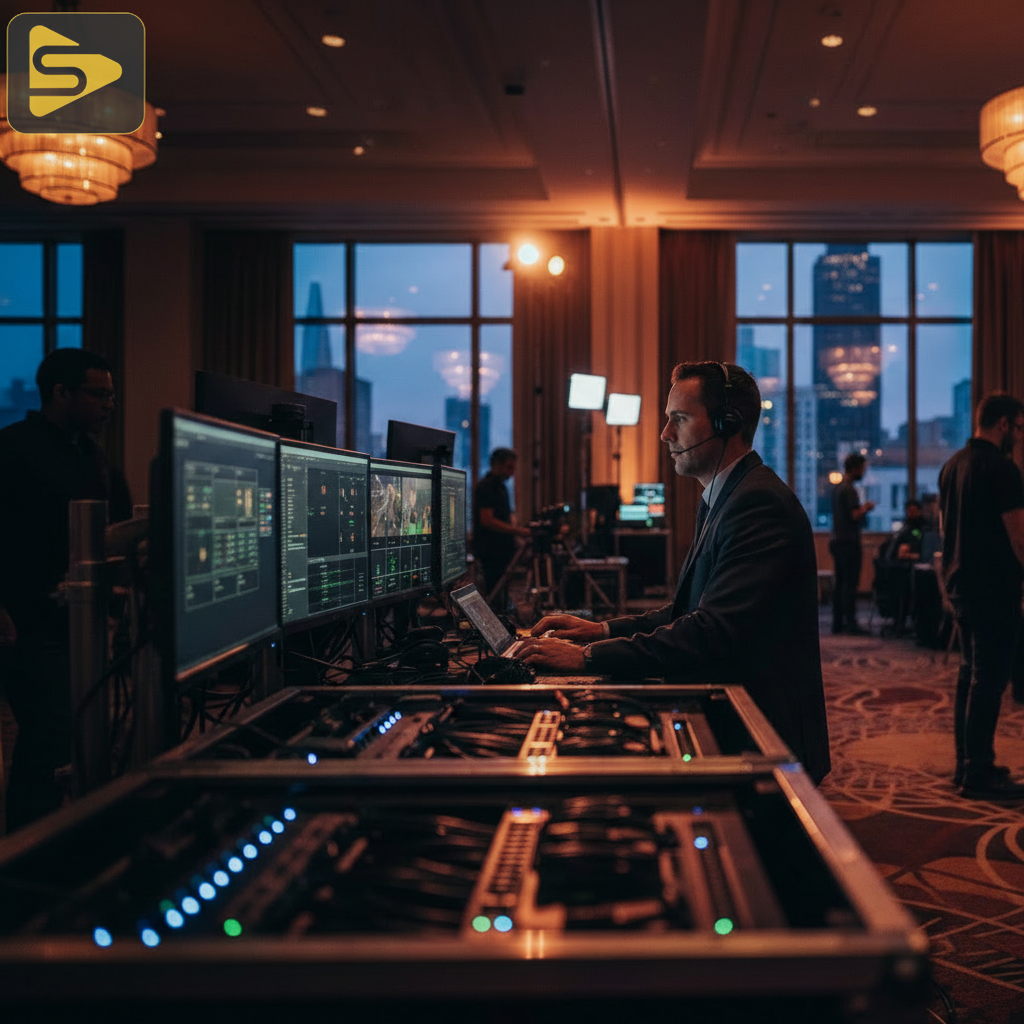
Most San Francisco venues market their internet based on download speeds, which is a vanity metric for broadcasters who live and die by upload stability. For a stable 1080p or 4K stream, you aren’t just looking for bandwidth; you are looking for a dedicated bandwidth allocation that is physically partitioned from the guest Wi-Fi.
- The 3x Rule: Always secure a symmetric upload speed that is at least 3x your target bitrate (e.g., 20Mbps for a 6Mbps stream).
- VLAN Isolation: Ensure the venue IT team can provide a dedicated Virtual Local Area Network (VLAN) to prevent ‘Shadow IT’ interference from attendees.
- Hardline Priority: Never rely on a one-off video shoot mentality that trusts Wi-Fi; a copper or fiber drop to the encoder is non-negotiable.
The real kicker? Many historic SF buildings have aging copper that creates massive network latency optimization issues, even if the ‘speed’ looks good on a basic test. We always recommend a 24-hour soak test to identify peak-hour congestion.
2. Bonded Cellular Backup and ISP Redundancy
True corporate livestream connectivity is defined by its fail-safes, not its primary line. In our work with Series B SaaS founders, we’ve seen primary fiber lines cut by street construction—a common occurrence in the evolving SF landscape.
A professional SF event production setup must utilize bonded cellular backup. This technology combines multiple cellular carriers (AT&T, Verizon, T-Mobile) with the venue’s hardline into a single, robust pipe. If one source drops, the stream continues without a frame being lost.
- Carrier Diversity: Audit the venue for ‘dead zones’—modern glass towers in the Financial District often act as Faraday cages.
- HEVC Encoding: Use High-Efficiency Video Coding to maintain quality even if the bond shifts toward cellular during a hardline failure.
- Failover Testing: Physically unplug the primary line during rehearsals to verify the auto-failover timing.
Ready to secure your broadcast? Schedule a free consultation with our technical leads to review your venue’s specs.
3. Evaluating the SF Venue Technical Rider
A standard venue contract is rarely sufficient for high-stakes corporate event connectivity. You need a specific SF venue technical rider that hold the facility accountable for ‘Broadcast-Ready’ standards rather than ‘Best Effort’ consumer internet.
What most people miss is the ‘Human Element’ of venue IT. In a typical Bay Area mid-market client scenario, we often find that the on-site IT contact is off-duty during the actual event. Your audit must confirm real-time access to a network engineer who can clear MAC address filters or reset switches instantly.
| Feature | Standard Venue Wi-Fi | iStudios Broadcast Standard |
|---|---|---|
| Latency (Ping) | 30ms – 100ms | <10ms (Jitter-free) |
| Redundancy | None | Dual-ISP + 5G Bonding |
| Security | Shared WPA2 | Encrypted SRT / RTMP(S) |
4. Network Latency Optimization and NDI Protocol Stability
As hybrid events move toward high-interactivity—think live polls and real-time VR—the demand for low-latency protocols like NDI (Network Device Interface) has skyrocketed. However, NDI protocol stability is highly sensitive to network congestion.
Here is a contrarian insight: More bandwidth doesn’t solve packet loss; better routing does. We often see a freelance videographer attempt to run NDI over a standard venue switch, resulting in dropped frames. For corporate livestream connectivity, we deploy managed 10GbE switches to isolate video traffic from control data.
- Packet Loss Prevention: Use SRT (Secure Reliable Transport) for the primary outbound stream to recover lost packets over ‘dirty’ networks.
- Security Protocols: Implement stream-key rotation to prevent ‘stream-sniping’ on private corporate broadcasts.
- Content Velocity: For teams looking to scale their post-event content, we use Ingest.blog, our internal AI content engine, to quickly turn stream transcripts into SEO-optimized articles.
Transitioning from a one-off video shoot to a recurring content strategy requires this level of systems thinking. You can explore our video production services to see how we integrate these technical standards into every project.
5. The Zero-Failure Framework: Hardware Fail-safes
The final point of our livestream technical audit focuses on hardware. Even with perfect corporate livestream connectivity, a single encoder crash can end the show. We utilize a ‘Primary-Primary’ setup where two identical encoders run in parallel to two different ingest points.
In our experience with enterprise event production, the ‘Primary-Backup’ model is insufficient because the switch-over often causes a visible glitch. A ‘Primary-Primary’ setup ensures that the remote player (YouTube, LinkedIn, or a private CRM-integrated platform) can seamlessly switch sources at the player level.
- Power Redundancy: Every critical piece of gear must be on a Battery Backup (UPS) to handle the power fluctuations common in older SF buildings.
- Thermal Management: SF venues can get surprisingly hot under production lights; ensure active cooling for all network hardware.
- Audio Sync: Audit for ‘Lip-Sync’ drift, which often occurs when video and audio take different network paths.
Don’t leave your keynote to chance. Our team provides comprehensive event live streaming packages that include on-site network engineering and hardware redundancy. Contact us today for a venue walkthrough.
FAQs About Corporate Livestream Connectivity
Can I use 5G for my primary corporate livestream connectivity?
While 5G is powerful, it is susceptible to ‘cell tower congestion’ when hundreds of attendees join the network. It should only be used as part of a bonded cellular backup strategy in San Francisco, never as the sole primary source for high-stakes corporate broadcasts.
What is the difference between ‘High-Speed’ and ‘Broadcast-Ready’ internet?
‘High-speed’ usually refers to asymmetrical download speeds meant for consumption. ‘Broadcast-ready’ requires symmetric upload speed, low jitter, and a dedicated VLAN that guarantees your bitrate won’t be throttled by other users on the network.
How do I prevent ‘stream-sniping’ or unauthorized access?
To ensure corporate event connectivity remains secure, we use RTMP(S) or SRT protocols with encrypted stream keys. Additionally, we recommend hosting the stream on a private, authenticated landing page rather than a public social link for internal corporate communications.
What is the most common technical failure in SF venues?
The most common failure is ‘Packet Loss’ caused by aging infrastructure in historic SF buildings. Even if a speed test looks good, ‘dirty’ lines can cause the video to stutter. This is why a livestream technical audit must include a long-form stress test prior to doors opening.