📋 Table of Contents
According to a 2024 Wyzowl report, 88% of marketers say video has helped them increase user understanding of their product, yet nothing erodes that trust faster than echo-heavy, distorted sound. For Bay Area founders and marketing directors, the challenge isn’t just finding a corporate interview audio solution; it’s overcoming the acoustic nightmare of glass-walled conference rooms in SoMa and the RF interference of the Financial District.
The standard freelance videographer often arrives with a single shotgun mic and hopes for the best, but high-stakes executive content requires a more rigorous approach. Whether you are a Series B SaaS founder preparing an investor deck or a CMO scaling content without scaling headcount, you need a repeatable system. This framework moves beyond the one-off video shoot mentality and treats audio as a strategic asset.
Stage 1: The Pre-Flight Acoustic Audit for SF Offices
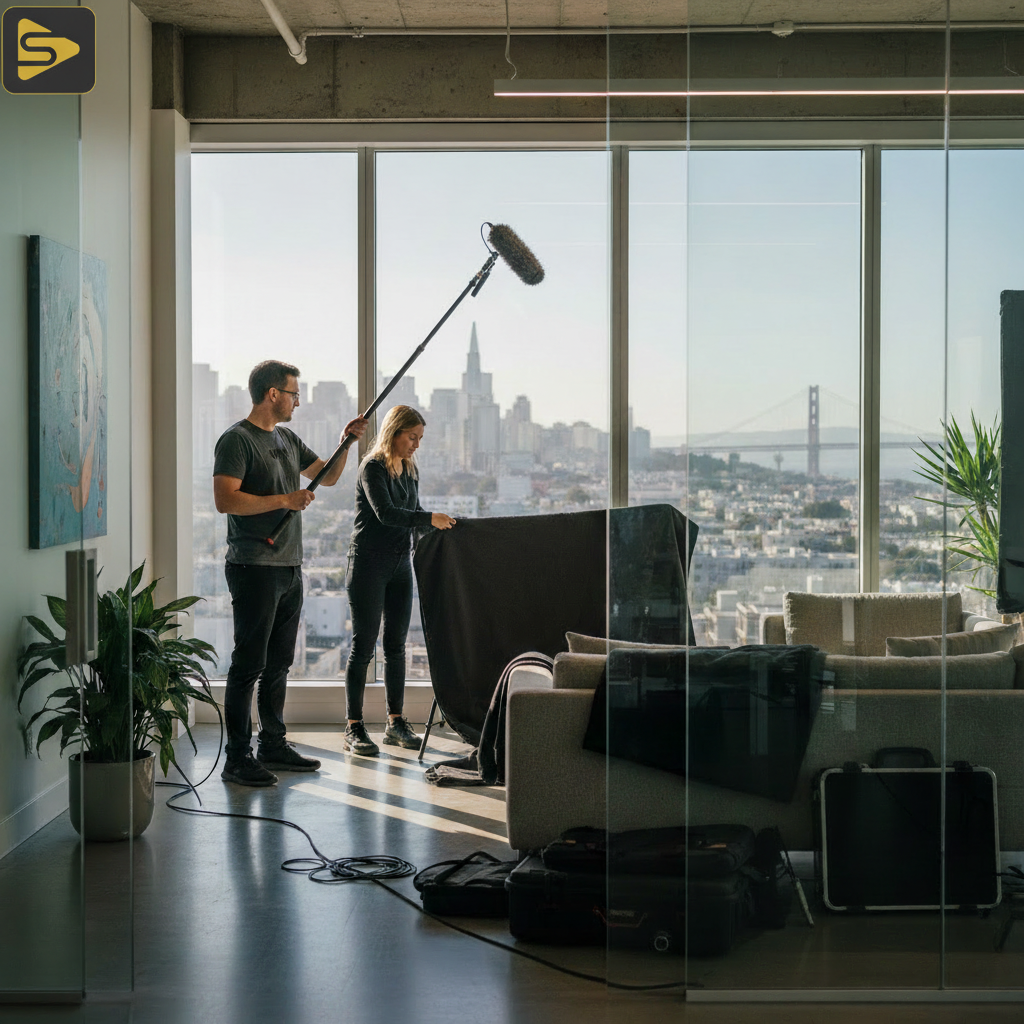
Most modern tech offices are designed for aesthetics, not acoustics, creating a “glass box” effect that bounces sound waves indefinitely. Before your production crew ever arrives, you must identify the structural vulnerabilities of your chosen location.
- The Parallel Surface Trap: Identify walls where glass faces glass; these create standing waves that are nearly impossible to fix in post-production.
- HVAC and Server Hum: In high-density SF buildings, centralized air conditioning can fluctuate in volume; always test the room’s “noise floor” with a simple decibel meter app.
- The RF Interference Check: In neighborhoods like the Embarcadero, wireless congestion is rampant; professional teams should use RF coordination tools like Wireless Workbench.
Here’s the thing: you don’t need to be an engineer to spot a bad room. If you clap your hands and hear a metallic “ping,” your corporate interview audio will suffer without significant intervention. In our experience with mid-market clients, moving an interview just six feet away from a glass corner can reduce post-production cleanup time by 40%.
Essential Acoustic Dampening Solutions
What most people miss is that you don’t need permanent foam on the walls to get studio-grade location sound. For a professional video production setup, we utilize portable sound blankets and C-stands to create a temporary “iso-booth” around the talent. This is particularly critical for office video production SF where open-plan layouts are the norm.
Stage 2: The Dual-Path Hardware Strategy
Sophisticated audio capture relies on redundancy and the right tool for the specific vocal frequency of your executive. Relying on a single microphone is a recipe for a “re-shoot”—a word no CMO ever wants to hear.
| Equipment Type | Use Case | Bay Area Context |
|---|---|---|
| Lavalier (Wireless) | Dynamic Speakers | Requires RF coordination in high-density zones. |
| Boom / Shotgun | Static Interviews | Best for natural tone in treated rooms. |
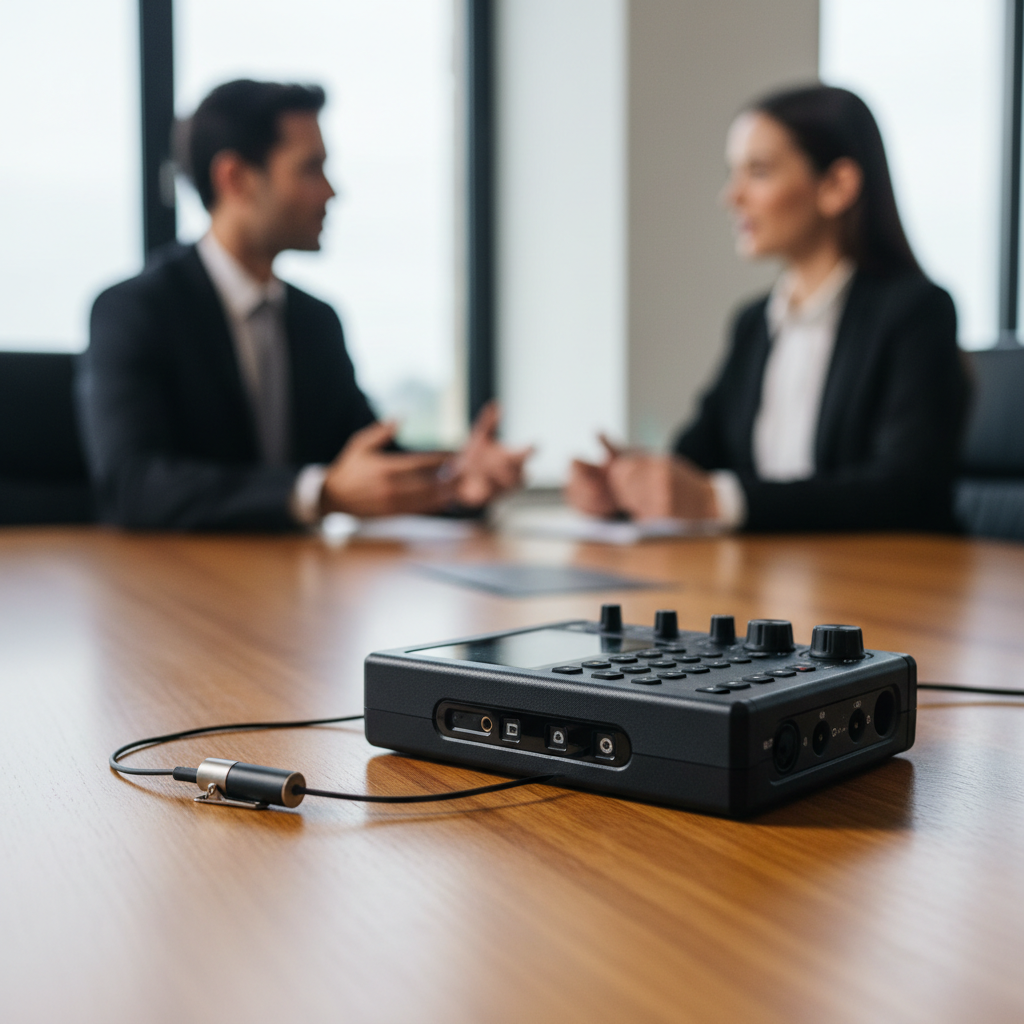
| 32-bit Float Recorders | Safety Net | Prevents clipping during loud, emotive startup pitches. |
But wait—hardware is only as good as the recording format. We strongly advocate for 32-bit float recording. Unlike traditional 24-bit audio, 32-bit float captures such a wide dynamic range that it is virtually impossible to “clip” or distort the audio, even if an executive suddenly raises their voice. This is the ultimate safety net for unpredictable corporate environments.
Ready to level up your brand’s presence? Schedule a free consultation with our production team to audit your space.
Stage 3: Managing RF Interference and Wireless Workflows
San Francisco is one of the most “crowded” wireless environments in the world, making standard consumer wireless mics highly unreliable. When we work with Series C SaaS teams on product launches, we prioritize frequency coordination to ensure zero dropouts.
- Frequency Scanning: Use a dedicated RF scanner to find “clean” airwaves before the talent sits down.
- Dante Audio Networking: For large-scale corporate events, we utilize Dante to send high-quality audio over standard ethernet cables, bypassing wireless interference entirely.
- Hard-Wired Backups: Always have a physical XLR cable ready for the primary microphone; physics doesn’t care about your convenience.
The real kicker? Most freelance videographers don’t carry the specialized gear needed to scan for local interference. At iStudios Media, we treat corporate interview audio as a technical discipline, not a secondary thought. This level of precision is why Forbes and other major outlets emphasize technical quality in brand authority.
Budget vs. Broadcast: Scaling Your Framework
Not every project requires a $50,000 budget, but every project requires clarity. For startups, we often recommend a “mobile-first” professional framework: one high-end shotgun mic, a 32-bit float recorder, and strategic use of existing office furniture (like fabric-heavy couches) to absorb sound. As you scale toward enterprise needs, we transition to multi-mic arrays and active noise-cancellation workflows.
If you are scaling content velocity through AI, you might be interested in Ingest.blog, our internal AI content engine that we also offer to select clients for rapid SEO distribution alongside our high-end video work.
The ‘SF Glass Box’ Problem: A Contrarian Approach
Common wisdom says you must cover every window with blankets, but this kills the “Bay Area vibe” that many founders want. Instead of fighting the glass, we use highly directional microphones (super-cardioid patterns) that ignore the reflections coming from the sides. By placing the microphone closer to the subject—just inches out of the camera frame—we can achieve studio-grade location sound without ruining the beautiful SF skyline in the background.
Need a partner who understands both the creative and the technical? Call us at (510) 894-6101 or book your session today.
Actionable Takeaway for Next Monday
Before your next one-off video shoot, spend 5 minutes in your intended room. Close your eyes and listen for the “hum.” If you can hear the fridge, the AC, or the traffic on Howard Street, your microphone will hear it twice as loud. Move the shoot to an internal room with carpet and soft seating to instantly 10x your audio quality without spending a dime on gear.
Frequently Asked Questions
How much does professional corporate video production cost in the Bay Area?
Typical industry-reported ranges for office video production SF vary based on scope. A standard corporate interview project usually falls between $2,500–$15,000. Premium brand films or commercials can range from $8,000–$50,000 per finished minute, depending on the crew size and technical requirements like 32-bit float recording and multi-camera setups.
Why is my office audio always echoey even with a good microphone?
High-end microphones actually pick up *more* detail, including the reflections from glass walls and hard floors. Without acoustic dampening solutions like sound blankets or specialized directional mics, even a $2,000 microphone will sound poor in a standard SF tech office. Proper placement and room treatment are more important than the microphone’s price tag.
What is 32-bit float recording and do I really need it?
32-bit float is a digital audio format that allows for massive headroom, meaning the audio won’t distort if the speaker gets too loud or disappear if they whisper. For high-stakes corporate interview audio, it acts as an insurance policy against technical failure, making it essential for one-take executive sessions where time is limited.
Can AI fix bad audio in post-production?
While AI tools like Adobe Podcast or Topaz can help, they often introduce “robotic” artifacts that sound unnatural to the human ear. It is always better to capture studio-grade location sound at the source. AI should be used for subtle enhancement, not as a rescue mission for poor production standards.