📋 Table of Contents
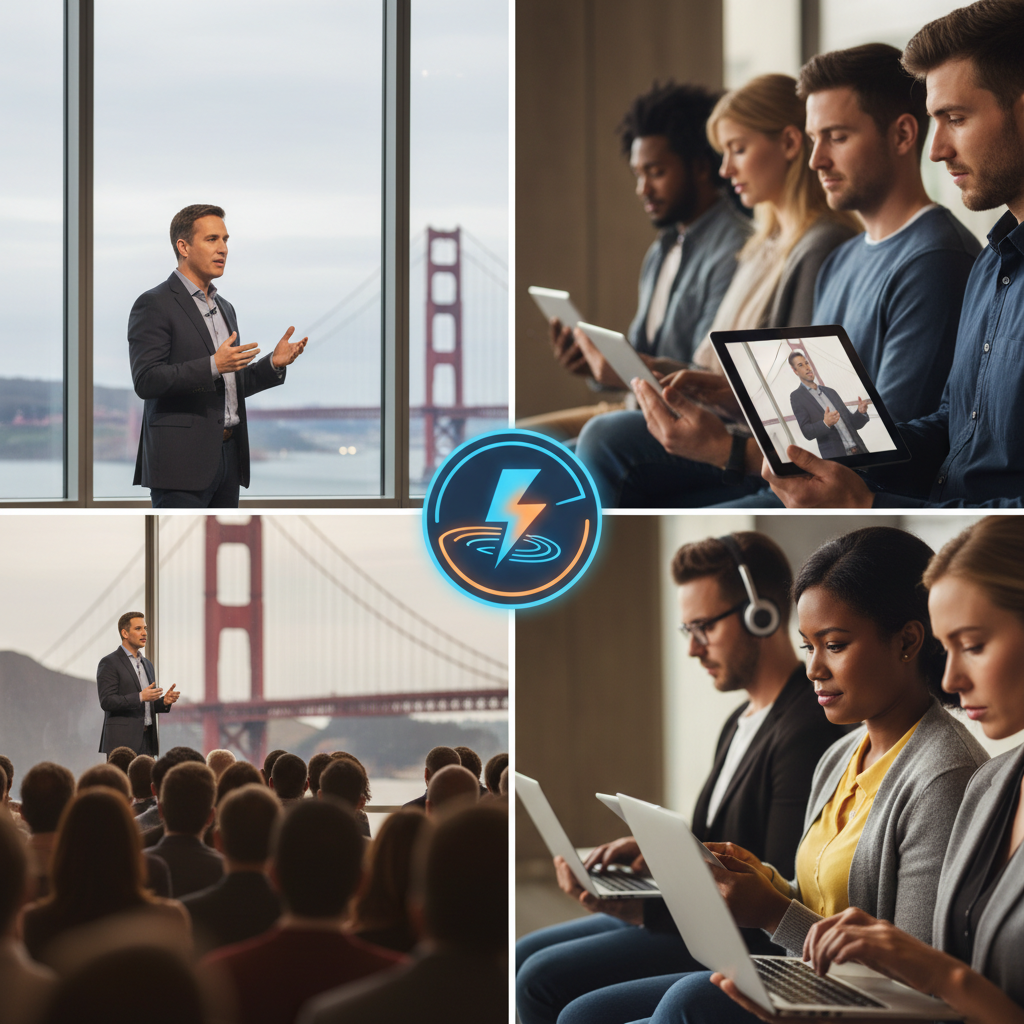
According to a 2024 report by Forbes, 86% of B2B organizations see a positive ROI from hybrid events within seven months of execution. For San Francisco event producers, the challenge isn’t just booking a venue; it is mastering the hybrid event production stack to ensure a seamless experience for both the Moscone Center attendee and the remote viewer in London.
Here’s the thing: most organizers treat the virtual component as a secondary broadcast. That is a mistake that kills engagement. In the Bay Area, where your audience likely consists of tech-savvy engineers and skeptical VPs, a grainy feed or a three-second audio delay isn’t just a glitch—it’s a brand-damaging event. This guide provides the operational walkthrough you need to bridge the physical-digital divide.
The Infrastructure of Hybrid Event Production
Reliable production starts with the invisible pipes: your bandwidth and network architecture.
- Dedicated Fiber Circuits: Never rely on shared venue Wi-Fi. Demand a dedicated VLAN with at least 20Mbps synchronous upload for a 1080p stream, and 50Mbps for 4K.
- Primary and Redundant Encoders: Use hardware encoders like the Blackmagic Web Presenter or Teradek Prism. Always run a secondary encoder on a separate ISP (e.g., a 5G bonded cellular failover).
- Low-Latency Protocols: Implement SRT (Secure Reliable Transport) instead of standard RTMP to reduce lag to sub-second levels, essential for real-time Q&A.
Navigating San Francisco Venue Bandwidth Limitations
What most people miss is that SF’s historic venues, from Nob Hill ballrooms to Dogpatch warehouses, often have antiquated copper wiring. We’ve seen Series B SaaS founders forced to pivot last-minute because the venue’s “high-speed internet” was actually a throttled DSL line. Always perform a site survey with a network engineer at least three weeks prior. If the venue’s infrastructure is lacking, you’ll need to budget for temporary microwave links or Starlink for Business—options that a freelance videographer usually won’t have the capacity to manage.
Advanced Multi-Camera Systems and Switching
Visual storytelling in a hybrid environment requires more than a one-off video shoot mentality; it requires a broadcast mindset.
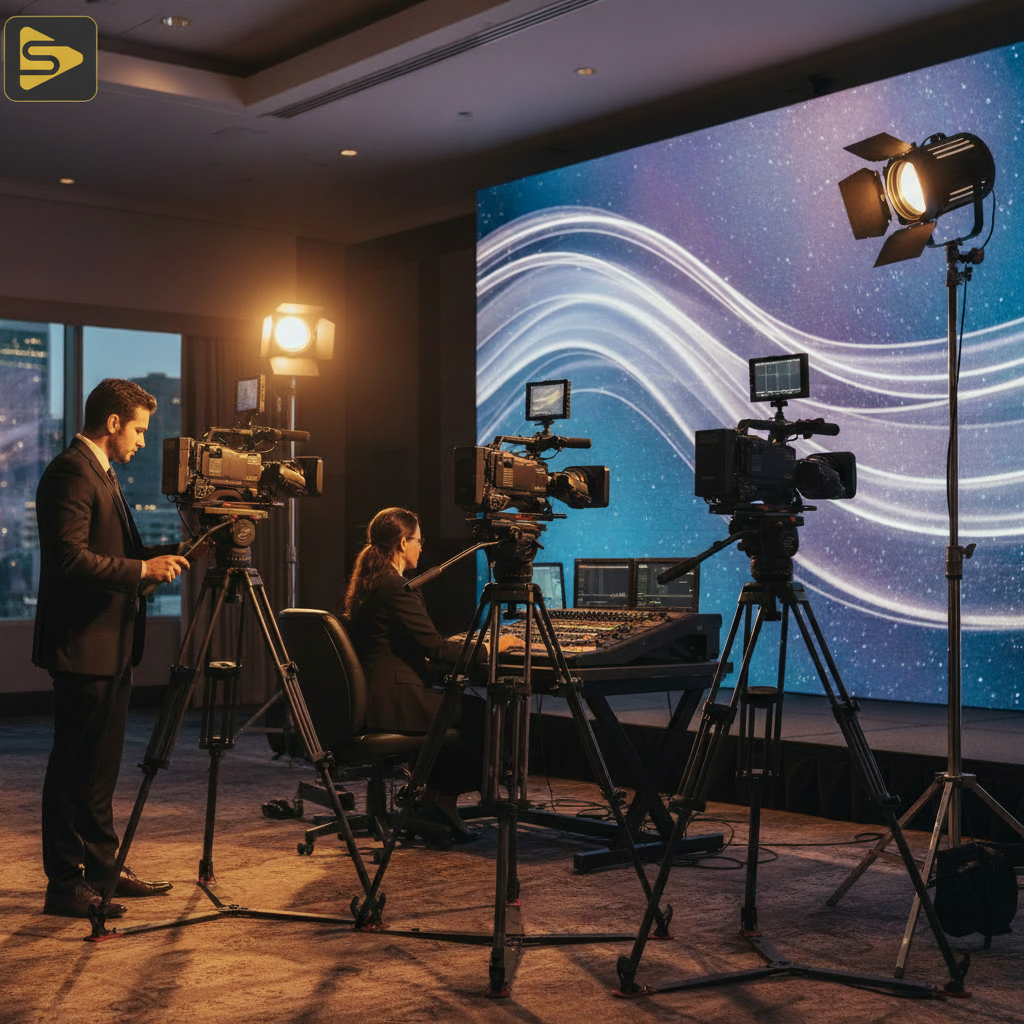
- The Switcher Stack: Utilize multi-camera production switchers like the NewTek TriCaster or ATEM Constellation. These allow for independent program feeds—one for the in-room screens and one for the virtual platform.
- Camera Placement: Use at least three points of view. A wide shot (master), a tight shot (speaker), and a robotic PTZ (Pan-Tilt-Zoom) camera for audience reactions.
- Spatial Audio for Virtual Attendees: Use 32-bit float audio recording to prevent clipping and consider spatial audio mixing so remote viewers feel the “room tone” of the live applause.
In our work with mid-market clients, we often find that the difference between a “webinar” and a “production” is the use of ISO recording. This allows you to record each camera feed individually, providing high-quality assets for video production post-event marketing.
Bridging the Engagement Gap: AI and Micro-Moments
The real kicker? Your remote audience has a much shorter attention span than your physical one.
To keep them engaged, leverage event technology like AI-driven real-time captioning. Tools like Wordly or Interprefy can translate your SF keynote into 20+ languages instantly, making your event globally accessible. Furthermore, use technical triggers to push personalized content. For example, when a speaker mentions a whitepaper, a “micro-moment” trigger should push a download link to the virtual attendee’s sidebar while the local attendee sees a QR code on the main screen.
Need help navigating the technical maze? Schedule a free consultation with our production leads to audit your event tech stack.
SF Venue Logistics: Union Crews and Technical Labor
San Francisco is a strong union town. If you are booking a major hotel or a city-owned facility, you must account for IATSE Local 16 requirements. This is where hybrid event production budgets often spiral out of control.
| Labor Type | Union Considerations | Non-Union Flexibility |
|---|---|---|
| Camera Operators | Required at specific venues; strict break schedules. | Higher flexibility; often multi-role capable. |
| Audio Engineers | Mandatory for house sound integration. | Best for specialized broadcast mixes. |
| Streaming Techs | Often requires a dedicated “Digital” lead. | Can often be integrated into the production team. |
But wait—don’t let the complexity scare you. A typical Bay Area mid-market client often uses a hybrid approach: hiring a core specialized team for the broadcast stream while coordinating with venue AV for house lights and sound. This ensures the SF conference livestreaming quality remains high without unnecessary overhead.
Measuring The Hybrid ROI: Beyond the View Count
If you aren’t tracking technical data points, you’re flying blind. Sophisticated event technology now allows you to track interactive heatmaps. You can see exactly when remote viewers dropped off or which speaker sparked the most digital Q&A. According to HubSpot, these engagement metrics are 50% more predictive of lead quality than simple registration numbers.
For our clients focused on high-velocity content, we use Ingest.blog, our internal AI content engine, to quickly turn event transcripts into SEO-optimized blog posts and social snippets, ensuring the event’s lifecycle extends months past the closing keynote.
The Technical Checklist for SF Conference Organizers
- Pre-Event: Site survey, bandwidth stress test, and redundant ISP setup.
- Production: Multi-camera plot, spatial audio for virtual attendees, and ISO recording.
- Engagement: AI captions, low-latency Q&A, and virtual networking lounges.
- Security: CCPA-compliant data collection and encrypted stream keys.
- Post-Event: Data analytics export, content repurposing, and attendee sentiment analysis.
Ready to elevate your next San Francisco event? Contact iStudios Media today for a comprehensive production plan that delivers measurable ROI.
Frequently Asked Questions
What is the minimum bandwidth required for SF conference livestreaming?
For a professional 1080p stream, we recommend a dedicated 20Mbps upload speed. However, for 4K or multi-camera hybrid event production, 50Mbps is preferred. Always ensure you have a secondary, redundant connection from a different provider to prevent outages during peak usage in San Francisco’s dense network corridors.
How do I handle the delay between in-person and remote speakers?
The key is latency-free streaming protocols like SRT or WebRTC. Standard RTMP can have a 10-30 second delay, making interactive Q&A impossible. By using low-latency encoders and a professional CDN, you can reduce this to under two seconds, allowing for natural conversation between local and remote participants.
Is it cheaper to hire a freelance videographer for a hybrid event?
While a freelance videographer may have a lower day rate, they often lack the specialized equipment (like multi-camera production switchers and bonded internet) required for a stable hybrid broadcast. For corporate events, the cost of a stream failure far outweighs the savings of a non-specialized vendor.
How does California’s CCPA affect hybrid event data collection?
In a hybrid environment, you are collecting data from both local and global attendees. Ensure your event technology platform is CCPA and GDPR compliant. You must provide clear opt-outs for data tracking and ensure that virtual “heatmaps” or engagement metrics do not violate individual privacy rights without consent.