📋 Table of Contents
According to a recent 2024 report by HubSpot, video remains the most engaging content type, yet 40% of viewers will abandon a stream if it buffers more than twice. For high-stakes SF corporate livestreams, a technical glitch isn’t just a nuisance—it’s a direct hit to your brand equity.
The real kicker? Most San Francisco venues, from historic hotels in Union Square to sleek tech hubs in SOMA, are notorious for high-density Wi-Fi interference that can cripple a standard connection. Moving beyond the amateur feel of a one-off video shoot requires a shift toward broadcast-grade infrastructure. This audit is designed for marketing directors and event producers who need a no-fail framework for professional execution.
1. Network Stability and ISP Failover Strategies
In the Financial District, “fast internet” is a relative term that often ignores the packet loss caused by thousands of competing devices in a single city block.
- Dedicated Bandwidth: Never rely on shared guest Wi-Fi; always negotiate a dedicated VLAN with at least 20Mbps synchronous upload.
- Redundant ISP Failover: Use a hardware bonded cellular solution (like Teradek or Peplink) to combine a hardline with 5G signals from different carriers.
- Signal Redundancy: Ensure your primary and backup lines are physically separate to avoid a single point of failure at the router.
What most people miss is that even the best fiber connection in SF can fluctuate during peak business hours. We recommend a 1.5x buffer on your required bitrate to account for these micro-drops. If you’re managing complex content distribution across multiple platforms, our digital marketing strategies often incorporate these technical requirements into the broader campaign planning.
2. Audio Redundancy and Hybrid Event Parity
If the video drops, you have a technical issue; if the audio drops, you have a dead event.
- Primary and Secondary Mics: Every C-suite speaker should be double-miked with a primary lavalier and a secondary handheld or second lav on a separate frequency.
- Independent Audio Mixes: Your in-room sound (FOH) and your livestream mix should be managed independently to ensure remote viewers don’t hear room echo.
- Zero-Latency Monitoring: Use professional IEMs (In-Ear Monitors) for the production team to catch audio sync issues before they reach the CDN.
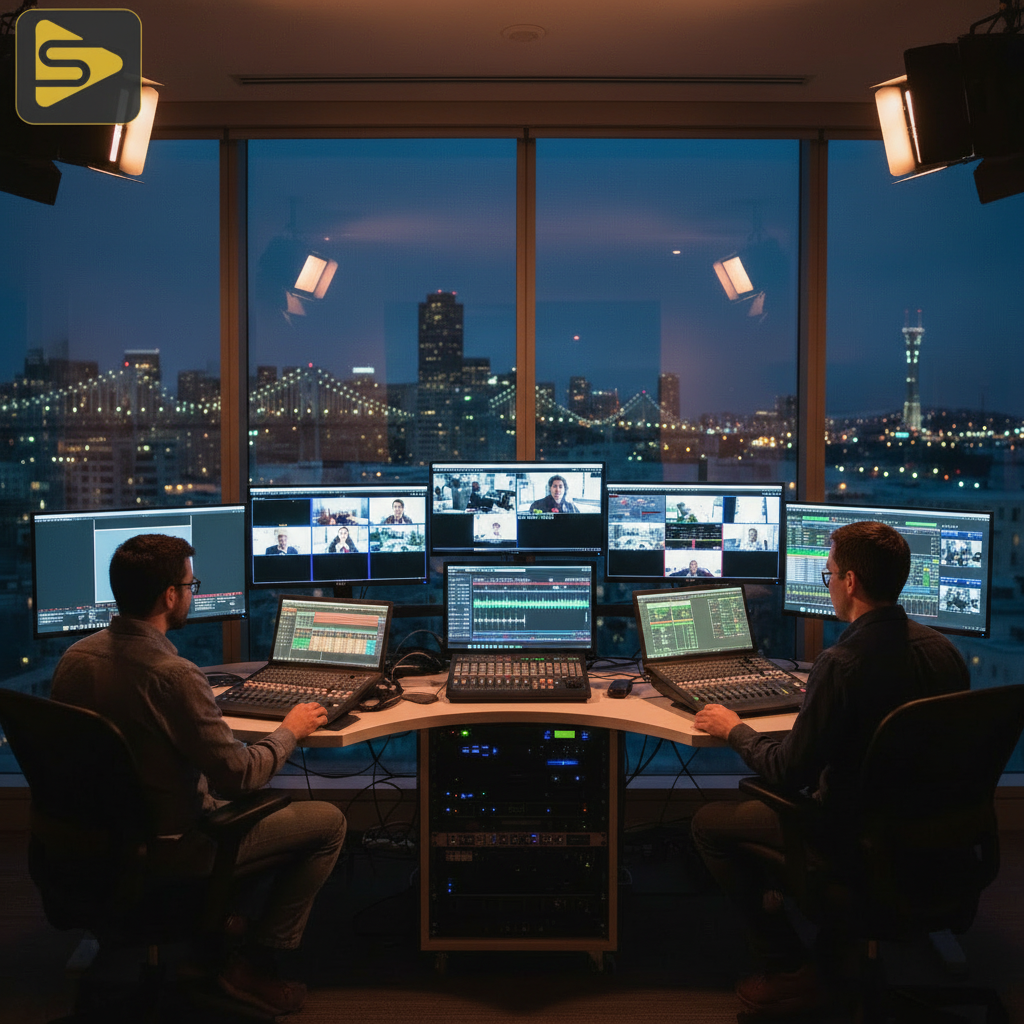
In our experience with Series B SaaS founders, the pressure of a global product launch requires audio that sounds as crisp in London as it does in the San Francisco ballroom. Unlike a freelance videographer who might use a single shotgun mic, a professional team uses a dedicated audio engineer to manage the gain stages and noise floors of a busy venue.
3. Encoder Fail-safes and NDI Protocol Integration
Your encoder is the heart of your broadcast, and relying on a single laptop is a recipe for a “black screen” disaster.
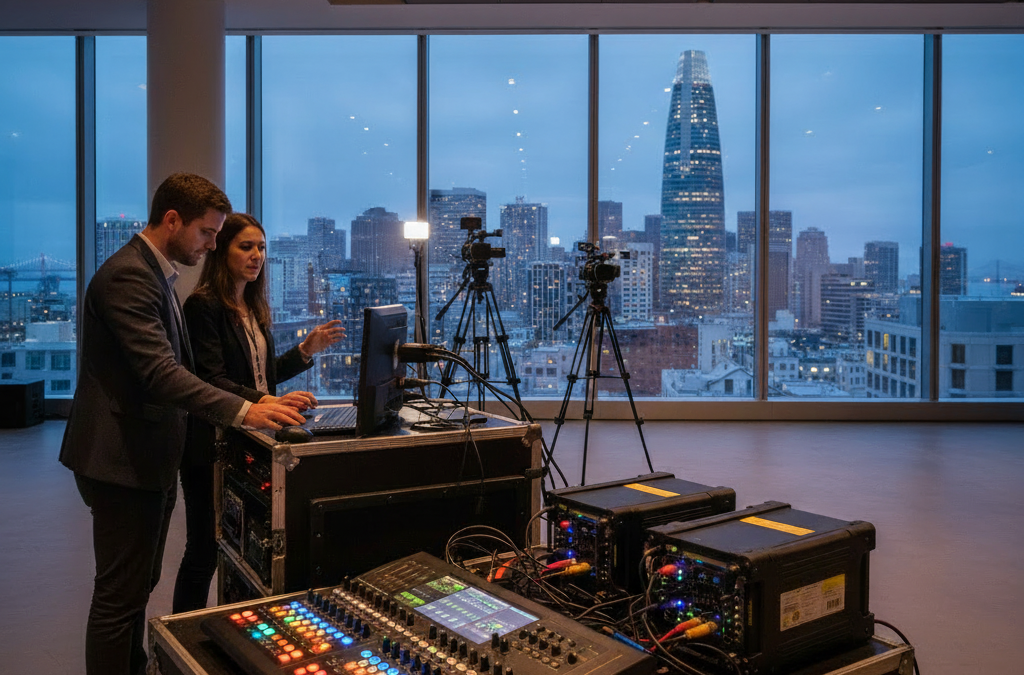
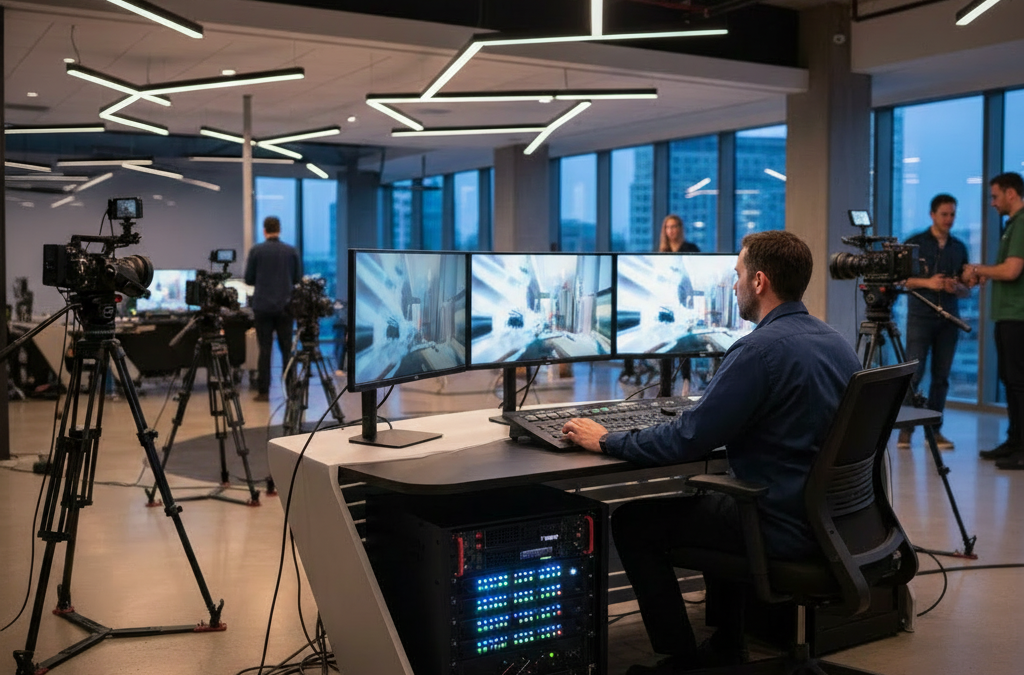
The best way to ensure uptime is to employ a primary and backup hardware encoder running in tandem. Modern SF corporate livestreams are increasingly moving toward AV-over-IP and NDI protocol integration. This allows for flexible routing of high-quality video signals across a local network without the distance limitations of SDI cables.
- Hardware vs. Software: Use dedicated hardware encoders (like Blackmagic or Pearl) rather than software-only solutions which are prone to OS updates and crashes.
- Multi-CDN Distribution: Stream to a primary destination and a backup server simultaneously to protect against platform outages.
- Bitrate Optimization: Constant Bitrate (CBR) is preferred over Variable Bitrate (VBR) for live streams to maintain signal consistency.
Need help navigating the technical maze of a large-scale event? Schedule a free consultation with our production leads to audit your venue’s infrastructure.
4. AI-Driven Accessibility and Real-Time Monitoring
The professionalization of the corporate stream now includes real-time accessibility as a standard requirement, not an afterthought.
As of 2025, AI-driven real-time accessibility tools can provide live captioning and instant translation with over 95% accuracy. This is critical for global teams where English may not be the primary language for all employees. Furthermore, we use AI-assisted monitoring to detect packet loss or audio sync drift in real-time, allowing the engineer to toggle to a backup signal before the audience notices a glitch.
For companies looking to scale their content velocity after the event, we use Ingest.blog, our internal AI content engine, to quickly transcribe, summarize, and transform livestream highlights into SEO-optimized blog posts and social clips. This ensures your high-production-value event lives on long after the “End Stream” button is clicked.
5. The ‘No-Fail’ San Francisco Venue Checklist
San Francisco venues have unique quirks—from the thick concrete walls of historic buildings to the electrical interference of SOMA’s tech stacks.
| Audit Point | Requirement | Why it matters |
|---|---|---|
| Power Grid | Dedicated 20A Circuit | Prevents breakers tripping from lighting/LED walls. |
| RF Coordination | Frequency Scan | SF is crowded; prevents wireless mic dropouts. |
| Load-In Access | Freight Elevator Ops | Critical for heavy multi-camera setups in high-rises. |
Here’s the thing: a one-off video shoot might survive a minor power blip, but a multi-camera livestream will not. We always conduct a site survey 48 hours before the event to map out the physical signal paths and power distribution. This level of preparation is what separates a broadcast-grade partner from a generic marketing agency.
Strategic Takeaways for Your Next Event
Don’t let technical debt ruin your brand’s big moment. By implementing a redundant network, double-miking your talent, and utilizing hardware encoders, you solve 90% of common livestream failures before they happen. If you are preparing for a Series C launch or a major corporate summit, the investment in technical readiness pays dividends in audience trust and engagement.
Ready to elevate your next broadcast? Contact iStudios Media today for a comprehensive technical audit of your upcoming SF event.
Frequently Asked Questions
What is the minimum upload speed for SF corporate livestreams?
For a stable 1080p broadcast, we recommend a minimum of 10Mbps dedicated upload. However, for SF corporate livestreams featuring high-motion graphics or 4K requirements, a 20Mbps synchronous line with a 1.5x overhead buffer is the industry standard to prevent buffering and frame drops during peak network usage.
How do you handle Wi-Fi interference in crowded SF venues?
We avoid Wi-Fi entirely for the critical broadcast signal. We use shielded Cat6 Ethernet for all encoders and perform a local RF (Radio Frequency) scan to coordinate wireless microphone frequencies. This prevents the signal “crosstalk” common in high-density areas like SOMA or the Financial District.
Is hardware encoding better than software encoding for live events?
Yes. Hardware encoders are purpose-built devices that do not run background processes like a laptop does. This eliminates the risk of OS updates, CPU spikes, or software crashes. For professional event production checklists, a dedicated hardware encoder (like a Pearl-2 or Teradek) is a non-negotiable requirement for reliability.
What is signal redundancy in the context of a livestream?
Signal redundancy involves having a secondary path for your video and audio at every stage. This includes using two separate internet providers (e.g., Fiber + 5G), two encoders, and two separate streaming keys. If the primary path fails, the backup takes over instantly without the viewers seeing an interruption.