📋 Table of Contents
- The 120-Second Workflow for Real-Time AI Short-Form
- Step 1: Establishing the RTMP Bridge for Oakland Event Production
- Step 2: Connecting to Cloud-Based AI Clipping Tools
- Step 3: Automating Branded Overlays and Captions
- Step 4: The Distribution Loop via Social Publishing Tools
- Step 5: Measuring ROI and Event Impact
- FAQs
According to recent data from Wyzowl, 89% of consumers want to see more videos from brands in 2024, yet the biggest bottleneck for event marketers remains the editing turnaround time. If you are running an event at the Oakland Convention Center or a tech summit in Jack London Square, waiting 48 hours for a highlight reel means you have already missed the peak social trending window for real-time AI short-form content.
The 120-Second Workflow for Real-Time AI Short-Form
The secret to modern event virality isn’t a faster editor; it is a connected system that removes the human editor from the initial delivery loop. By wiring your live feed directly into a cloud-based AI clipper, you can generate branded social clips within two minutes of the words being spoken on stage.
- Eliminate the Lag: Move from “next week” to “next minute” for social posts.
- Scale Output: Generate 20+ clips from a single keynote without increasing headcount.
- Drive Engagement: Post clips while attendees are still sitting in the room, encouraging immediate shares.
For many Series B SaaS founders we work with, the goal is to dominate the LinkedIn feed during their annual user conference. The following blueprint shows you exactly how to set up this event marketing automation stack using tools you likely already have or can access easily.
Step 1: Establishing the RTMP Bridge for Oakland Event Production
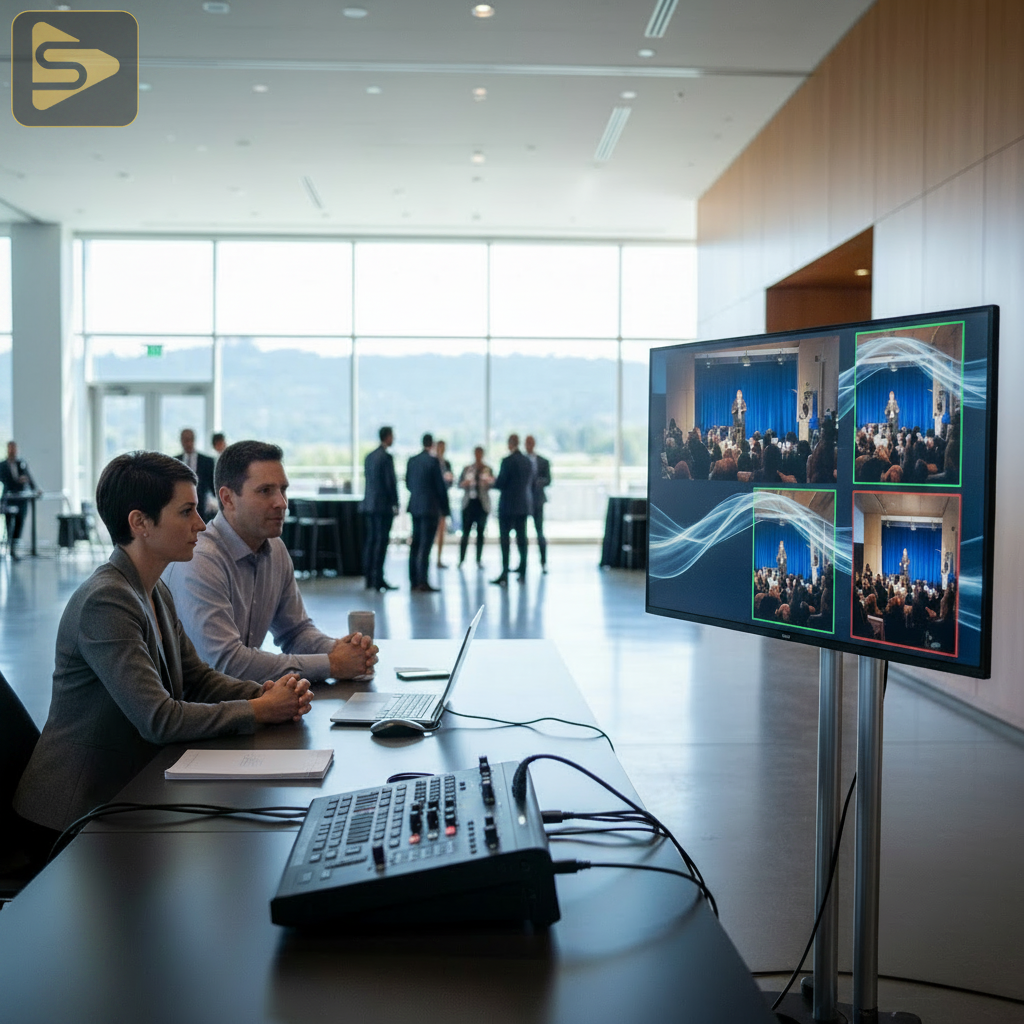
Your workflow begins with the signal leaving your camera or switcher, which is the foundation of high-quality event video production in Oakland venues. Instead of just sending your video to a big screen, you need to split that signal into an RTMP (Real-Time Messaging Protocol) feed.
Think of RTMP as a digital pipe that carries your video and audio over the internet to a specific destination. In a professional Oakland event production setup, your hardware switcher (like a Blackmagic ATEM) or software (like OBS or vMix) will generate this stream. You will need a stable upload speed—ideally 10Mbps or higher—which is standard for most major Oakland tech hubs and hotels.
Configuring Your Stream Settings
- Open your streaming software (e.g., OBS).
- Navigate to Settings > Stream.
- Select “Custom” as the service.
- Enter the Server URL and Stream Key provided by your AI clipping tool.
The real kicker? You don’t need a dedicated server room. A simple laptop connected to the venue’s ethernet can act as the bridge between the physical stage and the cloud.
Step 2: Connecting to Cloud-Based AI Clipping Tools
Once your feed is live, you need a destination that doesn’t just record, but actually “listens” to the content. Tools like Munch, OpusClip, or Klap allow you to ingest a live RTMP link and apply real-time AI short-form processing immediately.
These platforms use Large Language Models (LLMs) to identify high-impact moments based on keyword density, audience sentiment, and visual cues. As of 2025, the accuracy of these “auto-clips” has reached a point where they can identify a punchline or a key takeaway with 90% precision. This is a massive shift from the generic marketing agency approach of manual timestamping.
Need help setting up your first automated stream? Schedule a free consultation with our production team to map out your venue’s tech requirements.
Step 3: Automating Branded Overlays and Captions
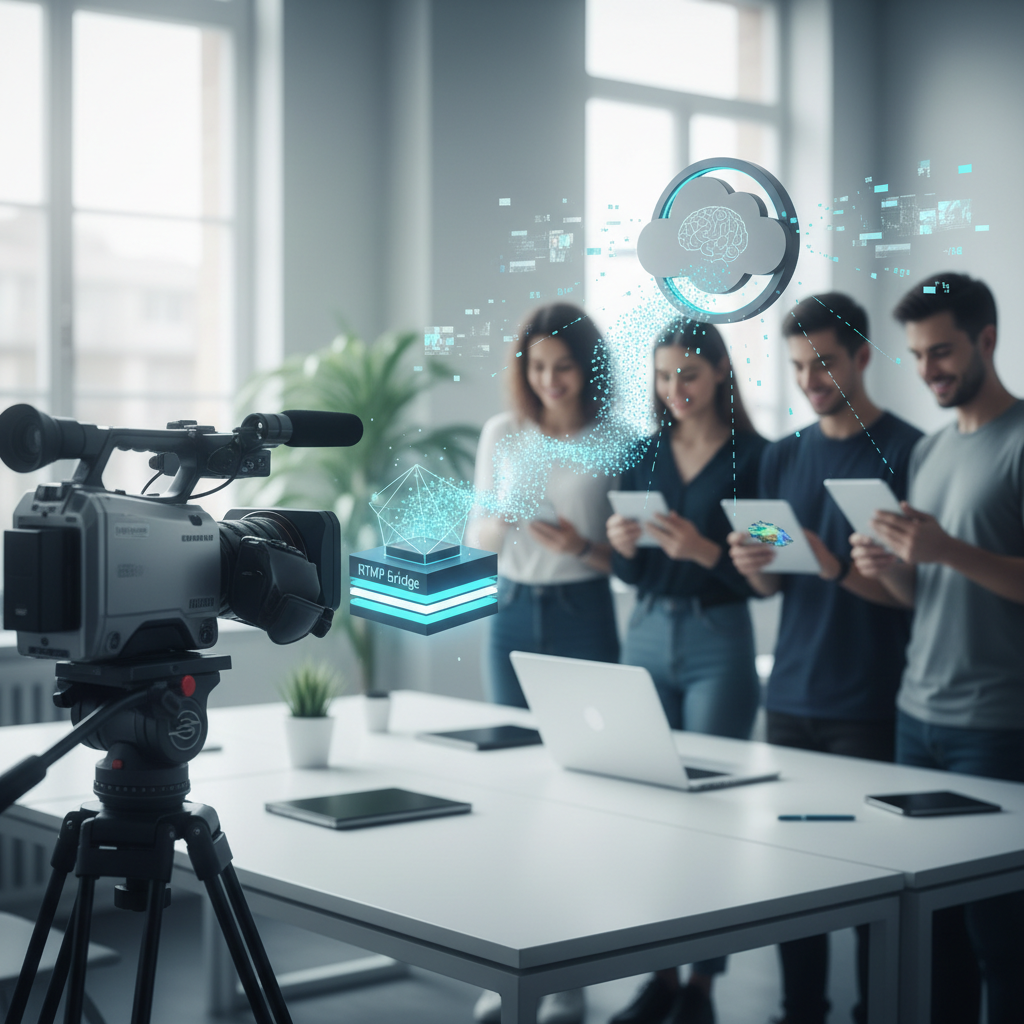
A raw clip is just video; a branded asset is a marketing tool. The beauty of automated social video is the ability to apply your brand kit—fonts, colors, and logos—automatically to every clip generated.
| Feature | Manual Editing | AI Automation |
|---|---|---|
| Turnaround Time | 4-24 Hours | 120 Seconds |
| Captioning | Manual/External | Built-in AI |
| Branding | Per Clip | Global Template |
| Cost per Clip | $50 – $150 | < $5 |
In our experience with mid-market clients, the most successful livestreaming workflows use a “Local-First” AI approach. This means customizing the AI’s dictionary to recognize Oakland-specific terms, local landmarks, or industry-specific jargon used by your speakers. This ensures the captions are accurate and resonate with the local tech ecosystem.
Step 4: The Distribution Loop via Social Publishing Tools
Generating the clip is only half the battle; you must get it onto the feed. By connecting your AI clipper to a marketing automation platform or social publishing tool, you can set up a “Review and Approve” queue.
Here is the contrarian truth: Total automation is a trap. You should always have one person—perhaps a social media manager sitting in the front row—to hit “publish” on the best clips. This prevents the AI from accidentally posting a clip where a speaker is coughing or a technical glitch occurs. However, this person is now just a gatekeeper, not a creator, which saves hours of labor.
If you are looking to scale your content velocity beyond live events, we use Ingest.blog (https://ingest.blog), our internal AI content engine, to help select clients turn these video transcripts into SEO-optimized blog posts instantly.
Step 5: Measuring ROI and Event Impact
Data from HubSpot’s State of Marketing Report suggests that short-form video has the highest ROI of any social media format. By using real-time AI short-form, you are capturing the audience’s attention when it is most expensive: during the event itself.
- Track Mentions: Monitor how many attendees reshared the automated clips.
- Lead Gen: Use the clips as “ad creative” for Meta or LinkedIn ads targeting people near the venue.
- Post-Event Long-Tail: Use the library of clips for your email nurture sequences.
Typical Bay Area pricing for event live streaming ranges from $1,500 to $8,000 per day. When you add AI automation, the cost-per-asset drops significantly, making the initial investment much more attractive for Series A-C startups looking to maximize their event presence.
Key Takeaways for Oakland Marketers
To stay competitive in the East Bay tech scene, you must bridge the physical-digital gap. Start by testing a single RTMP feed at your next workshop. The goal is to fail small and learn fast. Once you see the engagement spike from a clip posted 2 minutes after a keynote, you will never go back to traditional editing workflows.
Ready to transform your next event into a content machine? Connect with iStudios Media today for a professional walkthrough of our livestreaming workflows and automated production services.
Frequently Asked Questions
How much bandwidth do I need for real-time AI short-form streaming?
For a reliable high-definition stream that an AI can accurately transcribe, you need at least 10Mbps of dedicated upload speed. We recommend a hardwired ethernet connection at venues like the Fox Theater to avoid the latency issues common with public Wi-Fi networks.
Can AI handle multiple speakers and different accents?
Modern AI tools are highly sophisticated and can distinguish between multiple voices. However, for Oakland event production involving diverse speakers, we recommend using a high-quality audio feed directly from the soundboard to ensure the AI has the cleanest possible signal for transcription.
Is the quality of AI-generated clips good enough for LinkedIn?
Yes, provided you set up your brand templates correctly. The AI handles the framing (changing 16:9 to 9:16) and the captions. As long as your source event video production in Oakland is high-quality, the resulting vertical clips will look professional and native to the platform.
What happens if the venue Wi-Fi goes down during the stream?
This is why we always recommend a “Local Recording” backup. While the real-time AI short-form workflow relies on the cloud, your hardware should always record a high-res copy to an SD card or SSD. If the stream drops, you can upload the file later for batch processing.