📋 Table of Contents
According to a 2024 survey by HubSpot, high-quality visuals are the number one factor influencing consumer trust in e-commerce. For Peninsula hardware startups, the cost of traditional studio photography often creates a bottleneck between product finalization and market launch.
Midjourney for product renders has moved beyond artistic experimentation into a legitimate tool for commercial visualization. However, the biggest hurdle remains lighting consistency across a product line. In this teardown, we are teaching exactly one thing: how to use the --cref (Character Reference) and --sref (Style Reference) parameters together to lock in hardware geometry while manipulating environmental lighting.
The Shift to AI Product Photography in Silicon Valley
Traditional photography for complex hardware—think brushed aluminum, glass sensors, or matte polymers—requires expensive light rigging and hours of post-production.
Here’s the thing: most Peninsula hardware marketing teams aren’t looking for ‘art’; they need technical accuracy and lighting that highlights industrial design. While a freelance videographer or photographer might charge $2,500–$15,000 per project, AI offers a pre-visualization path that costs pennies by comparison. But wait—AI often struggles with ‘floating products’ and inconsistent reflections.
- Speed-to-Market: Generate 50 lighting variations in the time it takes to move one softbox.
- Cost Efficiency: Typical Bay Area pricing for studio sessions ranges from $500–$2,500, whereas AI iterations are virtually free after the subscription.
- Consistency: Using the right parameters ensures your ‘Series A’ prototype looks the same in every shot.
Mastering Lighting Control with Midjourney v7 Parameters
The secret to professional-grade Midjourney for product renders isn’t just a better prompt; it is the surgical use of parameter tuning to control global illumination.
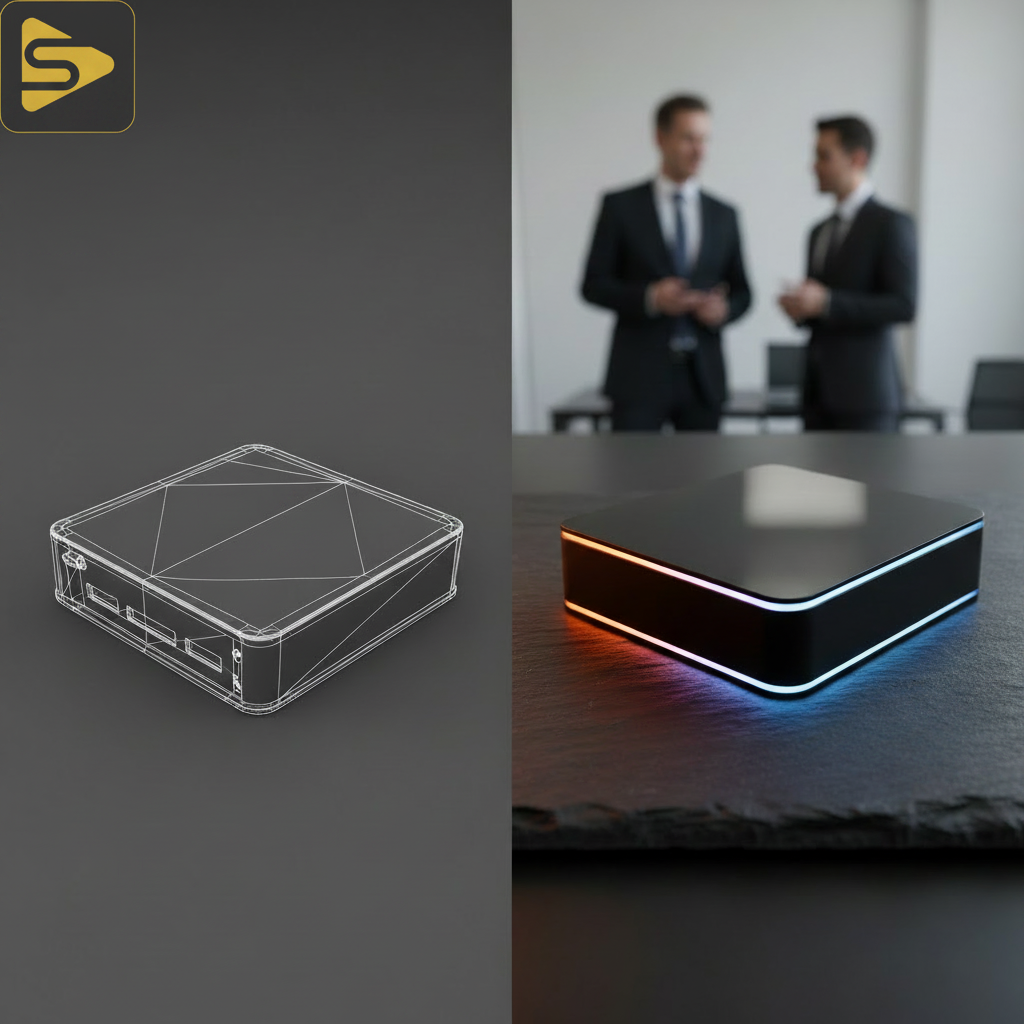
In our experience with mid-market clients, the ‘Consistency Gap’ is the primary reason they stick to expensive CGI pipelines. They fear that AI will change the product’s shape when they change the background. To solve this, you must treat the --cref tag as your ‘Product Lock’ and the --sref tag as your ‘Lighting Lock.’
The Step-by-Step Consistency Workflow
- Upload your Hero Shot: Take one clean photo or CAD render of your product and get its URL.
- Apply the Reference: Use
--cref [URL]to tell Midjourney to maintain the physical geometry. - Define the Light Style: Find a reference image with the exact lighting you want (e.g., ‘dramatic rim lighting’) and use
--sref [URL]. - Set the Weight: Use
--cw 100to ensure the product doesn’t drift, and--sw 500to lean heavily into the lighting style.
Need help integrating these renders into your funnel? Schedule a free consultation to see how we bridge the gap between AI and ROI.
Industrial Design Visualization: MJ v7 vs. Traditional CGI
While tools like Octane or Redshift provide absolute physical accuracy, Midjourney v7 wins on volumetric lighting and ‘aesthetic intuition.’
What most people miss is that AI doesn’t calculate light bounces the way ray-tracing software does; it predicts what a ‘good’ light bounce looks like. For industrial design visualization, this means you get beautiful caustics through glass bottles that might take a 3D artist four hours to map manually. However, the contrarian truth is that AI still fails at precise ‘exploded views’ where internal components must be anatomically correct.
| Feature | Traditional CGI (Octane/Redshift) | Midjourney v7 (AI) |
|---|---|---|
| Setup Time | 4–12 Hours | 5–10 Minutes |
| Lighting Control | Absolute/Manual | Prompt-based/Predictive |
| Cost per Render | High (Hardware/Labor) | Low (Subscription) |
| Geometry Accuracy | 100% Perfect | 90-95% (with –cref) |
Solving the Floating Product Problem in E-commerce Visualization
One of the biggest ‘tells’ of AI product photography is the lack of contact shadows, making products look like they are hovering.
To fix this, we recommend using ‘grounding’ keywords in your prompt, such as ‘hard contact shadows,’ ‘ambient occlusion,’ and ‘placed on a weighted surface.’ In our work with Series B SaaS founders, we’ve found that adding a specific material for the product to sit on—like ‘honed black slate’ or ‘brushed walnut’—gives the AI enough context to calculate realistic shadow integrity.
- Pro Tip: Use the ‘Vary Region’ tool to fix shadows without changing the product render itself.
- Lighting Tip: Use ‘top-down softbox lighting’ for clean e-commerce looks and ‘cyan and magenta rim light’ for tech-heavy hardware.
Scaling Content with AI-Powered Marketing Automation
Generating one image is easy; generating a thousand for a dynamic ad campaign is where most agencies fail.
This is where we utilize Ingest.blog, our internal AI content engine, to help clients distribute these visual assets across localized SEO landing pages and social channels at scale. By combining Midjourney for product renders with automated workflows, a typical Bay Area mid-market client can reduce their content production cycle from weeks to hours.
If you are managing Google Ads or Meta Ads, testing AI-rendered lifestyle shots against studio shots is a must. We often see that AI renders, which can be tailored to the specific aesthetic of a target demographic (e.g., ‘minimalist Scandi’ vs. ‘industrial loft’), outperform generic studio photography in click-through rates.
When to Stick with Professional Video Production
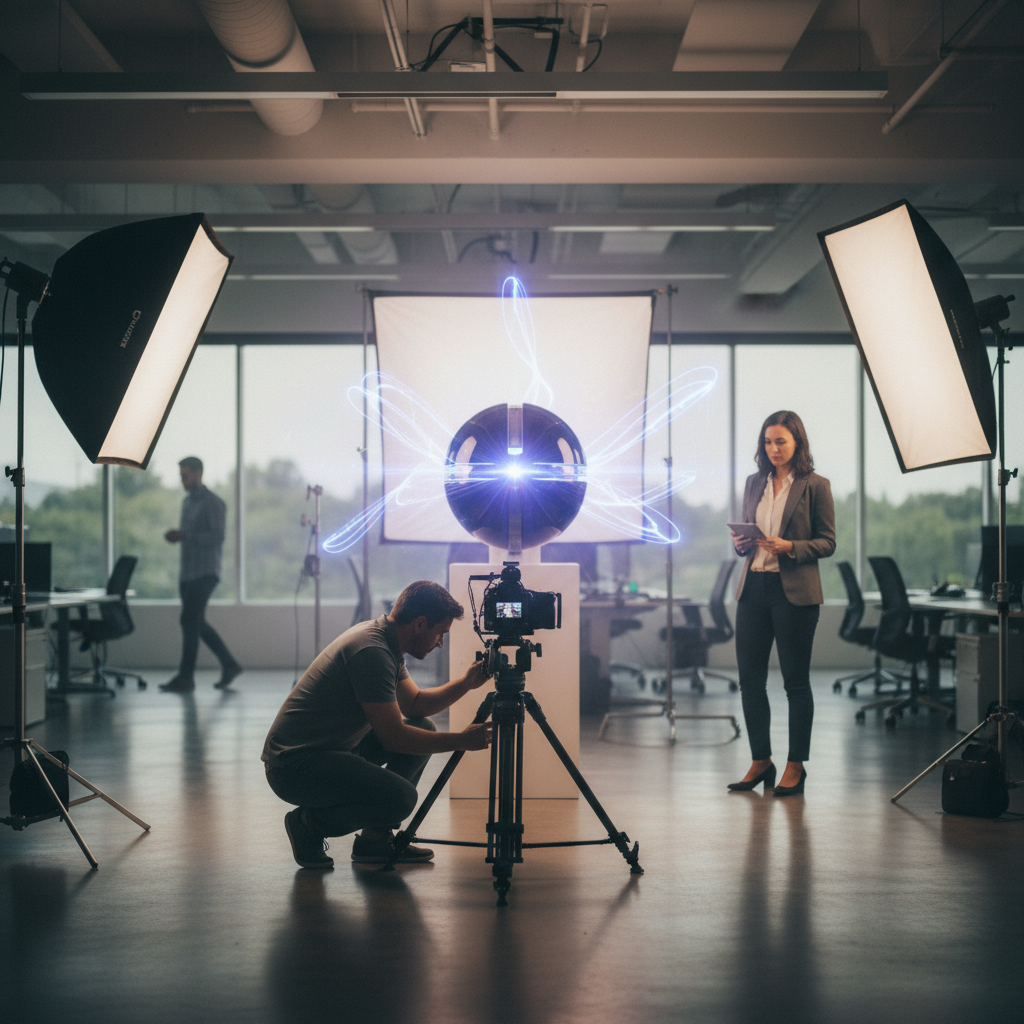
AI is a powerhouse for stills, but it hasn’t yet replaced the need for high-end corporate video production or multi-camera event live streaming.
The real kicker? While Midjourney can nail a static render, it cannot yet handle the nuanced physics of a product in motion—like liquid pouring or a mechanical hinge opening—with 100% reliability. For brand films that require emotional resonance and perfect physical continuity, a professional production partner is still essential. We provide full-stack services, from studio photography in San Leandro to premium commercial cinematography.
Ready to see how AI and professional production can work together for your brand? Get a custom quote today.
FAQs: Midjourney for Product Renders
Can Midjourney v7 maintain exact product dimensions for hardware?
While Midjourney is not a CAD tool, using the --cref (Character Reference) parameter with a high weight (--cw 100) allows it to maintain the key visual identifiers and proportions of your hardware. It is ideal for marketing and social media, though not for technical manufacturing blueprints.
How does AI product photography compare to traditional studio costs?
In the Bay Area, a professional product shoot typically costs between $2,500 and $15,000 depending on the complexity. Midjourney allows for unlimited iterations for a monthly subscription, though you may still need a professional editor to touch up final assets for high-resolution print use.
Is Midjourney v7 better than Photoshop’s Generative Fill for products?
Midjourney generally offers superior global illumination and ‘photorealism’ in the initial render. However, Photoshop is better for ‘surgical’ edits. We recommend a hybrid workflow: generate the core Midjourney for product renders first, then use Photoshop for fine-tuning reflections and brand logos.
Can I use AI renders for Amazon or e-commerce listings?
Yes, provided the render accurately represents the product. Most platforms require a pure white background for hero shots, which can be achieved in Midjourney using the --no background parameter or by using a simple ‘white studio backdrop’ prompt with high-fidelity ray tracing settings.