📋 Table of Contents
According to Wyzowl’s 2024 State of Video Marketing report, 89% of people say watching a video has convinced them to buy a product or service. However, for complex software, a standard B2B product demo often fails because it overwhelms the viewer with granular features before establishing why they should care.
The challenge for Series A-C SaaS founders and marketing directors in the Bay Area isn’t just showing the software; it’s managing cognitive load. Most technical demos are either too high-level (fluff) or too deep in the weeds (boring). To bridge this gap, we use a 3-layer visual hierarchy that guides the viewer from the ‘Big Win’ down to the ‘How It Works.’ This approach is essential for any modern SaaS video strategy that aims to reduce Time-to-Value (TTV).
1. Layer One: The Outcome-First Context Layer
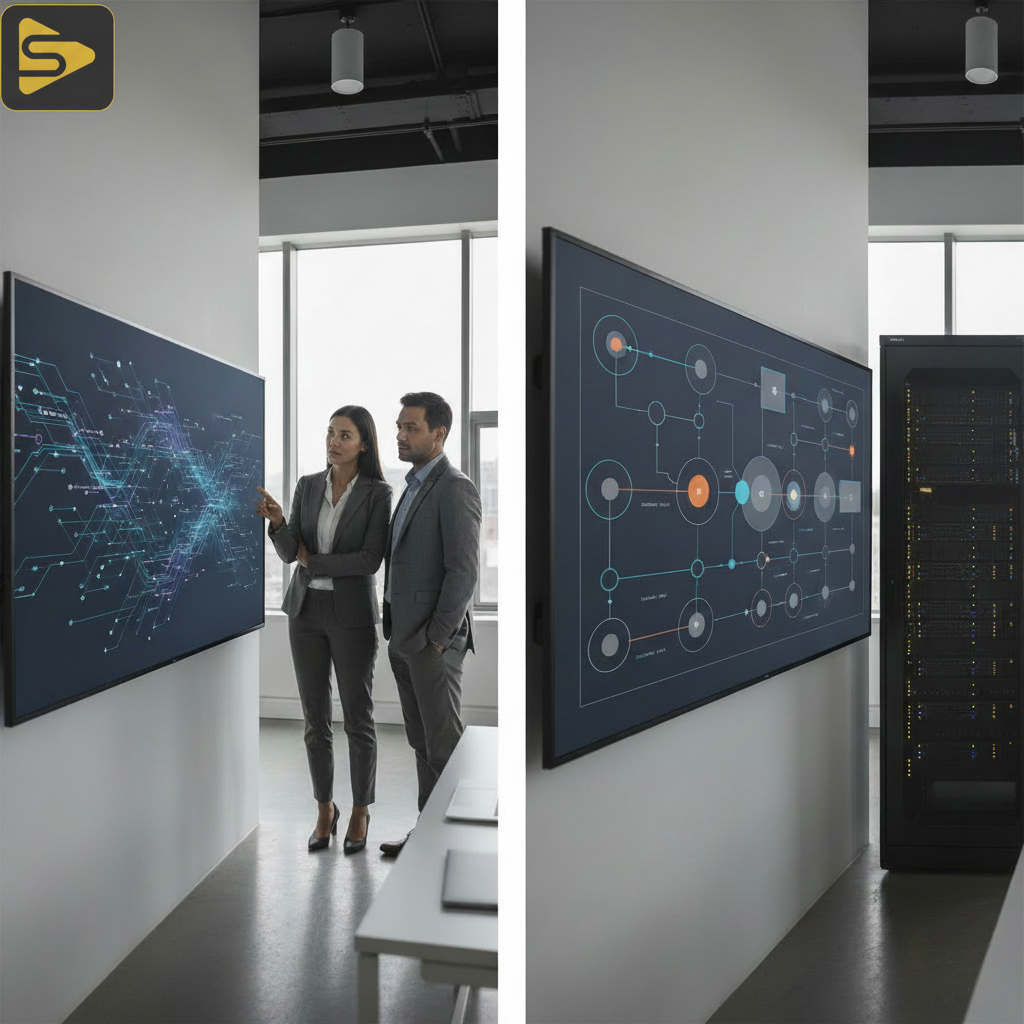
The first layer of a B2B product demo must anchor the viewer in the specific business outcome they are chasing, not the navigation bar.
The real kicker? Most prospects decide if they trust your solution within the first 30 seconds. If you spend those seconds explaining where the ‘Settings’ menu is, you’ve already lost the CFO. In our work with Series B SaaS founders, we’ve found that leading with a high-fidelity dashboard showing ‘Post-Implementation Success’ creates an immediate psychological anchor. This is the ‘Inverted Pyramid’ of technical specs: lead with the ROI, end with the API.
- Visual Focus: High-level dashboards, KPIs, and ‘End-State’ results.
- Stakeholder Alignment: Speaks directly to the CMO and CFO.
- Goal: Establish the ‘Value-Based Demo’ foundation.
Here’s the thing: you aren’t just selling a tool; you’re selling a future state. Using tools like HubSpot for lead tracking or our internal AI content engine, Ingest.blog, to fuel your top-of-funnel content, ensures that when they reach the demo, they are already primed for this outcome-first layer.
2. Layer Two: The Actionable UI Walkthrough
The second layer is where you demonstrate the ‘Progressive Disclosure’ of your product’s core workflow.
What most people miss is that a full-screen screencast is the death of engagement; instead, use ‘Zoom-and-Focus’ layering to highlight specific interactions. Instead of showing the entire browser window, crop into the specific button or data entry field. This reduces cognitive load and keeps the viewer’s eye exactly where you want it. For a typical Bay Area mid-market client, we often replace the ‘freelance videographer’ approach with a structured corporate video production workflow that treats the UI as a cinematic character.
- Isolate the Workflow: Show only the 3-4 steps required to reach the ‘Aha!’ moment.
- Use Visual Anchors: Callouts and motion graphics should highlight the ‘Time-to-Value.’
- Mobile-First Adaptation: Ensure these crops are legible on LinkedIn mobile feeds.
But wait—don’t mistake a walkthrough for a training manual. A B2B product demo should excite, not instruct. If you need help refining your visual storytelling, schedule a free consultation with our production team to see how we can elevate your UI capture.
3. Layer Three: The Technical Architecture & Trust Layer
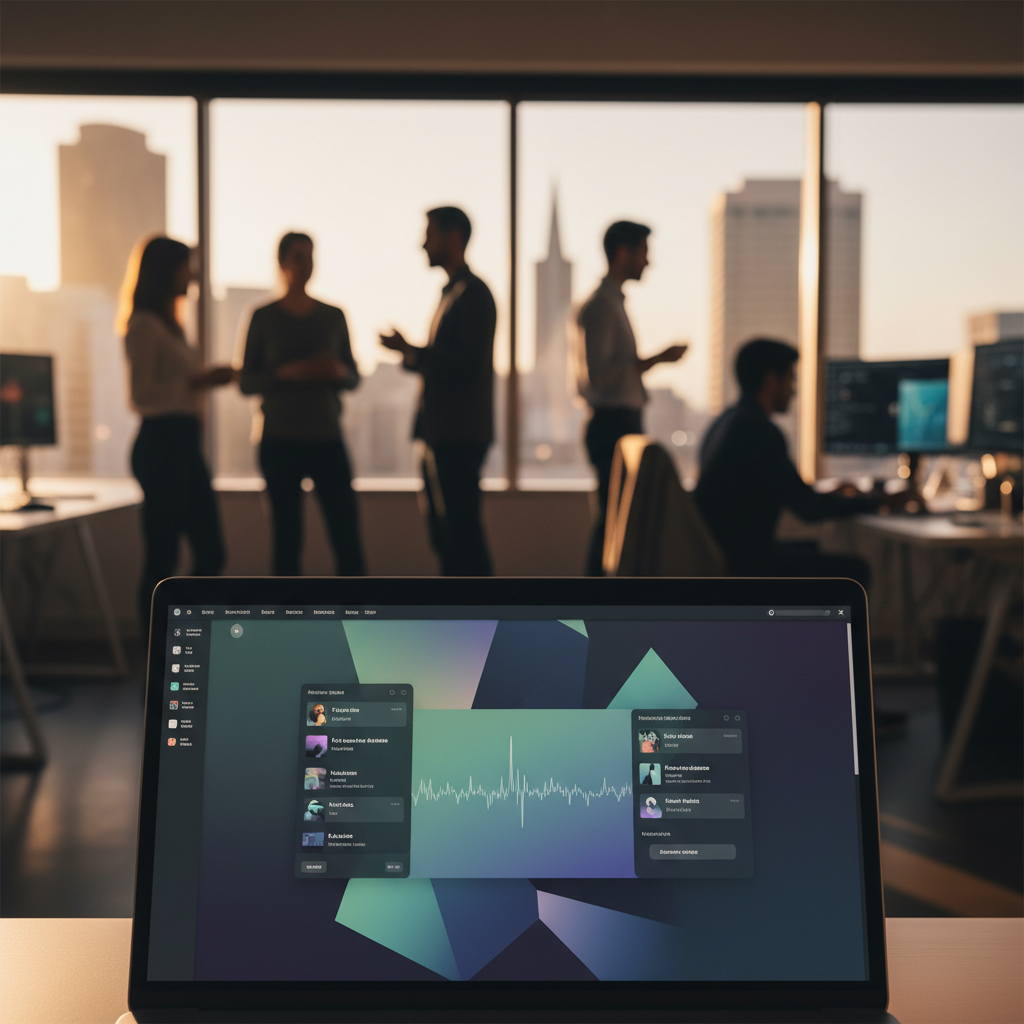
The final layer provides the ‘Proof’ for the technical stakeholders (CTOs and Engineering Leads) who need to know the ‘How.’
The surprising insight here is that you don’t actually need to show code to prove technical depth; you need to show logic. This is where we transition from the UI to clean, animated diagrams of the backend architecture, API integrations, or security protocols. In a Product-Led Growth (PLG) model, this layer is the bridge that moves a trial user into an enterprise contract. It proves you have feature parity with legacy giants while maintaining modern speed.
| Feature Type | Visual Treatment | Primary Audience |
|---|---|---|
| ROI/Dashboards | Full Screen / High Contrast | Executives (CMO/CFO) |
| Core Workflow | Zoom & Focus / UI Capture | End Users / Managers |
| Integrations/Security | Motion Graphics / Diagrams | Technical Leads (CTO) |
In our experience with enterprise clients, this layer is often where ‘one-off video shoots’ fail because they lacks the strategic depth to explain complex systems. You need a partner who understands technical product marketing as well as they understand lighting.
4. Why Freelance Videographers Struggle with Technical Demos
The best way to fail a B2B product demo is to treat it like a creative film rather than a sales enablement tool.
A standard freelance videographer often lacks the systems thinking required to understand a Series C SaaS product’s backend. They might deliver a pretty video, but if the visual hierarchy is flat, the viewer won’t know where to look. We operate as a full-stack growth partner, integrating paid media and SEO strategy into the production process. This ensures your demo isn’t just a video on a landing page, but a high-converting asset for your Google Ads and LinkedIn campaigns.
- The Problem: Generic agencies don’t understand ‘Cognitive Load.’
- The Solution: A structured production house that builds ‘Interactive Walkthroughs.’
- The Result: Lower bounce rates on demo pages and higher sales velocity.
5. Implementing Progressive Disclosure in Your Video Strategy
Progressive disclosure is the art of showing only what is necessary at the exact moment it becomes relevant.
This trending angle is moving the industry away from 60-minute live walkthroughs toward ‘Micro-Demos.’ Imagine a 30-second LinkedIn ad that only shows Layer 1, leading to a landing page where Layer 2 and 3 are explored. This funnel approach respects the prospect’s time and aligns with Forbes’ research on the shortening attention spans of B2B buyers. For Bay Area medical practice owners or fintech founders, this clarity is the difference between a lead and a bounce.
Ready to stop wasting your ad spend on demos that don’t convert? Get a free strategy consultation and let’s map out your 3-layer visual hierarchy today.
FAQs About B2B Product Demos
How long should a B2B product demo video be?
For top-of-funnel awareness, keep it under 60-90 seconds using Layer 1 and 2. For deep-funnel sales enablement, a 3-5 minute video that incorporates Layer 3 (Technical Architecture) is appropriate. The goal is to maximize information density while minimizing cognitive load through structured visual hierarchy.
What is the typical cost for a professional SaaS product demo?
In the Bay Area, industry-reported ranges for high-quality corporate video production typically fall between $2,500–$15,000 per project. Premium brand films or commercials that require complex 3D animation or high-end motion graphics can range from $8,000–$50,000 per finished minute depending on the scope of work.
Can we use AI to create our product demo environments?
Yes, using synthetic data or AI-generated demo environments is a great way to create a ‘Perfect Layer 1.’ It allows you to show a fully populated, successful dashboard without compromising real client data or HIPAA constraints—a common concern for our medical practice clients in San Leandro and beyond.
Why is ‘Zoom-and-Focus’ better than full-screen screencasts?
Full-screen screencasts often contain too much ‘visual noise,’ making it hard for the viewer to follow the mouse or understand the action. ‘Zoom-and-Focus’ layering directs the viewer’s attention to specific UI elements, making the demo feel more professional and significantly easier to follow on mobile devices.