📋 Table of Contents
According to research from Wyzowl, 89% of people say watching a video has convinced them to buy a product or service. However, for SaaS founders, the challenge isn’t just making a video—it is mastering the visual hierarchy for technical product demos so you don’t overwhelm the user with dashboard noise.
Most technical product demo videos fail because they try to show everything at once, leading to cognitive overload. In our experience with Series B SaaS founders, the most effective videos utilize a structured “Progressive Disclosure” model that guides the buyer’s eye from the big picture down to the granular click-path.
The Psychology of Visual Hierarchy for Technical Product Demos
Technical buyers ignore 70% of your demo screen because they are scanning for specific utility, not admiring your UI design. To capture attention, you must treat your video like a strategic conversation rather than a screen recording.
- Cognitive Load Reduction: By stripping away non-essential UI elements, you reduce the time-to-value (TTV) for the viewer.
- Foveal View Strategy: This involves using visual cues to guide the eye toward the most important 30% of the screen.
- The 3-Second Rule: If a viewer cannot identify the purpose of a screen within three seconds, the hierarchy has failed.
Here’s the thing: a freelance videographer might give you a clean edit, but a strategic production partner builds a product walkthrough framework designed to sell. If you’re looking to scale your content velocity, Ingest.blog is our internal AI content engine that we also offer to select clients to maintain SEO momentum alongside high-quality video.
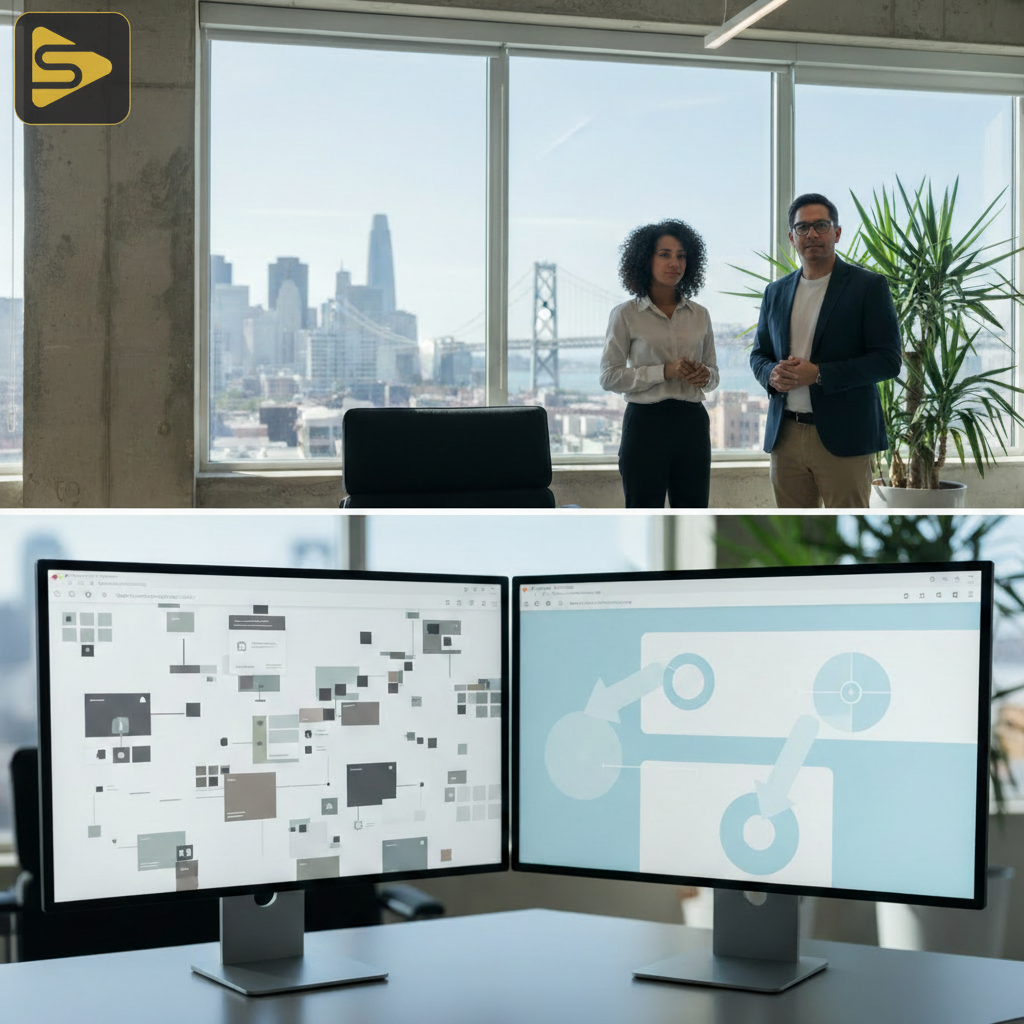
Layer 1: The Contextual Macro-View (The Decision Maker’s Hook)
The first layer of the visual hierarchy for technical product demos must address the “Why” before the “How.” This is where you speak to the CMO or VP who cares about outcomes, not buttons.
In this layer, we use wide-angle shots of the interface, often simplified or stylized, to show the scope of the solution. Avoid the one-off video shoot mentality where you just record a Zoom call; instead, use motion graphics to highlight high-level data dashboards.
| Feature | Decision Maker Focus | Technical Buyer Focus |
|---|---|---|
| Dashboard | ROI & Reporting | Data Sources & API |
| Automation | Headcount Efficiency | Logic & Workflow |
Layer 2: The Feature-Specific Mid-View (The Skeptic’s Proof)
Once the context is established, you must dive into the specific workflows that prove your software actually works. This is the core of your SaaS video strategy.
But wait—this is where most demos get cluttered. The real kicker? You should hide the navigation sidebar, browser tabs, and system clock. Focus entirely on the specific tool or module you are discussing. In our work with mid-market clients, we’ve found that “UI isolation” increases viewer retention by up to 40% compared to full-screen recordings.
- Isolate the Module: Zoom into the specific work area.
- Use Dynamic Callouts: Highlight buttons as they are clicked to maintain visual momentum.
- Simplify the Data: Use clean, mock data that is easy to read at a glance.
Need help refining your product’s visual story? Schedule a free consultation with our production team to audit your current demo assets.
Layer 3: The Granular Micro-View (The User’s Onboarding)
The final layer of the visual hierarchy for technical product demos is the foveal view—the extreme close-up on micro-interactions. This is for the end-user who needs to see the ease of use.
What most people miss is that these micro-interactions are what build trust. Seeing a smooth drag-and-drop or a fast-loading results page validates the technical quality of the product. This layer is essential for Product-Led Growth (PLG) models where the product must sell itself.

Bridging the Gap Between Layers
A successful product walkthrough framework doesn’t just jump between these layers; it transitions smoothly. According to Nielsen Norman Group, visual hierarchy is the most important factor in how users process information on a screen. Using smooth digital zooms rather than hard cuts helps the viewer maintain their mental map of the software.
- Transition with Purpose: Zoom out to Layer 1 to recap, then zoom in to Layer 3 for the next step.
- Maintain Consistency: Use the same color coding for highlights throughout the video.
- Leverage CRM Data: Mention how these features feed into your marketing automation platform for a full-funnel view.
The Cost of Getting Hierarchy Wrong
In the Bay Area, where Series A-C startups are fighting for every second of a VC’s or a CMO’s attention, a cluttered video is a liability. Typical corporate video production costs range from $2,500 to $15,000, but the real cost is the lost opportunity of a demo that fails to convert.
A typical Bay Area mid-market services client often realizes that their one-off video shoot from a year ago no longer reflects their product’s sophistication. By implementing a modular 3-layer hierarchy, you can update specific layers without re-shooting the entire film, saving both time and budget.
Ready to build a high-converting demo? Explore our video production services and see how we integrate production with performance marketing.
Actionable Takeaways for Your Next Demo
Don’t wait for your next major release to fix your visual strategy. You can apply these principles to your existing sales decks and LinkedIn clips today.
- Audit your current videos: Do they show the full browser window? If so, crop it.
- Define your layers: Assign every 15 seconds of your video to one of the three hierarchy layers.
- Focus on TTV: Ensure the most impressive technical feat happens within the first 45 seconds.
For more insights on B2B growth, check out our guide on designing better product demos from Harvard Business Review or contact us to start your project.
Frequently Asked Questions
FAQs
How long should a technical product demo be?
For top-of-funnel awareness, keep it under 90 seconds using mostly Layer 1 and 2. For deep-dive technical buyers or post-sales onboarding, 3 to 5 minutes is acceptable, provided you use a clear visual hierarchy for technical product demos to keep the viewer engaged throughout the walkthrough.
Should I use real software recordings or animated mockups?
In our work with Series B SaaS founders, a hybrid approach works best. Real recordings build authenticity and trust, while animated overlays or “cleaned up” UI mockups at Layer 1 ensure the value proposition isn’t lost in the technical noise of a busy dashboard.
How does visual hierarchy impact conversion rates?
Proper hierarchy reduces cognitive load, allowing the buyer to reach the “Aha!” moment faster. By guiding the eye to high-value features and eliminating distractions, you increase the likelihood of the viewer taking the next step in your SaaS video strategy, such as booking a live call.
Can I use this framework for social media clips?
Absolutely. Modular demo architecture allows you to pull Layer 3 micro-interactions for TikTok or LinkedIn “feature spotlights,” while using Layer 1 contextual shots for high-level brand awareness ads. This multi-layer approach ensures your content remains scalable across all digital marketing channels.
Stop settling for generic screen captures. Contact iStudios Media today for a strategic partner who understands the intersection of production and performance.